


Crickwich
Members
-
Joined
-
Last visited
Everything posted by Crickwich
-
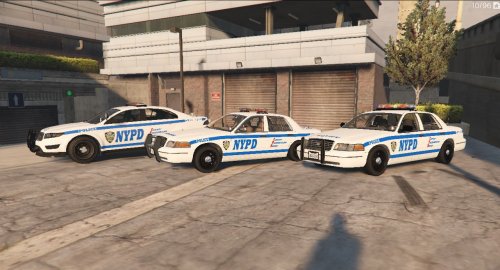 I just want to say how amazing this pack is. However only the newest CVPI works as the other one's textures unload as soon as see them. Is this the 1600px issue you commented on above? Is there a way for me to address this? Again, awesome mod.
- 26 comments
- 4 reviews
