Skip to content
View in the app

A better way to browse. Learn more.

LCPDFR.com

A full-screen app on your home screen with push notifications, badges and more.

To install this app on iOS and iPadOS
  1. Tap the Share icon in Safari
  2. Scroll the menu and tap Add to Home Screen.
  3. Tap Add in the top-right corner.
To install this app on Android
  1. Tap the 3-dot menu (⋮) in the top-right corner of the browser.
  2. Tap Add to Home screen or Install app.
  3. Confirm by tapping Install.

Mrjjmacc

Members
  • Joined

  • Last visited

Everything posted by Mrjjmacc

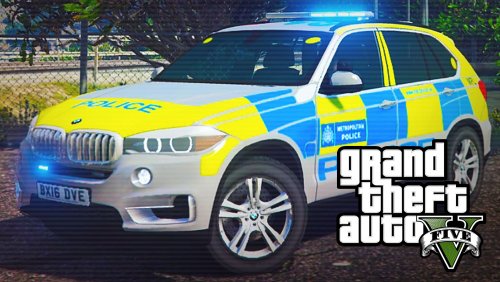
  1. Recommend great model of a car , good work as always !
  2. only if they added something so you didn't have to hold down a button for each sirens , make it so you can click one button and it changes the siren and then click it a gain and it changes it :)
  3. Brilliant , any chance we could get a range rover police car and more sirens ?
  4. when will the 2nd car be out ? also keep up the good work :D
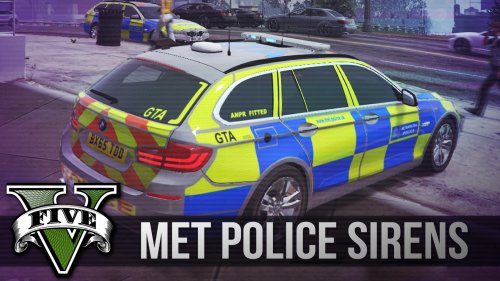
  5. This is the best British sirens ever thankyou !

Account

Navigation

Search

Search

Configure browser push notifications

Chrome (Android)
  1. Tap the lock icon next to the address bar.
  2. Tap Permissions → Notifications.
  3. Adjust your preference.
Chrome (Desktop)
  1. Click the padlock icon in the address bar.
  2. Select Site settings.
  3. Find Notifications and adjust your preference.