




RolandHUE
-
Joined
-
Last visited
Everything posted by RolandHUE
-
@Yard1, thanks for the previews, RDE 3.0 surely got my hype. Will be added an option to turn the Davis Sheriff Station into a LSPD Station? And a second question: Are you planning something with @Lt.Caine EMS Pack? Different EMS responders for city and county would be good to increase variety.
-
I made a mistake when installed the new version, now it's working fine, thanks @Albo1125!
-
 I think that's the reason the Sheriffs invaded other jurisdictions!
 -
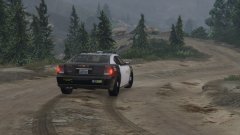
From the album: Roland's LSPDFR Pictures and Random Stuff
-
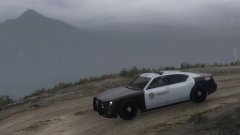
From the album: Roland's LSPDFR Pictures and Random Stuff
-
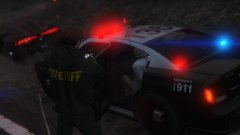
From the album: Roland's LSPDFR Pictures and Random Stuff
-
I changed the size, but still the same giant UI.
-

From the album: Roland's LSPDFR Pictures and Random Stuff
-
From the album: Roland's LSPDFR Pictures and Random Stuff
-
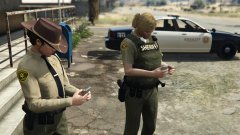
From the album: Roland's LSPDFR Pictures and Random Stuff
-
 Buddy, it's really beautiful!
 -
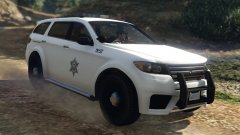
From the album: Roland's LSPDFR Pictures and Random Stuff
-
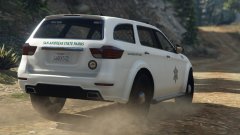
From the album: Roland's LSPDFR Pictures and Random Stuff
-
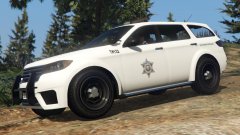
From the album: Roland's LSPDFR Pictures and Random Stuff
-
Will be possible to make AI use the customs sirens withou edit RESIDENT.RPF? Some vehicles installed here are addons and are just copies from another vehicles, like my ambulances, i have ambulance and ambulance2 models, one it's for the city, and the other it's for LS County, i configured for different sirens, but when i call it in the County they use the original siren from the game.
-
 Yes there's a mapped Speedo. I think it was made in 2015. Made specially to use with Police Radio.
 -
Thanks!
-
From the album: Roland's LSPDFR Pictures and Random Stuff
-
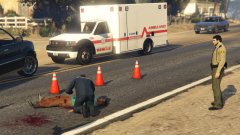
From the album: Roland's LSPDFR Pictures and Random Stuff
-
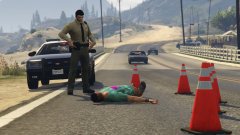
From the album: Roland's LSPDFR Pictures and Random Stuff
-
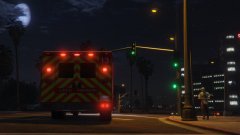
From the album: Roland's LSPDFR Pictures and Random Stuff
-
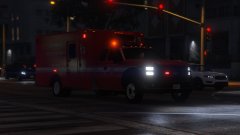
From the album: Roland's LSPDFR Pictures and Random Stuff
-

From the album: Roland's LSPDFR Pictures and Random Stuff
-
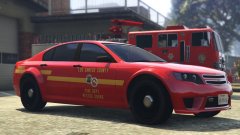
From the album: Roland's LSPDFR Pictures and Random Stuff
-
 Cute
Cute


