




RolandHUE
-
Joined
-
Last visited
Everything posted by RolandHUE
-
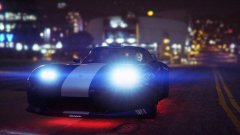
From the album: Roland's LSPDFR Pictures and Random Stuff
-
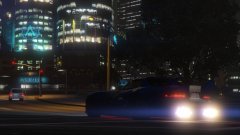
From the album: Roland's LSPDFR Pictures and Random Stuff
-
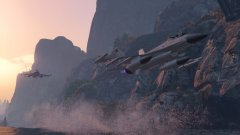
From the album: Roland's LSPDFR Pictures and Random Stuff
-
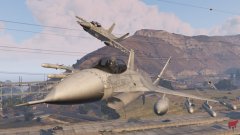
From the album: Roland's LSPDFR Pictures and Random Stuff
-
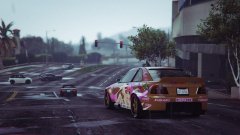
From the album: Roland's LSPDFR Pictures and Random Stuff
-
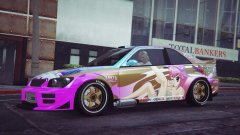
From the album: Roland's LSPDFR Pictures and Random Stuff
-
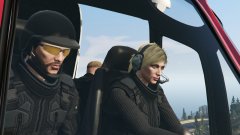
From the album: Roland's LSPDFR Pictures and Random Stuff
-
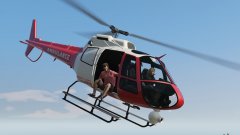
From the album: Roland's LSPDFR Pictures and Random Stuff
-
-
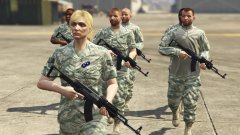 I think they will appear on GTA VI, only in V we have Female police... I think it's a step for a next game.
 -
 This mod now is going to my list 'Must have with LSPDFR'. Seriously, this modification is awesome. The lack of decent emergency uniforms now is gone, you simply gifted us with uniform for all agencies in SA. Alex, you did a great job! And i can say in every update this get better and better. Continue the great work.
- 2,346 comments
- 236 reviews
-
-

- 2
-
-
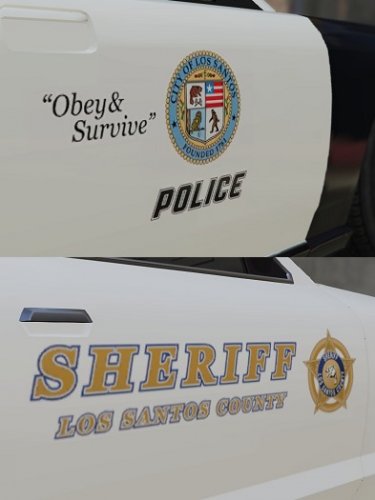 Hello, this is my pack of skins from the original vehicles of GTA V. I recreated some skins details for my personal use and i'm sharing it to everyone who wants to use. I just created skins for those vehicles because my fleet are composed of them. Probably in the future i could add more vanilla vehicles or even real vehicles such CVPI or Dodge Charger. I made all decals with game's stuff, i just managed to copy and paste the decals with the right size and position. :D ---------------------------- This pack contain skins for the followed vehicles: LSPD 4 Skins for Stanier, Buffalo, Interceptor, Gresley and Granger 2 Skins for 1st Gen Stanier(Stanier Old) LSSD 4 Skins for 1st Gen Stanier, Buffalo, 2nd Gen Stanier and Granger ---------------------------- Instalation: It's more easier install these textures using the mod called Realism Dispatch Enhanced, because all police vehicles will be at the same file location: Grand Theft Auto V\mods\update\x64\dlcpacks\rde\dlc.rpf\x64\levels\gta5\vehicles\rdevehicles.rpf\ But, if you dont have this mod, you will need to search every vehicle locantion: Stanier 2nd Gen: Grand Theft Auto V\mods\x64e.rpf\levels\gta5\vehicles.rpf Interceptor and Granger: Grand Theft Auto V\mods\update\x64\dlcpacks\patchday4ng\dlc.rpf\x64\levels\gta5\vehicles.rpf\ Buffalo: Grand Theft Auto V\mods\update\x64\dlcpacks\patchday3ng\dlc.rpf\x64\levels\gta5\vehicles.rpf\ For Stanier 1st Gen if you replaced the original Stanier: Grand Theft Auto V\mods\x64e.rpf\levels\gta5\vehicles.rpf For Gresley if you replaced the Granger: Grand Theft Auto V\mods\update\x64\dlcpacks\patchday3ng\dlc.rpf\x64\levels\gta5\vehicles.rpf\ Highly recommended: ---------------------------- Credits: Some people need to earn credits, because them i could create these skins for the vehicles: Rockstar Games for the base vehicles Lundy, Yard1 and ChrisTuffur for the First Gen Vapid Stanier iansonwheels, windows446, MattJeter and LtCaine for the Templated Stanier Yard1 for the Bravado Buffalo 1st gen Mapped Default-Style Lt.Caine and Yard1 for the V Interceptor Default-Type and Granger Default-Type Yard1 for the Mapped Bravado Gresley If i forgot to put someone here, please tell me. ---------------------------- Thank you and enjoy!
 -
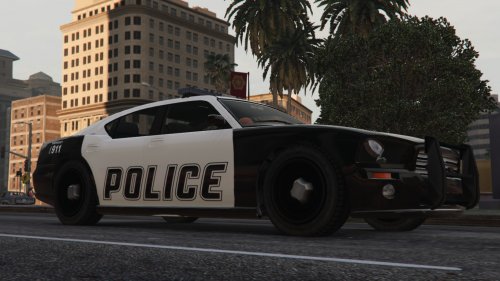 It's kinda strange the Stanier with this style, i prefer the original one...
 -
From the album: Roland's LSPDFR Pictures and Random Stuff
-
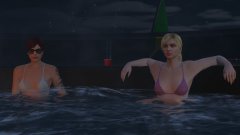
From the album: Roland's LSPDFR Pictures and Random Stuff
-
From the album: Roland's LSPDFR Pictures and Random Stuff
-
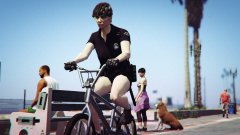
From the album: Roland's LSPDFR Pictures and Random Stuff
-
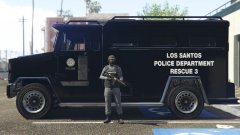
From the album: Roland's LSPDFR Pictures and Random Stuff
-
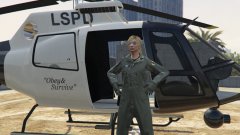
From the album: Roland's LSPDFR Pictures and Random Stuff
-
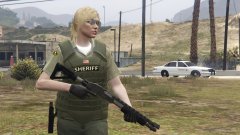
From the album: Roland's LSPDFR Pictures and Random Stuff
-
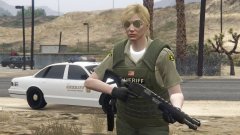
From the album: Roland's LSPDFR Pictures and Random Stuff
-
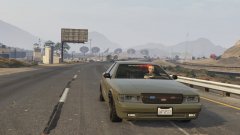 Sure
Sure -
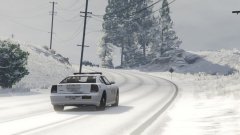 Yeah. I've put a new set of numbers.
 -
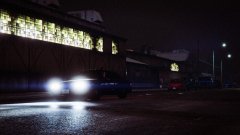
From the album: Roland's LSPDFR Pictures and Random Stuff
-
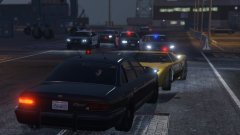
From the album: Roland's LSPDFR Pictures and Random Stuff


