


CrAsH0v3r3
Members
-
Joined
-
Last visited
Everything posted by CrAsH0v3r3
-
Try manual install. May be an issue with the auto install mode for whose having the DVD installed game..
-
Clean install, no other mod, Crash during "LSPDFR loading" E:\ drive is an empty drive. Weird? MANUAL INSTALL FIXED THIS, SORRY
-
Retail version?
-
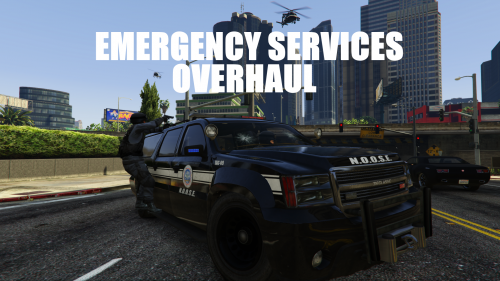 Am I the only one having this issue? : When I use the "spawn" command in RageHook, I no longer see "Police1, Police3, Ambulance", etc. As I know them, I'm able to spawn them, but they are no longer listed. Anyway, it's a really nice mod and now that ZModeler is working, we will be able to replace/add new emergency vehicles, which is a really good new! Good job!
- 42 comments
- 10 reviews
-
Looks like LSPDFR0.2a is crashing. Probably a normal situation as the team was waiting for the patch like us.
-
And... Crashed :-(
-
Ragehook released.
-
A release on my birth day? Wow Did'nt ask so much!
