Luigi4518
Members
-
Joined
-
Last visited
Files posted by Luigi4518
-
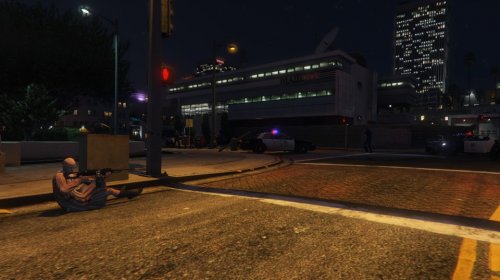
High Priority Callouts is the result of my first attempt at creating a callout mod.
The goal of this mod is to bring about more action oriented events and eventually callouts that are more in the spirit of Grand Theft Auto.
This initial release features 5 calls:
Active Shooter
Ambulance Hijacking - Chase down a hijacked ambulance.
Jail Break - A prisoner in transport has gained control and is now running loose.
Sniper - Modified to spawn in more expected locations
Cargo Vehicle Theft - Two armed suspects have stolen a truck.
Terrorist attack - Spawns a set locations with a variety of weapons.. and maybe a surprise.
Gang Turfwar - Spawns a set locations (Possibly the most unstable of all the callouts and the next call that will be getting an overhaul).
Luxury Vehicle Theft in Progress - Should give players a fast chase (get out your sports cars)
Pursuit of Heavily Armed Suspects - Suspects armed with automatic weapons
The calls range from fairly simple vehicle pursuits to difficult shootouts with heavily armed subjects.
Next planned update:
"A night at the movies: Part 1"
Well that just about does it. Check out the development thread for this mod: http://www.lcpdfr.com/forums/topic/56194-wiprel-high-priority-callouts/
Love it? Hate it? Not working? Sick of getting one-shot by a sniper? Drop me a line and I'll see what I can do.
Please don't redistribute my work.
- 167,780 Downloads
- 60 Comments
Updated