


MahoneyFIN
Members
-
Joined
-
Last visited
Everything posted by MahoneyFIN
-
-
-
-
You should re-position the emblem, it's covering a small part of the P of POLICE.
- 14 comments
- 23 reviews
-
-
-
http://www.mediafire.com/?lww6tlv4avdt4fi, and the Tahoe is fbi.wtf and fbi.wtd.
-
Fance this?
-
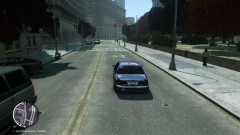
From the album: LCPDFR and all sorts of stuff
-
My own personal gallery :3
-
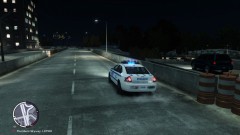
From the album: LCPDFR and all sorts of stuff
-
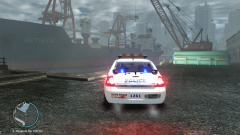 Hey, would you mind dropping me a link for the ENB? It looks awesome!
 -
-
Hey folkes! I don't know what section would be more suitable, but I guess this will do.. so, I'd like to have a police car pack for either GTA IV or EFLC. Because when I install some random mods, they crash when I spawn them. Only some of them work, so I'd like to get a modpack, which causes no crash. Thanks in advance.

