


Piarulli246
Members
-
Joined
-
Last visited
Everything posted by Piarulli246
-
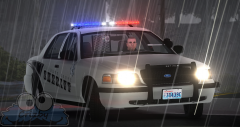 Looks very nice!
 -
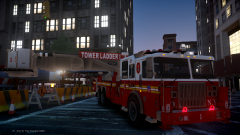 "not for public release. Model is 2.6 MB."
 -
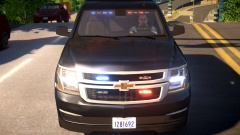 If those are Ions which it looks like they are, those are WAY to big. '>
 -
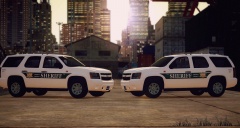 I like it so far! Keep it up.
 -
 Shhhhhh Ed OMG, no one can know!
 -
 I like the black it looks awesome.
 -
 Thank you Thank you:p Your skin is very purty!
 -
Too late now :/
-
Working on a Caprice now :)
-
 I've been chilling back. Been modding for myself mostly. Add me on Skype: fowardxd
 -
They needed to be changed from when you shit yourself.
-
-
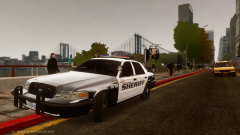
CVPI -Rx2700
-
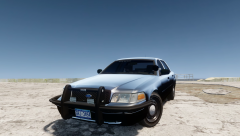 Slicktop Traffic Vic
-
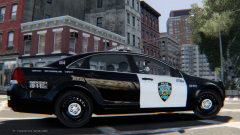
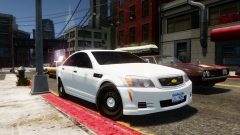 Chevrolet Caprice Unmarked/Slicktop. (Matches Valor Caprice)
-
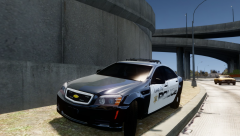 Chevrolet Caprice Marked
-
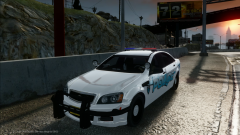 .
.
-
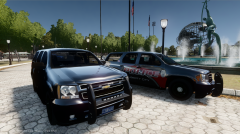 Slicktop Chevy Tahoe
-
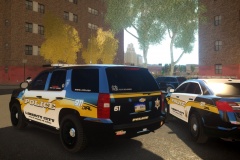
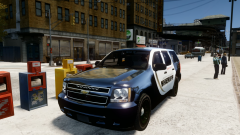 2008 Chevrolet Tahoe 4WD K-9 Slicktop
-
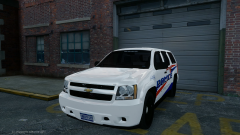 Liberty City Police
-
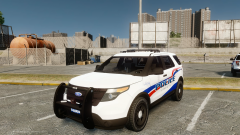 Liberty City Police
-
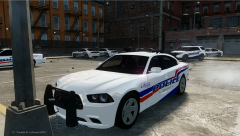 Liberty City Police
-
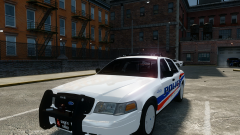 Liberty City Police
-
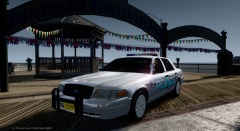 ELS v8 Marked 2008 Ford Crown Victoria w/ Hubcaps
-
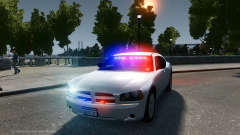 Dodge Charger & Ford Crown Victoria Traffic Enforcement.
-
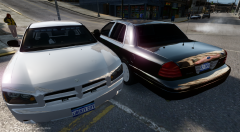 Traffic Vehicles
-
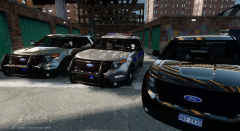 3x Ford Interceptor Utilities
-
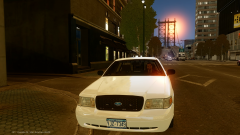 06 Ford Crown Victoria Traffic Unit.
-
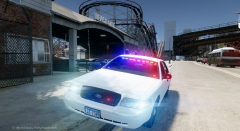 2006 Unmarked Ford Crown Vic
-
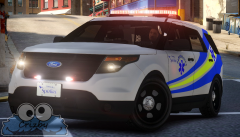
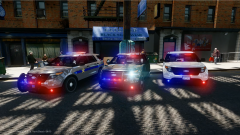 Ford Interceptor Utility (ELS 8)
-
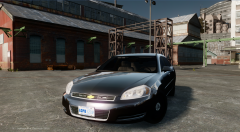 2010 Chevy Impala Unmarked/Slicktop [Ready for Release]
-
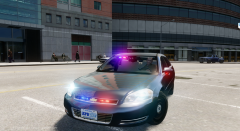 10 Chevrolet Impala Unmarked/Slicktop
-
-
From the album: Foward's WIP
Skin by Sharp. -
Looks nice, I like it.
-
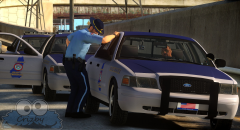 Great picture!
 -
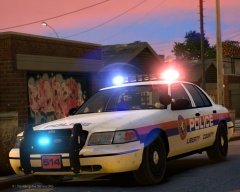 Yea hahah!
 -
-
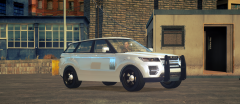 That is pretty interesting. I would makes the wheels a little smaller though.
 -
 That's awesome!
 -
That's my friend hes from Oceanside too. I know the No Limit owners son lol.
-
Oceanside lol
-
I am working on a fairly accurate Nassau County Police vehicle pack since I live in Nassau County.
-
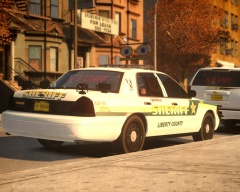 Nice model, is it yours? Also I never saw the fan on the outside of the window because I don't think they would be able to close the window :p
 -
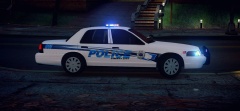 I also agree with a pack. Looks clean, nice job!
 -
Living about one hour away from Manhattan I am pretty used to big fires and they happen a lot so I am used to it. I am a big fire buff and an upcoming firefighter in Long Island and I have a lot of interest in this stuff. I was on top of the radio listening since they had 2 FDNY members unaccounted for so I wanted to here if the brothers got to safety, which they did. This is going to be a hell of a search and rescue operation and one big clean up. Hopefully everyone is okay and hopefully all members of the FDNY are safe.


