DLer
Members
-
Joined
-
Last visited
Everything posted by DLer
-
-
-
-
-
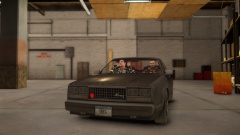
From the album: LCPD Liveries
-
-
-
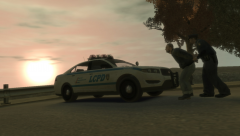
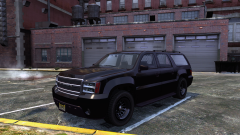
You're alive! YAY! In that screenshot, I am not using any other visual mod. With Cryenb V1, there is a unique setting to emphasize emergency lighting, and the ultra high spec setting that I have set as well. I use: Vegetation: http://www.gta4-mods.com/misc/total-vegetation-overhaul-f13518 Roads: http://www.gta4-mods.com/misc/darker-road-texture-pack-v10-f14682 And that's about it really, though I might be missing some mods in the list. Everything else is minor tweaks to various textures seen around the map. Less is more in my opinion.
-
-
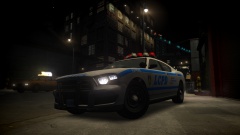
From the album: LCPD Liveries
I'm. A. Believer. - This is the BEST ENB, hands down. -
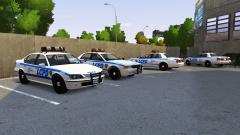 I was wondering when Ekalb would release that, he should update the lightbar with the one seen on the other new GTA cars. I hear he's got limited access to his projects nowadays.
 -
I'll be back and working on various projects come April, been taking a break to get my life together lol. Stay tuned for CRYENB V1 screenshots! Everyone should download it when it becomes available later today!! Lastly, I have a request for someone. A Vapid Sadler ambulance! Because that makes total sense.
-
-
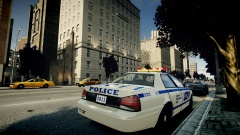 I much prefer my LCPD skins :)
 -
Awesome work as always friend. I need to come back to this soon. Still taking a break for a bit.
- 14 comments
- 2 reviews
-
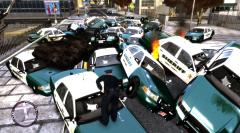 I spy policew
 -
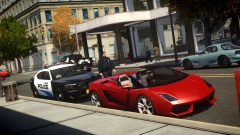 Dammit I need this in my life. Can I request pics with more GTA V police cars? Maybe with my liveries? :D
 -
 Perhaps its the mission where, in EFLC, Johnny breaks into the prison to kill Billy?
 -
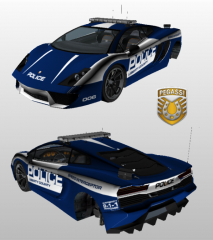 WOWWWW
 -
-
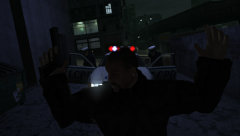 AWESOME. I find there's a lack of images here with my work, c'mon people!
 -
You need that DLER touch to those liveries. Get on it!
-
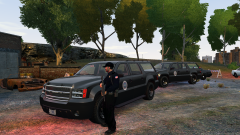 YES
YES -
 YES
YES -
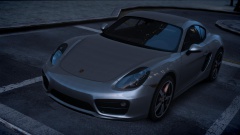 Posted March 3rd on his FB: "Sorry guys, i need to delay CryENB v1 once again because of some problems, but this time i won't not set a new release, so i can be sure that i'll be able to release whenever it is 100% ready. For you guys who's waiting for CryENB v1, i can recommend you to install iCEnhancer 2.5 in the mean time, wich will be released very soon. I still aim the release for march though."