


_500x500.png.3dee876eb04964824f79e1f0e4046b1f.png)
Scottywonderful
Members
-
Joined
-
Last visited
Files posted by Scottywonderful
-
SWLCallouts
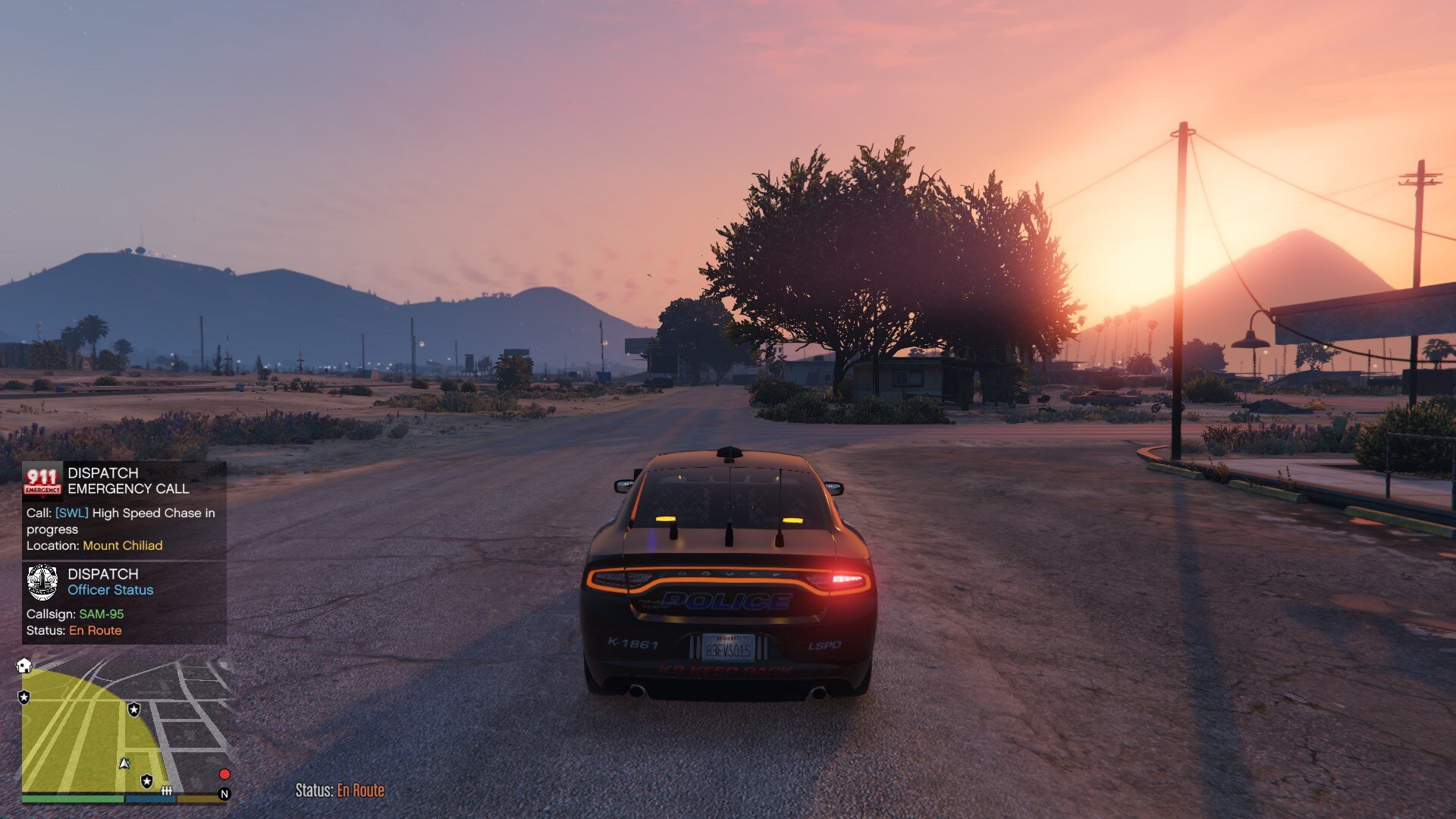
These callouts have been designed and coded with realistic events on repeat (no 1 event is the same - multiple different scenarios).
SWLCallouts is compatible with Stop The Ped, Grammar Police & Open All Interiors.
PLEASE TAKE IT EASY ON ME, I AM A BEGINNER CODER FOR LSPDFR. I know LUA coding but this is the first time trying to work with C#.
You may receive support, provide suggestions or just have a general chat by joining our Discord.
Overview
This callout plugin brings a wide range of callouts with similar real-life situations. A large majority of calls have a witness or suspect, which you need to speak with (dialogue included - refer to keybinds below in Customisation area) Every callout has a different outcome with possibilities for more variety realism. Within this pack we are hoping to by the end of it have a whopping 56 varied and realistic police callouts for LSPDFR. A lot of callouts have different vehicles, weapons and peds to have more realism. All callouts have several, if not infinite locations to ensure to spread the love and add realism to the pack. Be aware that some callouts will use specific locations to ensure more realistic locations.
In other words, a bank robbery won't happen at a 24/7 store. And a disturbance call won't be at a police station. For ease and to ensure you constantly have a mixture of callouts, all callouts have a location-choosing system to help get the location closest to the Player(you). This makes it so you don't have to travel to Sandy Shores if you are patrolling in the City.
Callouts
[NEW] Cyclist on the motorway High speed chase Person with a knife Shots fired Stolen emergency service vehicle Welfare check (Watch out, you may come across an armed ped 😇)
Future planned callouts (full list can be found on Discord)
Please be aware that I develop in my free time so all updates will be released when I have free time and don't lack motivation.
Person on the freeway Murder Investigation
Getting Started
Requirements
LSPD First Response 0.4.9 (or higher) RAGE Plugin Hook 1.95 (or higher) A legal copy of GTAV (Retail, Epic Games or Steam)
Installation
Copy the folder "plugins" into your main game directory (check that the folder 'SWLCallouts' is in "Grand Theft Auto V\plugins\LSPDFR"). Copy the folder "lspdfr" into your main game directory (check that the folder 'SWLCallouts Audio' is in "Grand Theft Auto V\lspdfr\audio\scanner").
Customisation
This plugin adds a hotkey for dialogues and for forcing your current callout to end. "Y" for speaking to a suspect. (You'll get a notification when you must talk to a suspect) "END" to force your current callout to end (In some cases, you may want to end the callout by yourself). You can change both keybinds in the "SWLCallouts.ini" file. Option to enable/disable the callouts you want in the "SWLCallouts.ini" file (All callouts enabled by default). You may want to use this option to avoid some callouts you don't want to play. You may find that disabling a callout helps with gameplay crashes, so we made it easier for that. Option to enable/disable automatic AI backup responding to the callout with the Player(you) in the "SWLCallouts.ini" file. This option allows realistic AI units to respond to certain callouts at the same time as the Player(you). This means a local unit won't respond to a gang fight. Note: If the Player(you) is in a pursuit, you'll get help from local units and an air unit instead of a SWAT team or something random.
Want to stay up to date?
SWLCallouts has a version control system to let you know when SWLCallouts or LSPDFR has been updated.
NOTE: You can still play with SWLCallouts at your own risk. It's always recommended to update to the latest build.
SWLCallouts may have issues when LSPDFR gets an update that changes parts of it's API. -- Please notify us if this happens.
FAQ / More info
I crash when I load a certain callout, what should I do? We are aware of a "Rage.Ped" error, and this should be fixed, if not please report and supply you log file. You should only experience it once every blue moon, if it happens more often though, please consider editing the .ini file and changing the callout that's causing a problem to "false". Someone told me due to an issue that I should remove SWLCallouts, should I? No. If you have an issue or an error showing that is related to my callouts then please contact me and let me know. Can I contribute a suggestion/idea? Absolutely, please either comment with your suggestion/s or join my brand new Discord server to suggest ideas.
© 2024 Scottywonderful.
SWLCallouts is copyrighted and you may not modify or redistribute any of it in any capacity without written approval from me.
- 13,155 Downloads
- 19 Comments
Updated
_500x500.thumb.png.dce0c17fe716685d4490dc6190e36fea.png)