


Swater
Members
-
Joined
-
Last visited
Everything posted by Swater
-
-
I fixed it. i appreciate the help... i made a error
-
What program do i need to make these changes fritomnky?
-
-
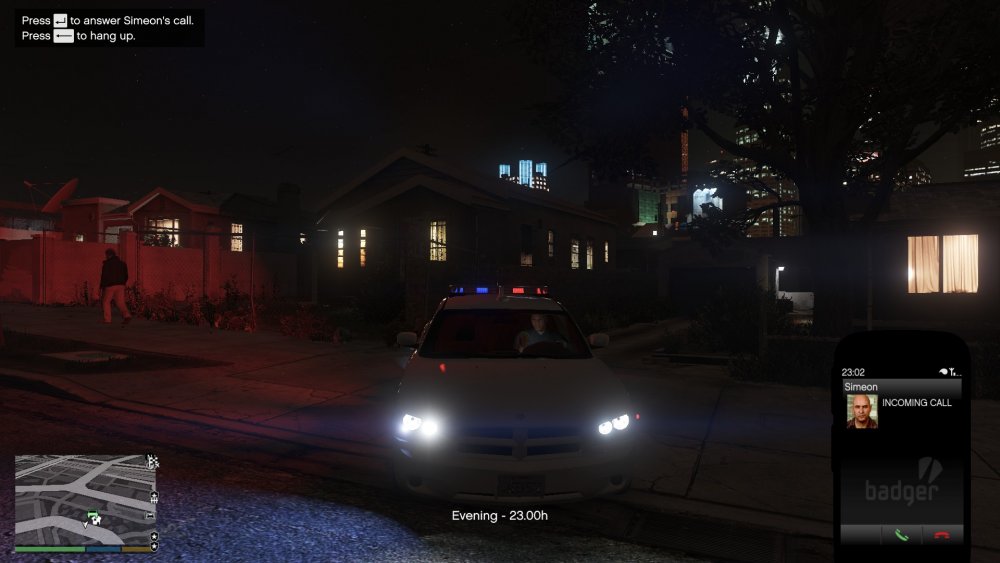
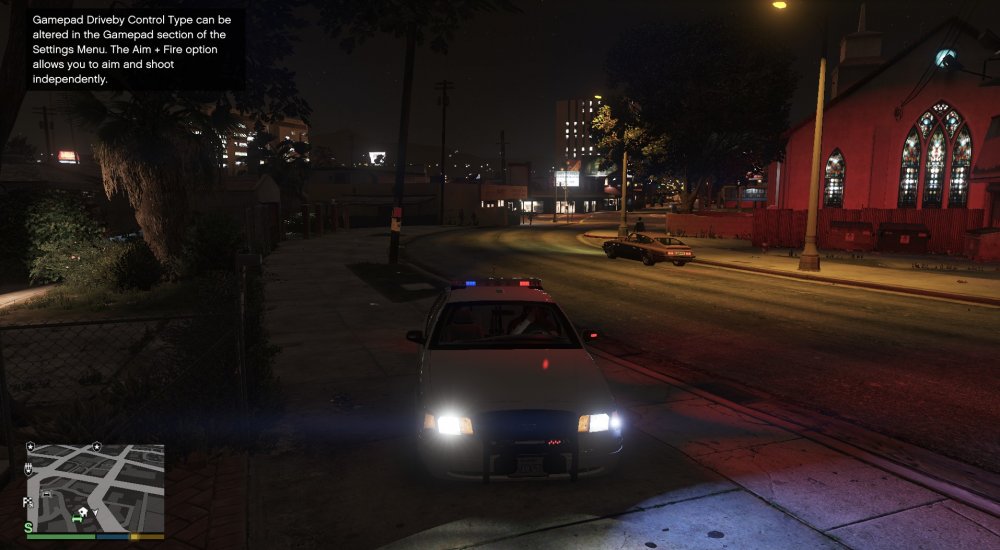
Hello, I am having difficulties with my els lights. They show as blobs. I have radiance as well as visual great again. In my setting everything is turned to high and very high. I have reinstalled ELS and replaced the .vcf files for the car. The rest of the lights are bright. Thank you
-
I play GTA4 on Mac what you have to do is bootcamp your mac to have Windows.. You will need to buy a Windows OS to do this then you can run gta 4 and LCPFR. You will have to do some reconfiguring for some of the mods . Message me if you have anymore questions. GTA 4 runs smooth on my Macbook pro. Enjoy
-
I can load 1.0 in single player but when i get in multiplayer it says error locate log file. Any suggestions?
-
-
I have installed ELS into the script under GTA 4 folder and have multiple vehicles that are compatible with ELS but i cannot get ELS to pop up and turn on the lights... Any suggestions?
-
-
I fixed it. Thank you for the help
-
Installation component 'LCPDFRModels' error'd! at System.IO.__Error.WinIOError(Int32 errorCode, String maybeFullPath) at System.IO.FileStream.Init(String path, FileMode mode, FileAccess access, Int32 rights, Boolean useRights, FileShare share, Int32 bufferSize, FileOptions options, SECURITY_ATTRIBUTES secAttrs, String msgPath, Boolean bFromProxy, Boolean useLongPath) at System.IO.FileStream..ctor(String path, FileMode mode, FileAccess access, FileShare share) at RageLib.FileSystem.IMG.File.Open(String filename) at RageLib.FileSystem.IMGFileSystem.Open(String filename) at G17MediaSetupEngine.Installation_Components.tazershit.beginComponent() at G17MediaSetupEngine.UI.Interface.wizardControl1_SelectedPageChanged(Object sender, EventArgs e) at G17MediaSetupEngine.UI.Interface.wizardControl1_SelectedPageChanged(Object sender, EventArgs e)
-
I have a boot camped Macbook pro and was wondering would i have any problems running LCPD First Response 0.95 RC2-R2 dealing with the key bindings due to not having numlock?




