


boxer84
Members
-
Joined
-
Last visited
Everything posted by boxer84
-
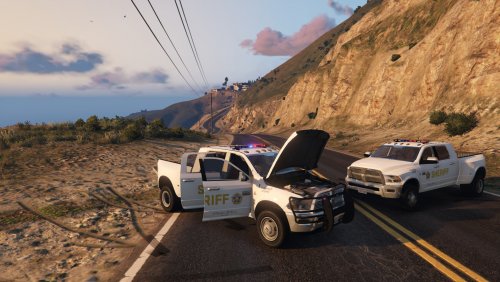 i will donate, if you fix the collisions. i do not care about dials, i got all the lights to work. i replaced as policeold1. seems to work fine except the people or objects get stuck in the right passanger side rear fender, infront of the rear passanger tire but, before the passenger side rear door.
- 54 comments
- 6 reviews
-
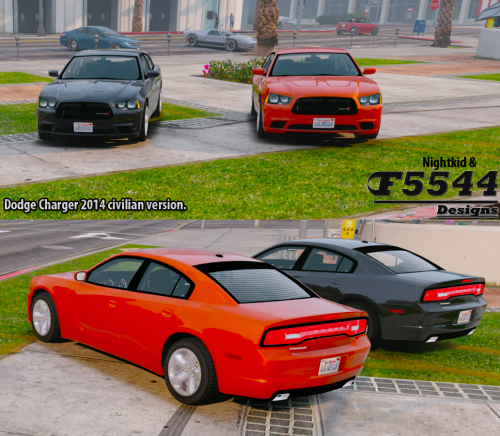 i am DONATING to you bud for helping with the ford ambulance released not too long ago. thanks so much for helping the guy converting it im trying to hunt down everyone that particpated in the conversion so i can donate. thanks again. also nice work on this vehicle.
- 16 comments
- 8 reviews
-
-

- 1
-
-
 this tahoe is awesome!!!! i replaced it with not just sheriff 2, but also my police van, my fbi 2, have played over 6 hours gameplay no crashs. only problem i have is tires disappear if you get to far away lod issue i think. other then that works perfect. thanks again for the template!!! view this vehicle live on www.twitch.tv/icebox_spartan
- 183 comments
- 38 reviews
-
 does that to me when i use the police mod 1.0c and b. have not tried it with lspdfr, just get out and get back in and it re closes.
- 95 comments
- 38 reviews
-
-
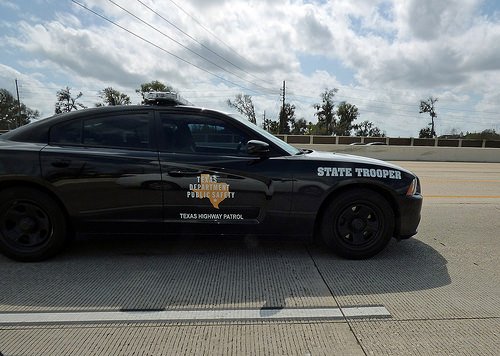
hey man, thanks alot for all your time converting this over and getting it to work. 20 stars!!! cant wait for the other police models to get replaced.
- 95 comments
- 38 reviews
-
-
- 1
-

