

Triicell
Members
-
Joined
-
Last visited
Everything posted by Triicell
-
-
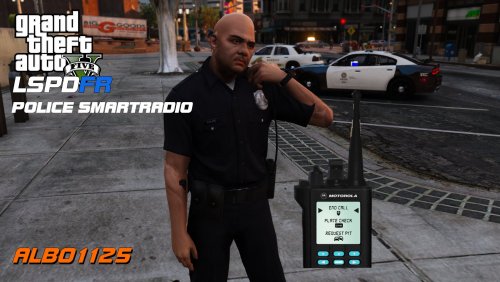 So what's the reason why the text box doesn't appear the first time you use Smart Radio? I've been at this for near enough 2 hours now and not a single solution has surfaced. All I've gathered is that it is somehow connected with DirectX and that failing to start. All that happens when I go on duty is the screen freezes and a text box at the side appears, saying something along the lines of "A text box is being shown here. If you can't see it then there's a problem with RPH connecting with DirectX -- yadda, yadda, yadda" Can I please get a solution for this? It's driving me mental.
- 1,196 comments
- 127 reviews