


theprime70
Members
-
Joined
-
Last visited
Everything posted by theprime70
-
 Disregard the above
 -
Do you have the model where this is meant to be installed into ?
-
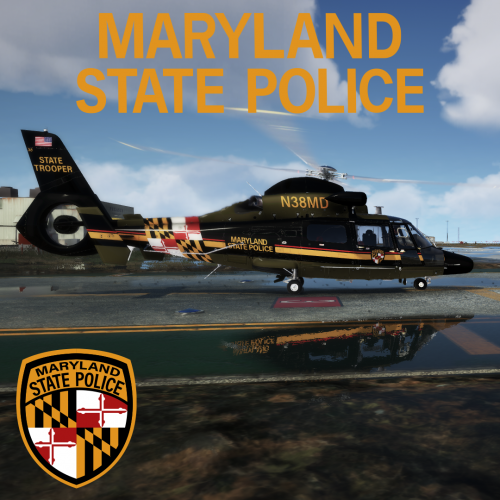 Just a question what template did you use ?
 -
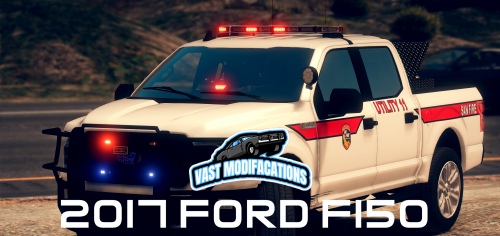 Hi, Really like the model and its very high quality, however is this model only allowing one livery ? I have checked in the meta and it says FLAG_HAS_LIVERY but whenever I add a extra Livery it does not change.
 -
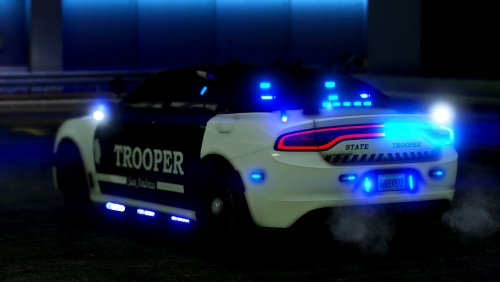 Hi their hp Me and a few people are getting a server together for FiveM and we would love to use your pack for one of the department's however every time we spawn one in, the windows a fully black and can't see through them to see the lights, etc the FIPU the front windscreen is blackout and we can't see the lights glowing through it, I have personally gone through the vic.meta file to change the defuse tint but no hope we still get them fully black, we have installed them as replacements we would like to install them as addons but we can't as we do not have relevant files for this such as the handling.dat at the vic.meta file i was wondering if you could send me over those two files if you have them or if we can pull the one from the default game. I was wondering also do you have a solution to the black window tint Thank you in advance.
- 253 comments
- 53 reviews

