


RyanG
Members
-
Joined
-
Last visited
Everything posted by RyanG
-
Drunk driver crashes into a bus stop
-
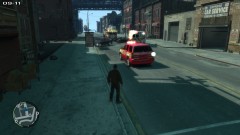
From the album: Boston Car Crash
Bottom View -
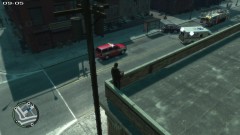
From the album: Boston Car Crash
Top View -
-
Do you have the link to download Paint.NET? And try out GIMP it was confusing for me but i think you will like it more than paint.NET
-
-
Anyone got a link to Paint.NET?
-
-
-
That would be really cool if they did release it I would drive non stop around the country and visit my hometown and see if I can see my apartment
-
-
http://steamcommunity.com/sharedfiles/filedetails/?id=168273854
-
-
Oh, then hopefully someone comes along to help
-
Post what you want in here '?do=embed' frameborder='0' data-embedContent>>
-
-
How was i supposed to know?
-
There is a game on steam called "18 Wheels of Steel: American long haul." I've never played it before so i don't know if it had good graphics or good physics
-
-
-
Had it since May and got bored 3 days into it pretty fun but if you play to long it gets boring
-
Did the Ctrl+M changed to Alt+M work alright?
-
-
-
oh, whoops my bad, it looked different from the other one

