


LordEggRoll
Members
-
Joined
-
Last visited
Everything posted by LordEggRoll
-
 Looks great
 -
I think they need to go back to London..that would be sweet...
-
Remember the mod does have a learning curve vs the standalone...right now the mod has more stuff to do also..try dayz epoch a mod of dayz mod..lol
-
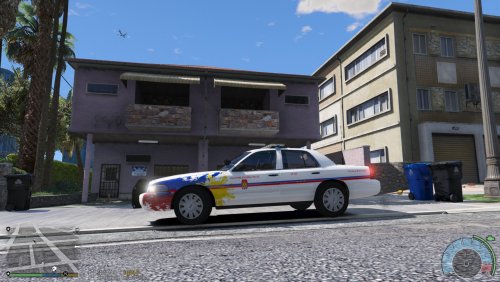
love the mod... not sure if it me.. but i think the color is off..what i mean is the car has blue light but it flashes red..lol
- 5 comments
- 5 reviews
-
thank you so much!!!!!!!!!!!!!!!
-
Got a quick question.. I am new to lcpd ....i was wondering what are the name's of the law enforcement vehicles?... i changed the policecar wtd/wft with a new model.. i would like the list of wtd/wft law enforcement vehicles..so i can change the other cars...sparkiv told me i only can import cars of the same name..thanks for the help// i looked everywhere to find a list . know theres police, police2, and nosse but i dont know the rest.. i am also not sure where to put this topic

