


Influenzae
Members
-
Joined
-
Last visited
Everything posted by Influenzae
-
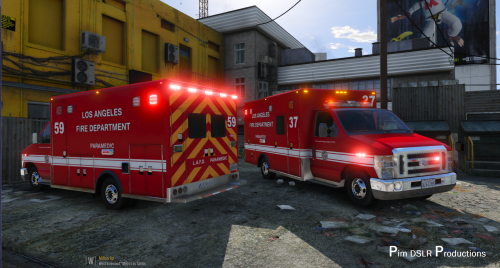 Excelent model, just one problem, whenever i'm on foot attempting to open a back door for a patient to get in (by pressing dpad right), the character tries to move to the side of the ambulance to get open the door and get's stuck. Did i do anything wrong in the installation? Everything else is working, and doors open normally using the trainer.
- 42 comments
- 19 reviews
