
Beren
Members
-
Joined
-
Last visited
Everything posted by Beren
-
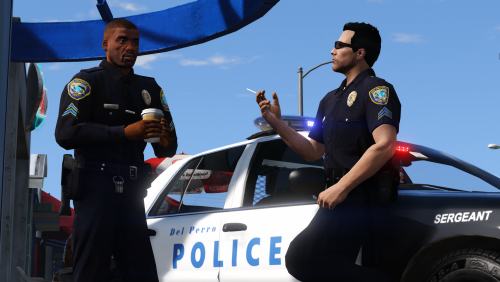 @Schecter004 The texture files for the port police are in Cop Peds\City Police\Port of Los Santos PD. As for the ped, You can either replace the original LSPD peds or have a new npc entry specifically for port police. The latter a little more complicated to do. I do know that the next version of RDE will have their own port police npc.
- 37 comments
- 8 reviews
-
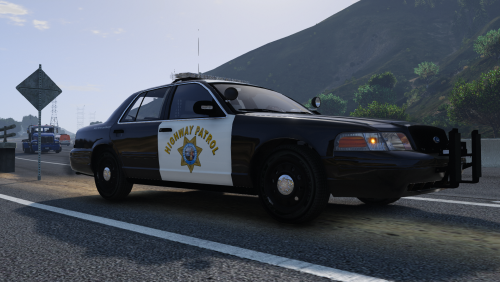
 Seems like only the charger needs liveries. You can use the liveries inside captain14's 2013 Tahoe and F5544's CVPI for the other two. I might not be able to make new skins for a while, but it's definitely going to be something I'll add next chance I get.
- 71 comments
- 16 reviews
-
-

- 1
-
-
I'm not exactly sure on how to do that. It would also only apply for the EUP textures since everyone has a different model name and location for their police ped models. For example, I have my own custom police ped entries with names like s_m_y_cop_06 located in their own dlcpack. But if anyone else would be willing to make an OpenIV package for the EUP uniforms, they're free to do so. Glad you like them! You can find the model/texture slots for that uniform in the readme I provided. With EUP installed, you can access the wardrobe and search for them there. It uses the same flat shirt model as the city K9 uniform. I actually had to add the badge in as a flat texture and then make it have the illusion of being 3D.
- 37 comments
- 8 reviews
-
-
- 2
-
-
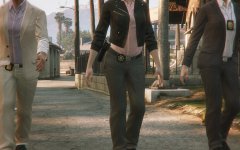
A compilation of all the uniforms I've done so far for both EUP and npc police peds. This effectively makes my previous uniform texture releases obsolete. ------------------------------------------------------------------------------------------------------------------------------------------------------------------------------------------ NOTE: I've decided to release these early since I haven't made much progress on them due to finals, and I didn't want the project to just lie forgotten in my drive. For EUP, there are still a number of uniforms I've yet to cover, such as the long sleeve uniforms and detective badges etc. Also, rank patches might clip with some of the department patches on the uniform, so I recommend refraining from using ranks until I can properly resize them. Don't mind the weird normal mapping on the badges and shoulder patches, I didn't have time to fix them. Oh, and the new uniforms also only come with one name for each gender. These were initially for personal use and I'll try to add more names in the future. As for the ped models, most of the city police departments don't have female uniforms yet. I'll get back and work on these when I get the chance again. In the meantime, consider this an early Christmas present from me. ------------------------------------------------------------------------------------------------------------------------------------------------------------------------------------------ This pack contains uniforms for both EUP and npc peds meant to accomodate the many different departments I've covered with my vehicle texture packs. As usual, they are lore-friendly and are based on their real-life counterparts. Instructions on how to install are in the readme. The instructions are simple as I'm not much of a readme writer, but if you experience any trouble, send me a message and I'll help guide you through the process. You'll need the main EUP mod version 7.4 if you wish to use the EUP uniforms. As for the npc peds, you'll need Yard1's Beta Cop model for the city units while the sheriff deputies were made for Velactor's model. Links to these below: ------------------------------------------------------------------------------------------------------------------------------------------------------------------------------------------ Of course, as I was in a rush organizing this mod pack, there might some issues that I wasn't aware of (weird textures etc). In which case, let me know in the comments. While I won't be as active over the winter break, I'll occasionally drop by to see if anyone needs help. Enjoy!
- 37 comments
- 8 reviews
-
-
- 21
-
-
-
-
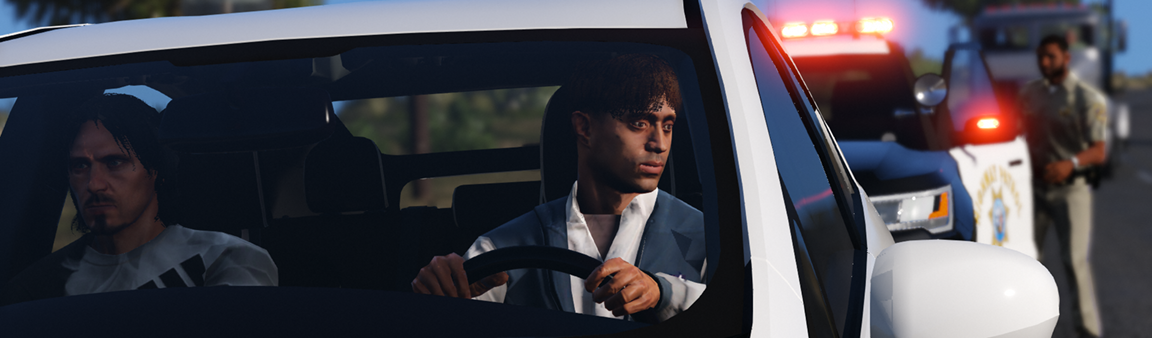
It's still unfortunate that a life was lost. Justice may have been served, but it's never always easy. Losing a loved one, regardless of the life they led, can be devastating, and I sympathize with the Scott family. However, actions have consequences, and he paid for his poor decisions with his life. As for Officer Vinson, I also hope that he can move on from this ordeal.
-
 You can use the textures within F5544's CVPI folder, as his is the universal template for the vast majority of CVPIs on the site.
- 111 comments
- 23 reviews
-
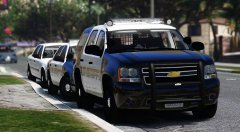 Dude, I'm in love. I could always use more tahoes with arjents for my fleets.
 -
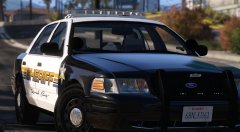 Yessssss, been wanting an RCSD style CVPI with an arjent.
 -
Just some random screens from DoW.
-
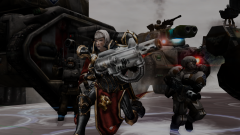 Adeptus Sororitas 02.png
-
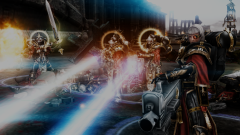 Adeptus Sororitas 01.png
-
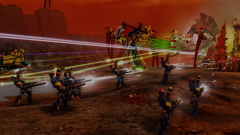 Eldar 11.png
-
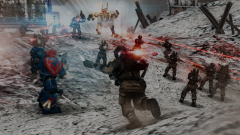 Space Marines 02.png
-
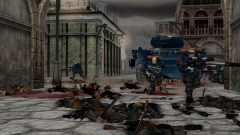 Space Marines 01.png
-
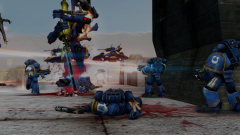 Eldar 10.png
-
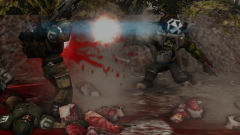 Imperial Guard 04
-
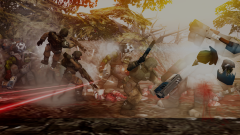 Imperial Guard 05
-
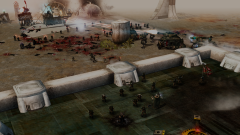 Imperial Guard 11
-
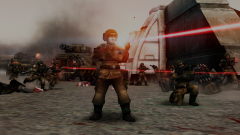 Imperial Guard 10
-
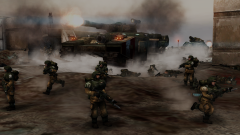 Imperial Guard 09
-
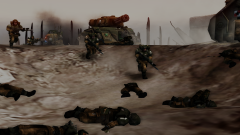 Imperial Guard 08
-
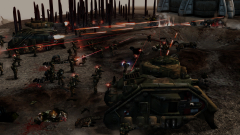 Imperial Guard 07
-
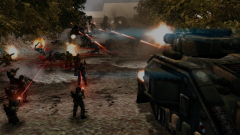 Imperial Guard 06
-
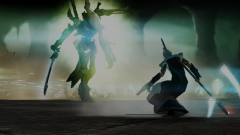 Eldar 09
-
 Eldar 08
-
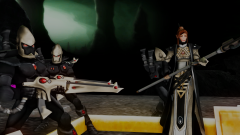 Eldar 07
-
 Eldar 06
-
 Eldar 05
-
 Eldar 04
-
-
From the album: Dawn of War: WH40k
-
From the album: Dawn of War: WH40k
-
-
Haha, no need. I just happen to upload the updates just before captain14 included the Taurus. Should be up now though. You'll have to redownload captain14's car pack. I wouldn't know where you install the .ytd files since everyone has their own locations for them. Just updated to include liveries for his Taurus.
- 111 comments
- 23 reviews
-
-
- 1
-
-
I'm sorry, I don't think I understand. Are you having problems getting the liveries to work with captain14's car pack? Using OpenIV, open the .ytd files of the car models and simply drag and drop the .png files from the appropriate texture folder.
- 111 comments
- 23 reviews
-
From the album: Dawn of War: WH40k
-
From the album: Dawn of War: WH40k
-
-
 Thanks Albo, that fixed it for me. Just a heads up for folks who need the fix, don't forget to also replace SirenMastery.dll along with NAudio. I made the mistake of only changing NAudio and still had the problem.
- 853 comments
- 108 reviews
-
I seem to be having a very serious problem with the latest version. Whenever I try to use my horn, I hear a quick scratchy white-noise sound and it immediately disables the audio of my computer. It's not just GTA V that's affected, but any other programs that I open as well. Disabling and re-enabling Siren Mastery doesn't fix it, and other than a full computer restart, I can sometimes get the sound back by exiting GTA V. Everything else from Siren Mastery works from the UI, other siren types, etc. It's just when try to use the horn that I get this issue. At first, I thought it might be a problem with the specific wav file I'm using for the horn, but I have multiple cars with different horn sounds and my sound still dies regardless. RagePluginHook.log EDIT: A relief to know I'm not the only one who's experiencing this.
- 853 comments
- 108 reviews
-
-
- 1
-
-
-
-
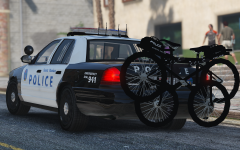 I'm excited for it
 -
Heh, good to hear. And yeah, I'll have time this weekend to work on captain14's pack for the top three of my car packs (this, Riverside, and San Bernardino). However, I do believe that some of of the cars in that pack use shared templates with other models, so some of the liveries for cars I've covered might work too. I'm sure the CVPI uses F5544's template. Will have to check the rest myself.
- 111 comments
- 23 reviews