mbk2008
Members
-
Joined
-
Last visited
Everything posted by mbk2008
-
Taking in the sites before a busy patrol.
-
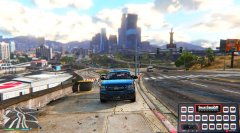
From the album: Taking in the sites
Oh it looks nice -
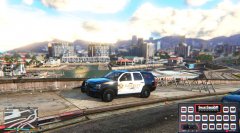
From the album: Taking in the sites
Oh it looks nice -
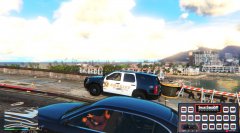
From the album: Taking in the sites
Oh it looks nice -
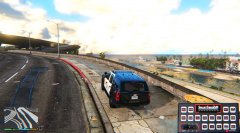
From the album: Taking in the sites
Oh it looks nice -
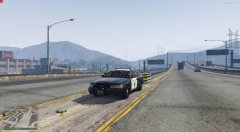
From the album: Taking in the sites
Watching traffic -
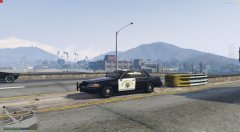
From the album: Taking in the sites
Watching traffic -
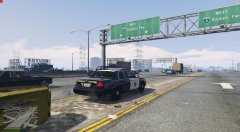
From the album: Taking in the sites
Watching traffic -
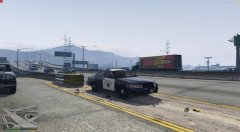
From the album: Taking in the sites
Watching traffic -
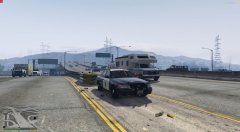
From the album: Taking in the sites
Watching traffic -
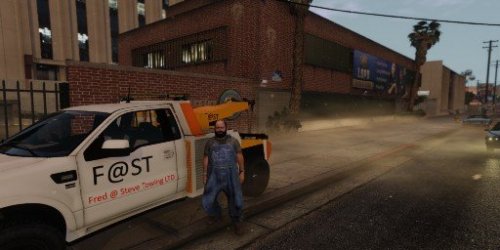 My first skin !! Simple but I think not too bad Thanks to MOHaalsmeer for his wonderful model. replaces: Towtruck2 skin Credits: Skin by MBK2008 2008 Saleen S331 Supercab by 'HitmanNiko' Rear tow installation made from scratch: MOHaalsmeer (marco) Cones and fire extinguisher made from scratch: MOHaalsmeer (ide) Templates, textures and model edits like lights etc: MOHaalsmeer (marco)
 -
-
A night patrol (Using MemeEnhancer 1.0B)
-
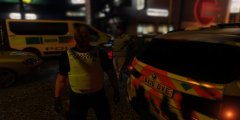
From the album: Brit Night patrol
One arrested for being drunk and walking into traffic. -
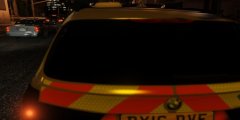
From the album: Brit Night patrol
you can't see me ! -
From the album: Brit Night patrol
Keeping an eye on things. -
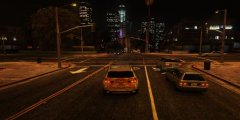
From the album: Brit Night patrol
BMW it is ! -
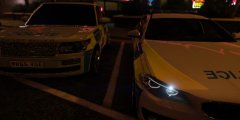
From the album: Brit Night patrol
Which car to pick? -
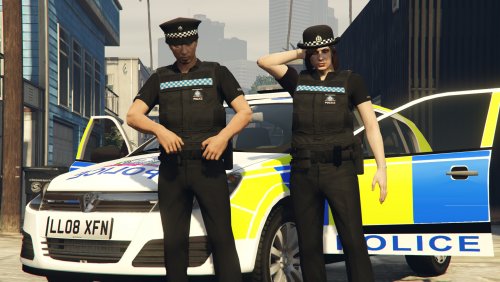 I was going to ask the same question @festivalmatt This looks really great @Jill Valentine hope to see more !!
- 32 comments
- 4 reviews
-
-
-
-
I was thinking of doing this skin the other day. Maybe I should've given you the secret signal .. lol
- 9 comments
- 7 reviews
-
I can smell burning !!
-
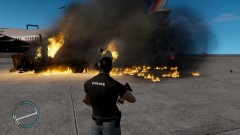
From the album: I can smell burning
Oh I thought I could smell burning