




Officer Christopher
Members
-
Joined
-
Last visited
Everything posted by Officer Christopher
-
-
-
Please tell me how to adjust the night, which codes are responsible for this? ENB ProphetsENBv3.3A link mod I'm sorry for the wrong section.
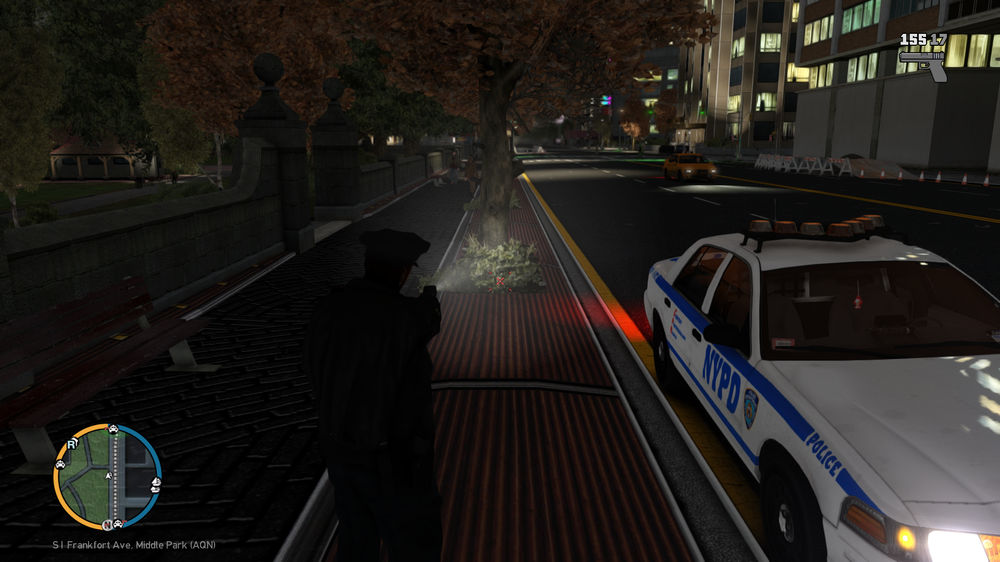
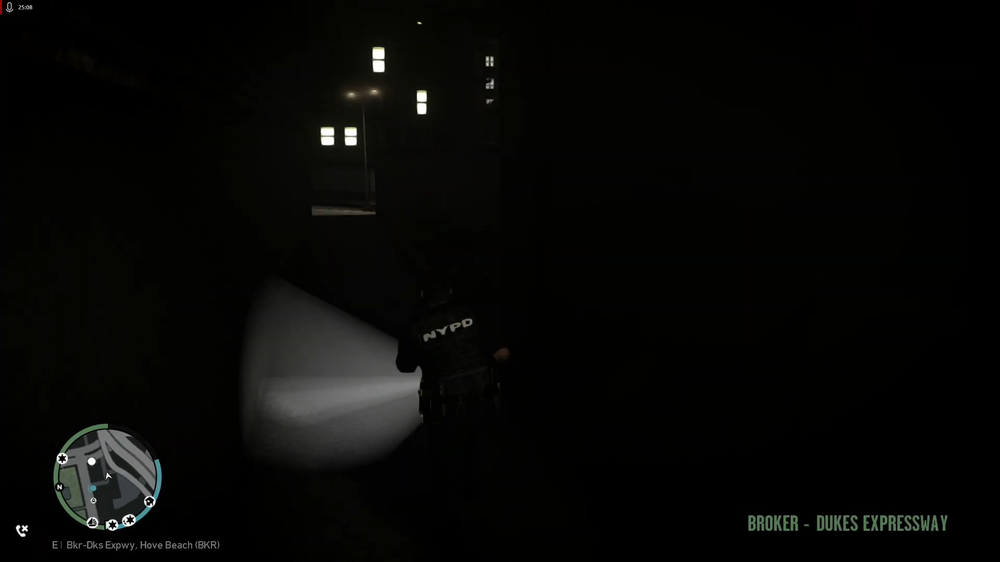
-
The update just came, when will there be updates mod's?
-
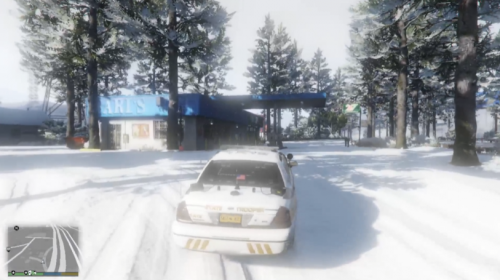 This mod is the color of vegetation on the roads, suitable for both winter and summer fashion, the description of the installation in the archive, a pleasant game.
 -
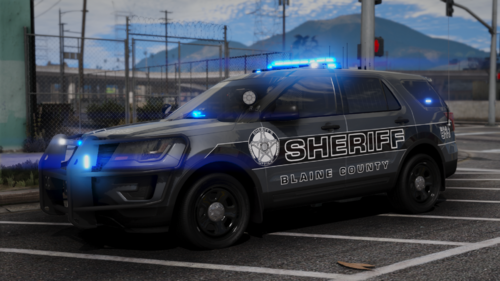 Was it difficult to throw a link to the models? I won't even download it, because there is no understanding of which models!
 -
your photo is not loading, what exactly is in the image?Give me a video or a picture, and more details of what and how doesn't work?Give me a video or a picture, and more details of what and how doesn't work?Reinstall els, els files Grand Theft Auto V\ELS\pack_defaultHave you downloaded the lspdfr, rage mod separately?have the ELS files all installed?If I understand you correctly, you need to press FN + W, depends on your keyboard, then AWSD will change back to standard.Why bright headlights? How to lower their brightness? https://imgur.com/a/D6lnpTk
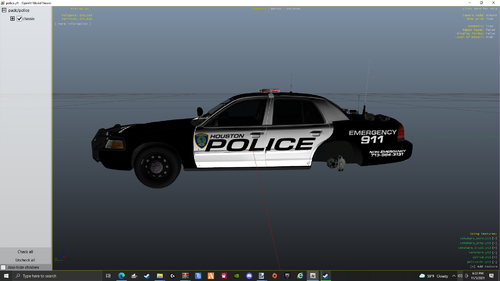 thank you my friend 😃
The author posted it, but where is the link to the model?
thank you my friend 😃
The author posted it, but where is the link to the model? Если будете работать с русскими модификациями, пишите мне я вам помогу друг 😃
На китайский похожа, 2 - 3 слова понятно, в россии не милиция уже давно а полиция.How to expand the police fleet, police, police 2, police 3, police 4, searched for a topic, found nothing. ?!Was genau interessiert Sie?
Если будете работать с русскими модификациями, пишите мне я вам помогу друг 😃
На китайский похожа, 2 - 3 слова понятно, в россии не милиция уже давно а полиция.How to expand the police fleet, police, police 2, police 3, police 4, searched for a topic, found nothing. ?!Was genau interessiert Sie?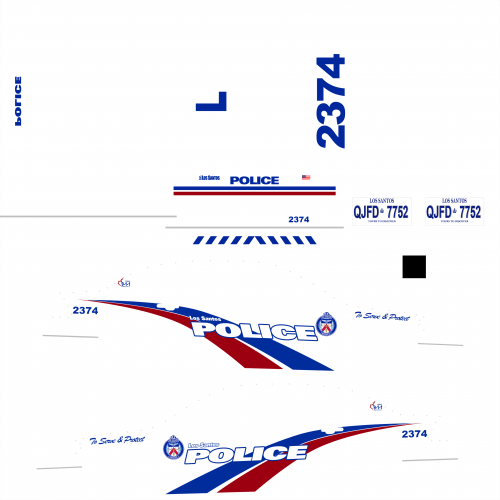
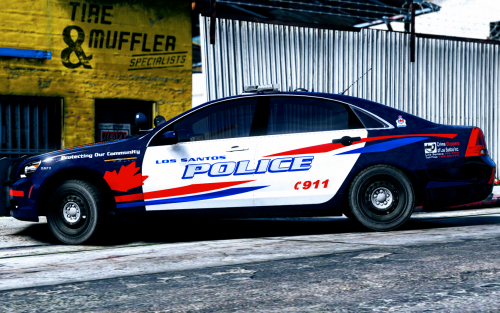




Account
Navigation
Search
Configure browser push notifications
Chrome (Android)
- Tap the lock icon next to the address bar.
- Tap Permissions → Notifications.
- Adjust your preference.
Chrome (Desktop)
- Click the padlock icon in the address bar.
- Select Site settings.
- Find Notifications and adjust your preference.
Safari (iOS 16.4+)
- Ensure the site is installed via Add to Home Screen.
- Open Settings App → Notifications.
- Find your app name and adjust your preference.
Safari (macOS)
- Go to Safari → Preferences.
- Click the Websites tab.
- Select Notifications in the sidebar.
- Find this website and adjust your preference.
Edge (Android)
- Tap the lock icon next to the address bar.
- Tap Permissions.
- Find Notifications and adjust your preference.
Edge (Desktop)
- Click the padlock icon in the address bar.
- Click Permissions for this site.
- Find Notifications and adjust your preference.
Firefox (Android)
- Go to Settings → Site permissions.
- Tap Notifications.
- Find this site in the list and adjust your preference.
Firefox (Desktop)
- Open Firefox Settings.
- Search for Notifications.
- Find this site in the list and adjust your preference.