



JamesWilson
Members
-
Joined
-
Last visited
Everything posted by JamesWilson
-
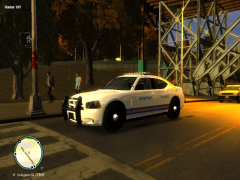
From the album: Mod Showcase
Just looking good -
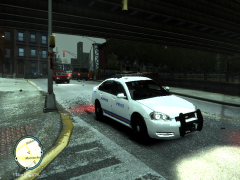
From the album: Mod Showcase
-
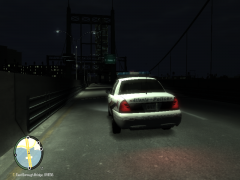
From the album: Mod Showcase
"Where's bubba?" -
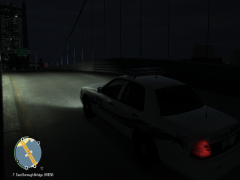
From the album: Mod Showcase
-
I usually sit between the barrels just south of Plumbers Skyway Union Drive West can catch people going upwards of 35+ caught one going 56 once.
-
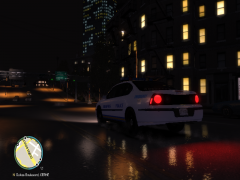
From the album: Mod Showcase
MPD Officer drives down a quiet Memphis street waiting on a callout -
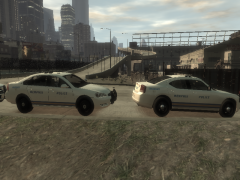
From the album: Mod Showcase
Memphis Police Pack Coming Soon -
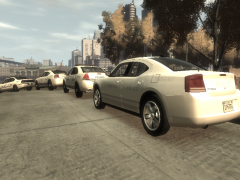
From the album: Mod Showcase
Memphis Police Pack Coming Soon -
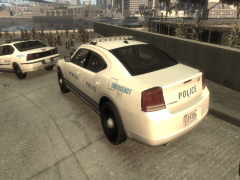
From the album: Mod Showcase
Memphis Police Pack Coming Soon -
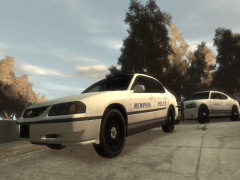
From the album: Mod Showcase
Memphis Police Pack Coming Soon -
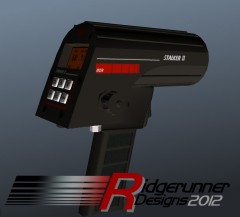 I usually turn on my Radar mod, get out my car, get a micro uzi and use that as an impromptu Radargun, unless I accidently aim it at someones head....and they get out in the middle of traffic and cause a jam
 -
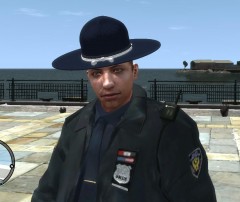 SWEEEEEET, even for a test this looks amazing, gotta let me Beta test this shit, lol
 -
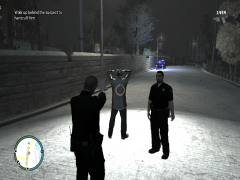
From the album: On Duty Pics
With an air unit covering the arrest. -
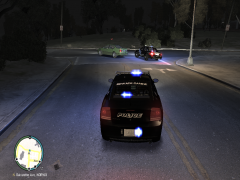
From the album: On Duty Pics
Charger and CVPI sticking close to the car on the ground with an air unit not far behind -
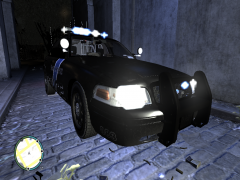
From the album: On Duty Pics
The SSPD shows off their cruisers at night lighting up a dark alleyway for a recruitment photo op -
VERY nice job
-
But is it outlined? If its not, then you'd more than likely end up with text falling off the car
- 7 comments
- 2 reviews
-
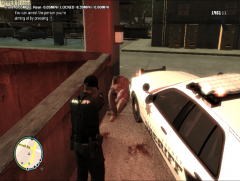
From the album: On Duty Pics
Guess it's a good a time as any to pray -
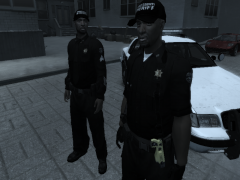 I made it, it's part of my Pierce County Sheriff Pack in the Download section
 -
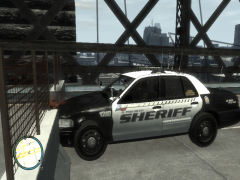 Yeah, thats Mayhem for you if the department is insured by Allstate
 -
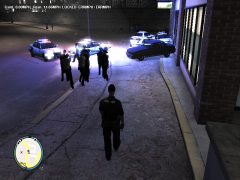
From the album: On Duty Pics
This was a perfect scene until some random-ass feroci came speeding down the hill out of nowhere and wiped out everyone. -
From the album: On Duty Pics
-
From the album: On Duty Pics
The moment when you thought you unlocked the map with the trainer and you realize in reality you didnt -
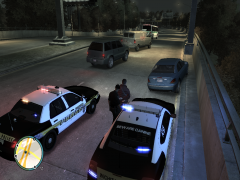
From the album: On Duty Pics
Traffic ACTUALLY merged to the left around the stop for once. -
uploaded it along with Screens to the database, when an admin approves it you cna find it here; Hope you enjoy it


