


.jpg.f2985fe8b5565f1583278ea57ef59bfd.jpg)
javon_safford
Members
-
Joined
-
Last visited
Everything posted by javon_safford
-
-
They did a very good job with the mod. I only have 2 concerns so far. 1. Pursuits should stay within jurisdiction. (If I'm patrolling in the city, I don't want to chase someone all the way out to Paleto Bay. every single pursuit goes out to Paleto Bay. Then when you want to go back to the city, you have to either drive or teleport. So I don't even accept pursuit callouts anymore. I just do traffic stops) 2. Using a controller: (The only annoying thing is, that while you're in the car and you want to look back, it activates the police backup menu.)
-
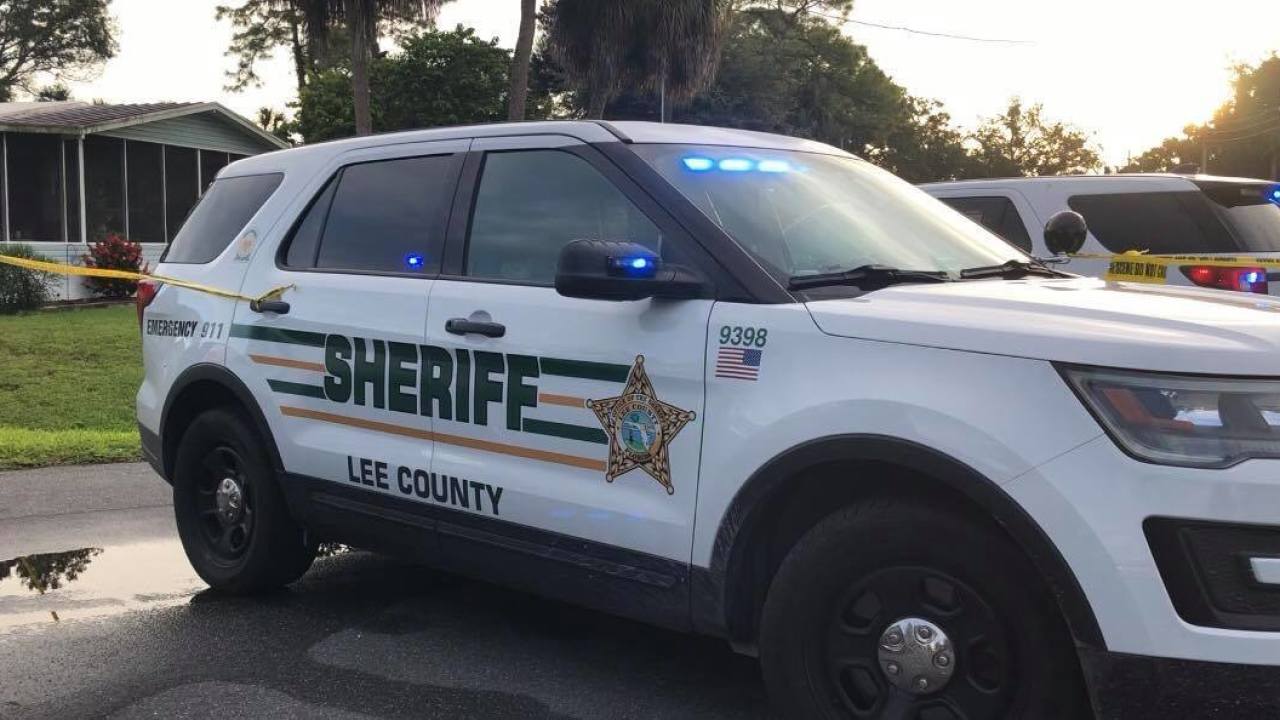
To change the environmental lights to flash blue and red. [ ENV_LIGHT_COLORS ] Extra_1 = blue Extra_2 = blue Extra_3 = red Extra_4 = red Extra_5 = white Extra_6 = white Extra_7 = amber Extra_8 = amber Extra_9 = amber for some reason the first time i put these settings in, it didnt change. but it works now took me about an hour. so now the lights flash blue and red on the wall/ground and stuff. you can also use GREEN and MAGENTA. I haven't tried it yet tho but thats what the manual says.
.thumb.jpg.d779958c983beac9ef886414b905a8e0.jpg)