


TheBro51
Members
-
Joined
-
Last visited
Everything posted by TheBro51
-
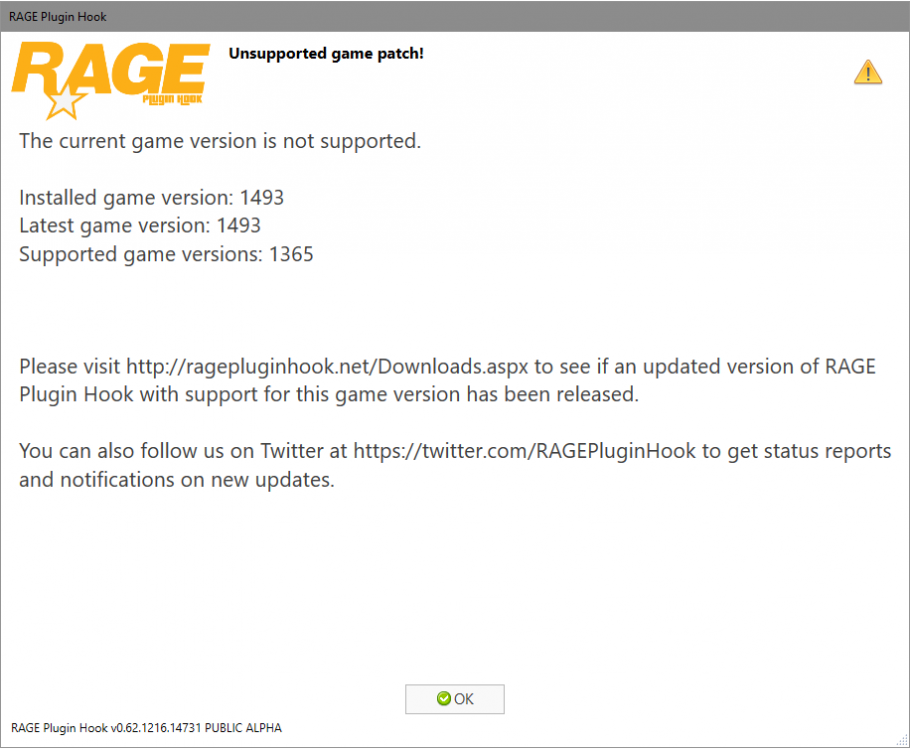
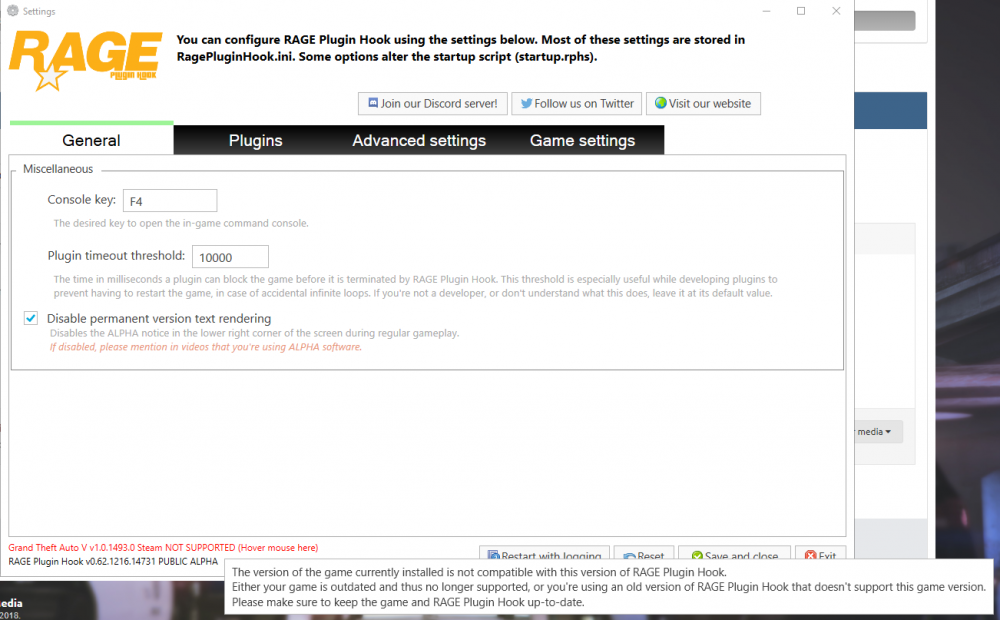
Hello guys, After updating the new ragehookplugin and updating the scripthook v i having those errors while trying to start GTA V with Rageplugin hook. I'v tried yesterday to re-install everything. I deleted the whole GTA V directory, uninstalled the LCPDFR ETC and then re-installed the whole thing (ALSO RAGEPLUGIN AND SCRIPTHOOKV) And i still getting those errors. Hope you can help me with that or giving me any ideas, Thanks alot. Naor.
-
yes, i have read. i reinstall gta iv again, i insall lcpdfr 1.0 C , and i run the Diagnostics Tool now again And its tell me this : http://postimg.org/image/3wjwvyfq9/ But, i have lcpdfr at files and when im starting the game its tell me again " Error to load lcpdfr "
-
I delete from steam first, And than go to steam folder and check there's no file's left . Any file left i delete it too.
-
Yes, As i said i delete gta iv from steam, download the game again and installed only the 1.0b version and still not working .
-
I used the manual , The pic is after the manual. I even used it with Youtube videos , and if i use the regular installion , its still writing the same problem | error Only the laste's version's working .. 0.91/0.95. Conferm you want me to copy this folder and extra it to destop and then try to run it ? Well, i did it ( copy to destop ) Run as adminstator and says " Error to run LCPDFR_LOADER_LOADER. "
-
I did it like that and like the video's on YouTube. i re-installed the game by steam delete files and still not working. Hope it's help..
-
Hello ! I Have Steam version of GTA 4. I Had lcpdfr v0.91 and v0.95 and they worked. I installed the lcpdfr 1.0b on them and when i getting into the game itself ( when you load with niko ) i got white line upsters left side that says " LCPDFR Script error...." I Delete all the lcpdfr files and re-installed v1.0b and its still saying that . Before few minutes i deleted the game from steam and re-installed it, with no other thing installed at gta 4, and ITS STILL SAYING THAT . when i pressing ALT+P nothing happends. help please.

