



waihonlam1994
Members
-
Joined
-
Last visited
Everything posted by waihonlam1994
-
I managed to get into the tester's function list on the Police Computer after I hit a wrong key combination. Are the developers aware that this got through to release? Obviously I won't shout out out what keys it is to get to there as the developers may have only intended this to be used by the testers...... Sorry if this post causes confusion! Best way I could word it!
-
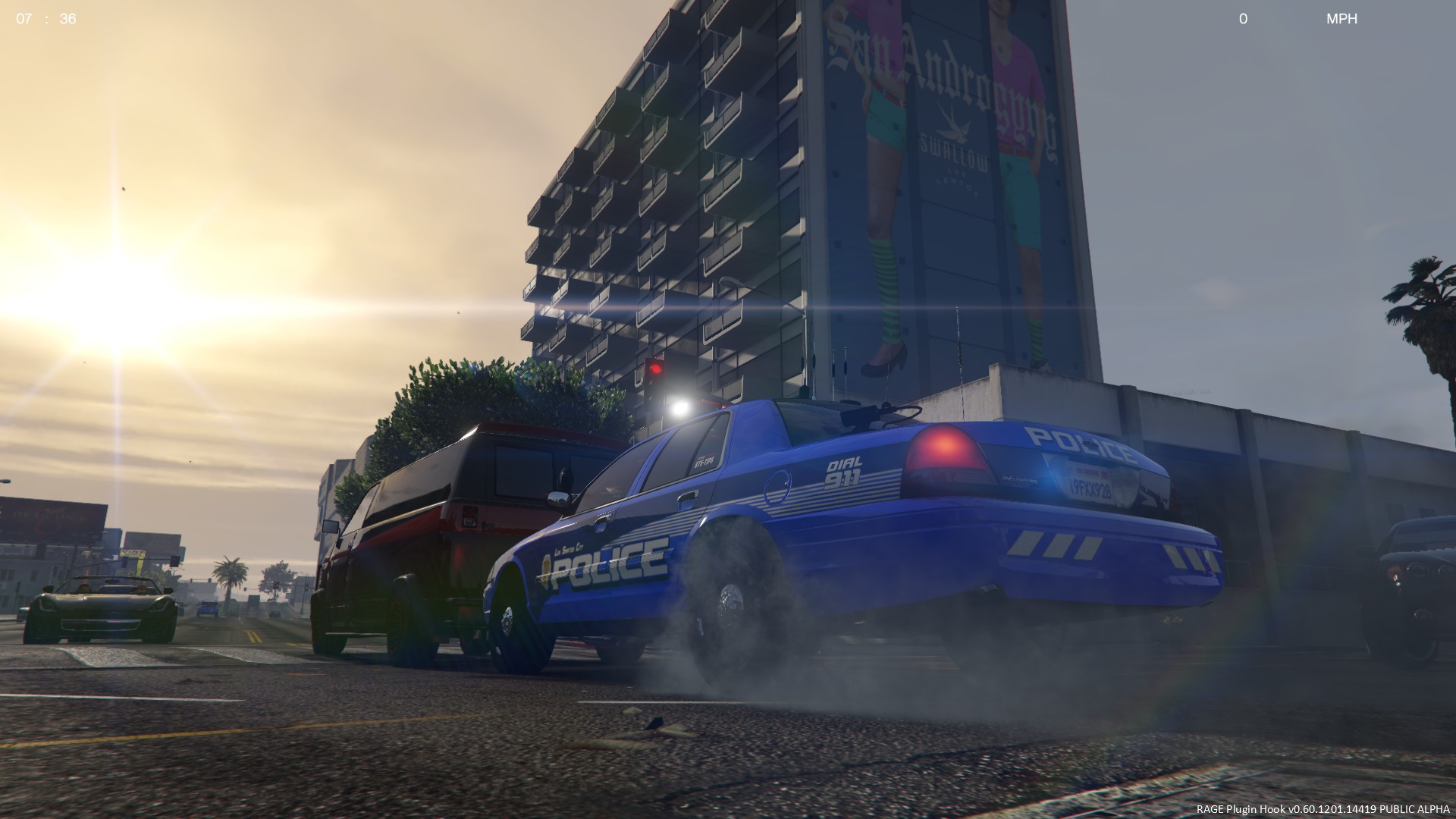
Thanks! Actually, i'm not using ENB at all! I'm using a road textures mod! I'm also using the seperate siren toggle included with ELS (which i have set to the "X" key) for most of the time. I used the normal siren (G Key) in slow moving traffic, as using it when the traffic is flowing quickly can lead to some rather bizzare and unpredictable driving from the AI!
-
-
Thanks! It did!:)
-
That sounds more like a Premier Hazard siren to me. Still funny though!:P
-
I shall look into doing that, thanks for the tip!
-
Thanks for the rep! Heres the Yukon: http://www.4shared.c...BI_HRT_V10.html. I would strongly recommend that you replace the handling with the Yukon from HERE: http://www.gtagaming...hicle-mods/3773 Otherwise the car will tip even at the slightest of turns!
-
http://www.youtube.com/watch?v=ArQtus0vXqU This made me LOL.
-
Just thought i'd share a new video i made.... . Enjoy! :smile:
-
I've had no problems with increasing the restriction, of course, it would be VERY unwise to use up your whole RAM. Use in moderation.
-
Please note that this involves altering the operating system and that you must have at least 4GB of system RAM. This will lift the 2GB Memory limit set by all Windows OS's, you still can't use more than 4GB, but with this alteration applied to my laptop, I am finding GTAIV far more stable when playing LCPD:FR (I just had a 2-3 hour session!). I also recommend you to create a system restore point. Alter at your own risk. For Windows Vista and Windows 7: - Create a Restore Point - Proceed to start -> run and type: cmd (or: You must run CMD as Administrator so alternarively right click the CMD icon etc) - In opened window type command: bcdedit /set IncreaseUserVa 3072 (You dont need to go the whole hog and could try say 2500) - Restart PC For Windows XP: - Right-click My Computer. Click Properties. - In the System Properties dialog box, click the Advanced tab. - On the Advanced tab, under Startup and Recovery, click Settings. - In the Startup and Recovery dialog box, under System startup, click Edit. The Windows boot.ini file will be opened in Microsoft Notepad. - Create a backup copy of the boot.ini file. Note: Boot.ini files may vary from computer to computer. Select the following line in the boot.ini file: multi(0)disk(0)rdisk(0)partition(2)WINDOWS="Micro soft Windows XP Professional" /fastdetect Note: Do not overwrite any existing lines. Press Ctrl+C to copy the line and then press Ctrl+V to paste it immediately below the original line. Note: Your text string may be different from the text string in this solution, so be sure to copy the text string from your boot.ini file, and not the text string included here. Modify the copied line to include " /3GB", as shown in the following example: multi(0)disk(0)rdisk(0)partition(2)WINDOWS="Micro soft Windows XP Professional 3GB" /3GB /fastdetect Note: Do not overwrite any existing lines. - Save and close the boot.ini file. - Click OK to close each dialog box. - Restart your computer. - During startup, select the 3GB option. If you do not select the 3GB option, the system will default to the 2GB total memory setting. Note: If problems occur during startup, you may need to update some of your drivers. Hope this helpsIt seems like the guy doesnt want the sirens distributed then, which means I can't send. Sorry.I literally asked this question a few days ago here, and got a very helpful answer from "Molten".Thanks, i had no idea that GTA SA sounds were in WAV and could be imported, otherwise i would have done this ages ago! I do love your signature btw!Is there a Whelen Alpha siren available to download anywhere? I have searched all over and found no link to it, yet i have seen a few videos of people using the siren in GTAIV. Thanks in advance.I have the same problem. My Graphics card is a ATi Radeon 4570.How about a few from someone in the UK? [images are NOT mine and belong to their respective owners!!]. One the Incident Response Vehicles/Area Cars used by my local force (Essex Police). They tend to generally use Ford's for general duties. An older Volvo V70 T5 Road Policing Unit (Highway Patrol). Some of these also served as Armed Response Vehicles. There aren't many of these left now, (perhaps only 1-3 left!), they have been replaced by the newer (and in my opinion more ugly!) T6s. A newer V70 Road Policing Unit. A Land Rover, also used as a Road Policing Unit. Some of these are specialist Marine Support Vehicles too. One of our BMW RPUs. One of the High-Performance "Interceptor"/Territorial Support Group vehicles.Ahhh nice. What a neat little touch! :happy:When I arrive at the above call, I sometimes get subtitles at the bottom of the screen saying "pleeeaaaassseee leave" or some other homourous message. Do these have any meaning, or is it just for plain old humour lol?You do not need to run it as an admin. Just start up GTAIV and then press ALT+P in game to start LCPD:FR.This was a few months ago now, but I was on a off-ramp when there was a woman lying unconscious on the road after she had been struck by a vehicle, so I decided to do CPR on her. When she was revived, she got up, said, "Get a life you f*cking weirdo!!", ran across the road, and got hit by another vehicle, although she managed to get back up this time to go where she needed to go. This made me laugh so loudly that I woke up my Dad who was having a nap next to me on the sofa LOL.

