karan1002
Members
-
Joined
-
Last visited
Everything posted by karan1002
-
-
-
Thanks for the feedback. Idk how I miss that but the pictures I used for reference and the cars I have seen in real did not have that but I can always put that in and reupload.
- 8 comments
- 2 reviews
-
-
Missouri State Highway Patrol Skin Pack by karan1002 I just started to mod GTA and this is my first car texture I made. I hope you all can enjoy and please leave some feedback on how I can improve. Whats Included The pack includes two textures for Ford CVPI and two for 2011 Dodge Charger R/T Hemi. Credits Ford CVPI by cj24 2011 Dodge Charger R/T Hemi by Dhruv Tahoe by KevinDV Textures by karan1002 Cars Here is the link to the cars, both cars are included in this pack Disclaimer You may edit the skins for personal use only. You are NOT ALLOWED TO REUPLOAD with out proper permission! This pack is exclusive to lcpdfr.com
- 8 comments
- 2 reviews
-
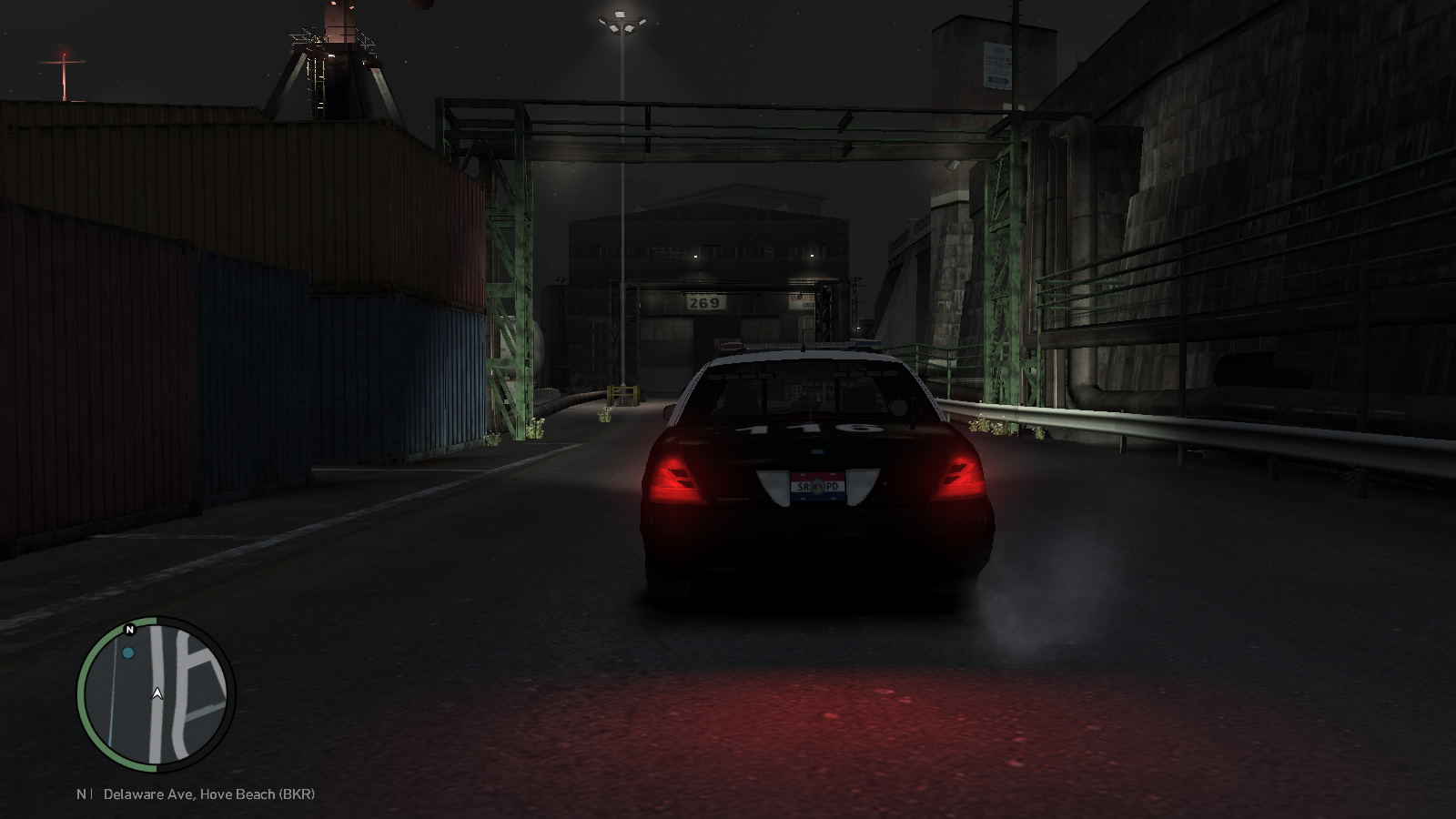 Ya for some reason they dont load on here but the thumbnails do load. I guess cause they are so huge if you look at the thumbnails.
 -
It took me awhile to understand what you were trying to say but I go it thanks
-
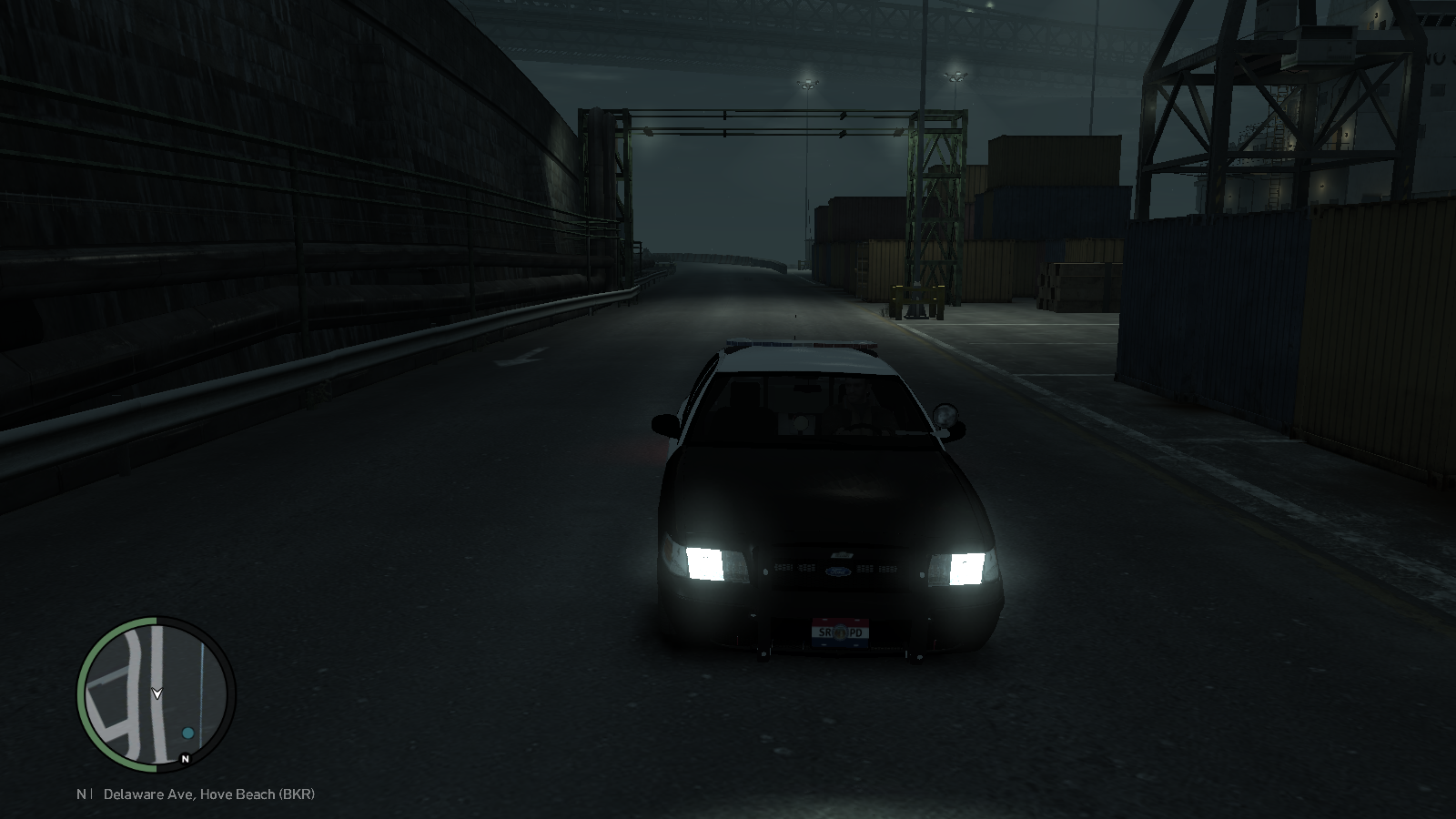 I know sorry I thought they would be small but came out likw this I'll crop them next time. Oo I didnt know that I'll keep that in mind.
 -
From the album: My First Car
-
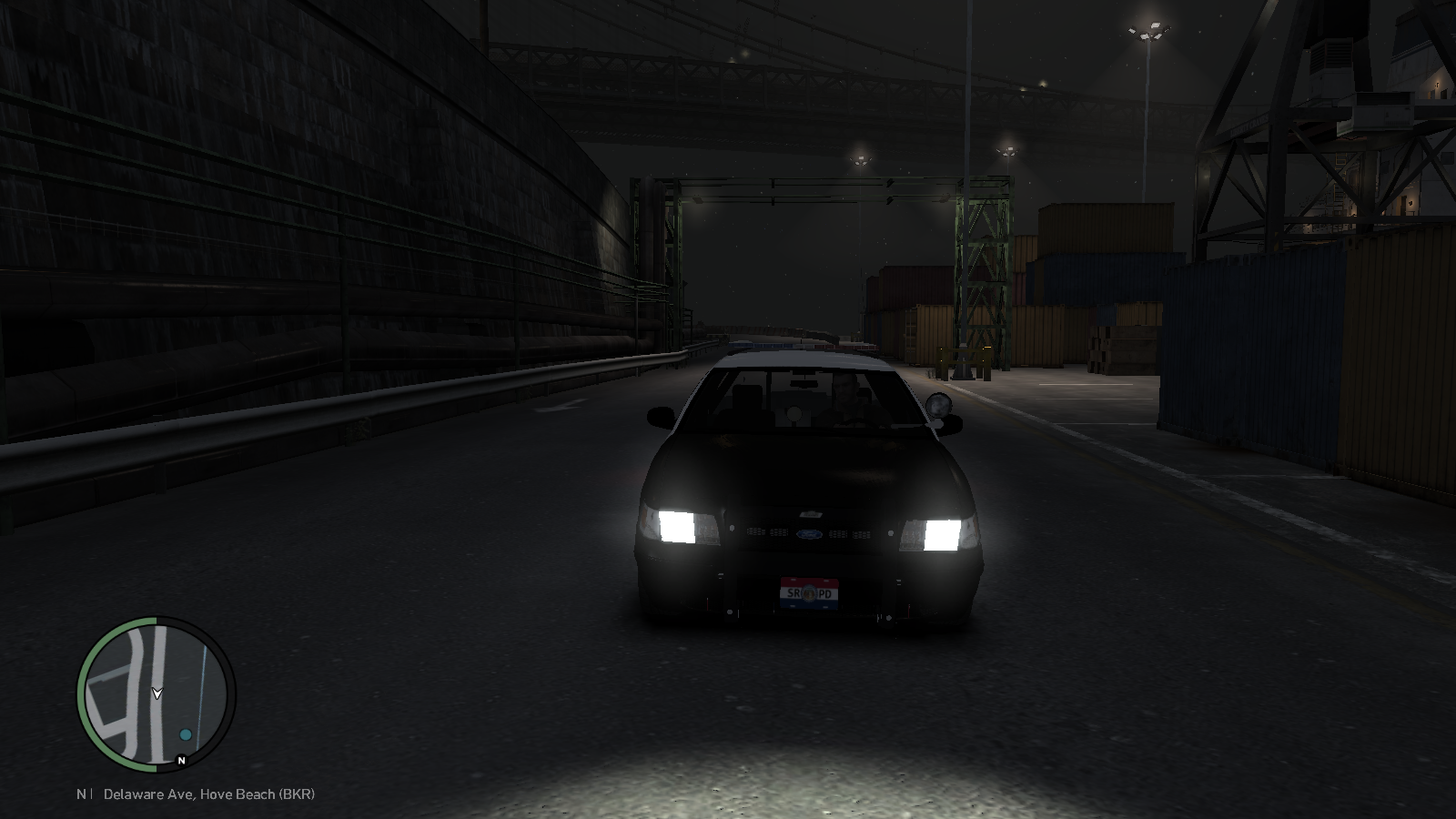
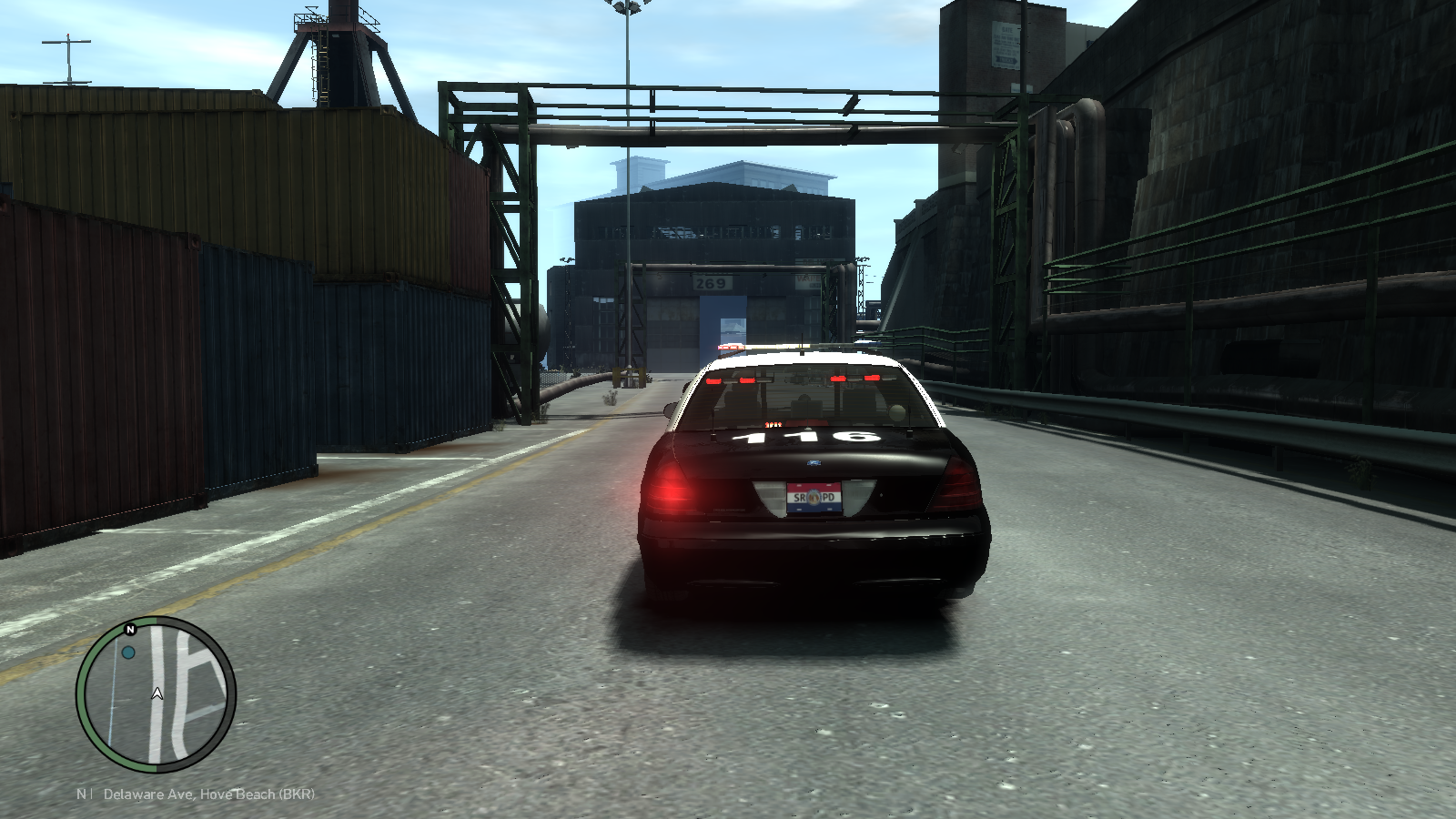
My first car I put together.
-
From the album: My First Car
-
From the album: My First Car
-
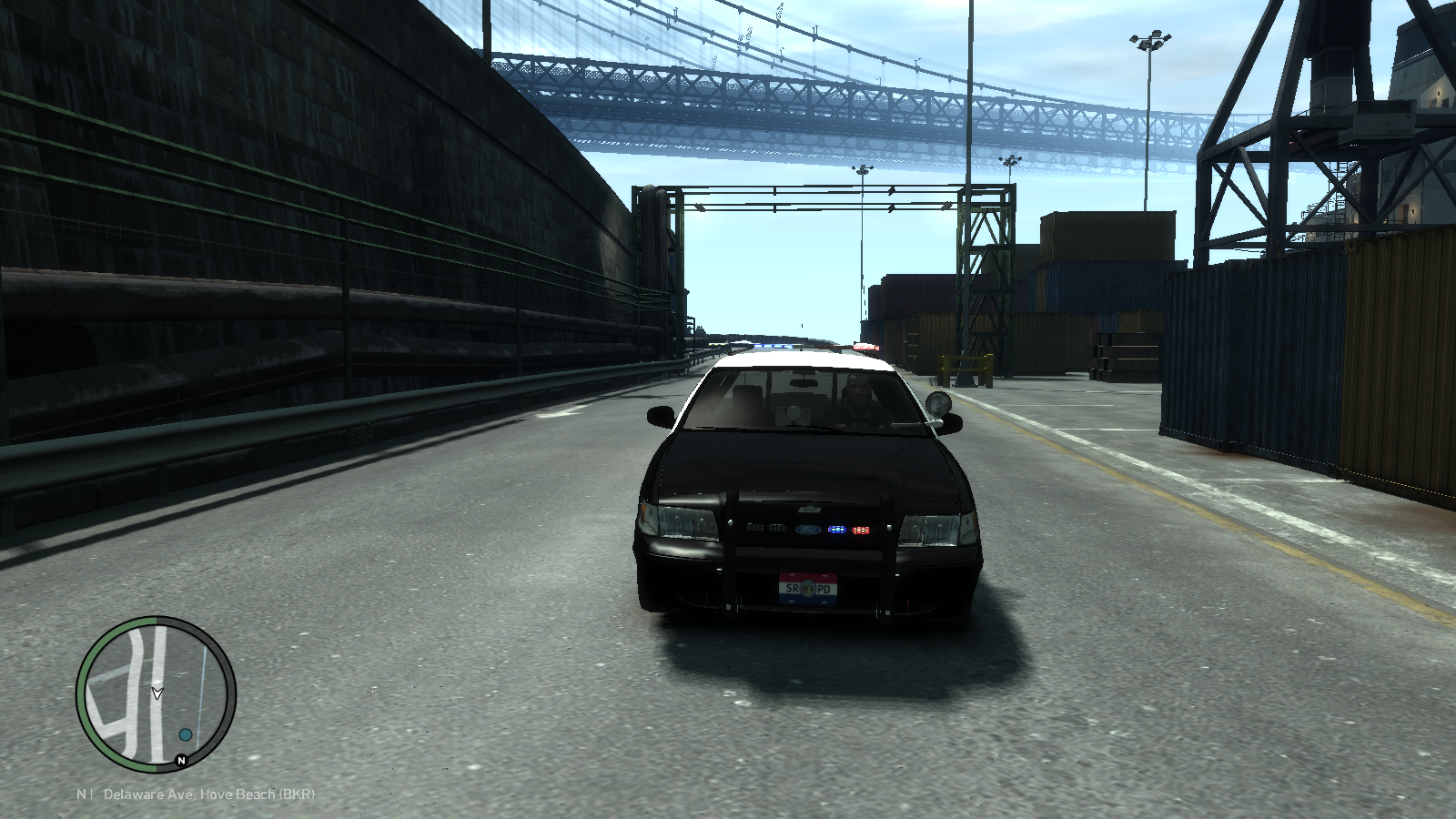
From the album: My First Car
-
From the album: My First Car
-
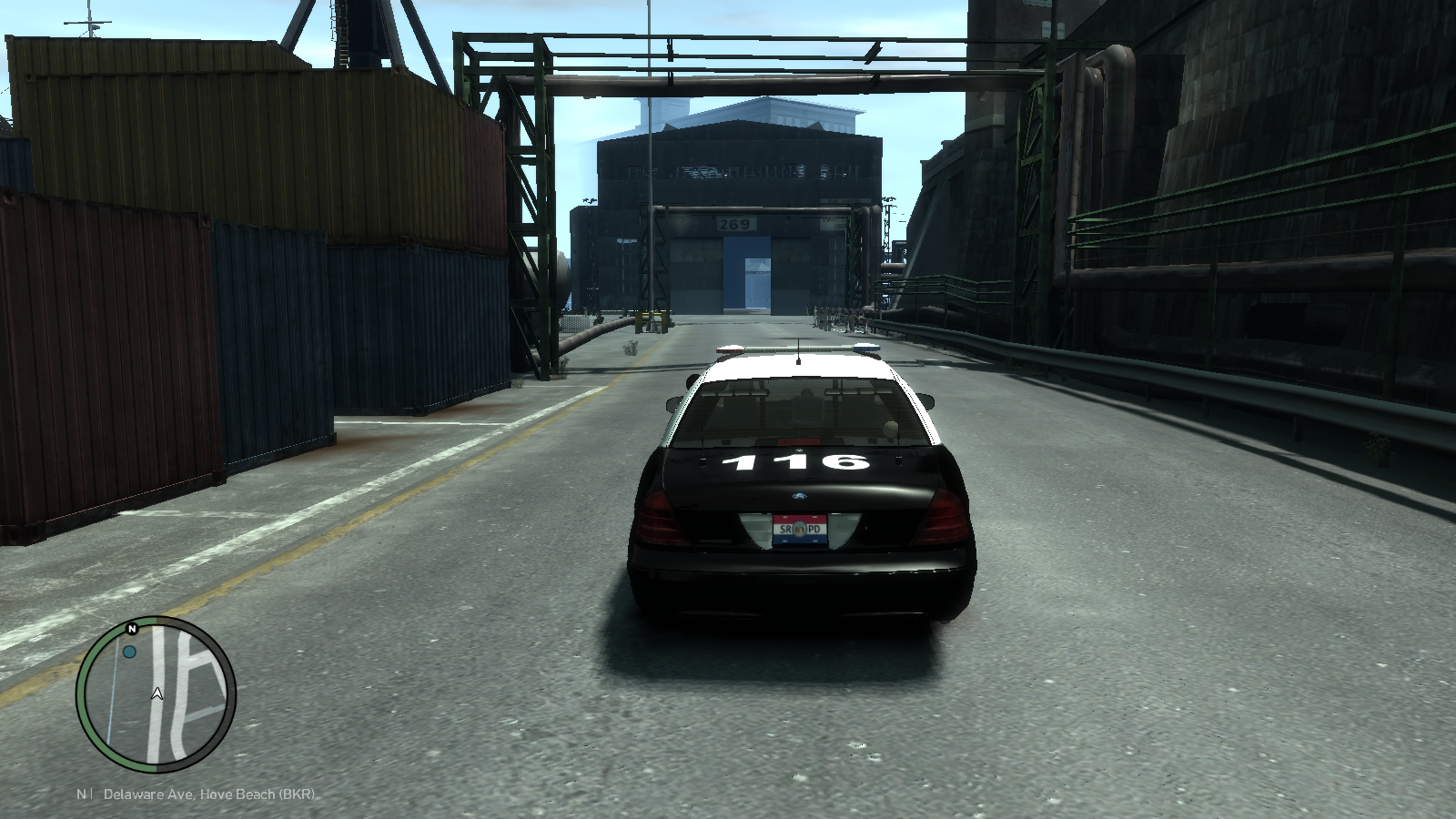
From the album: My First Car
-
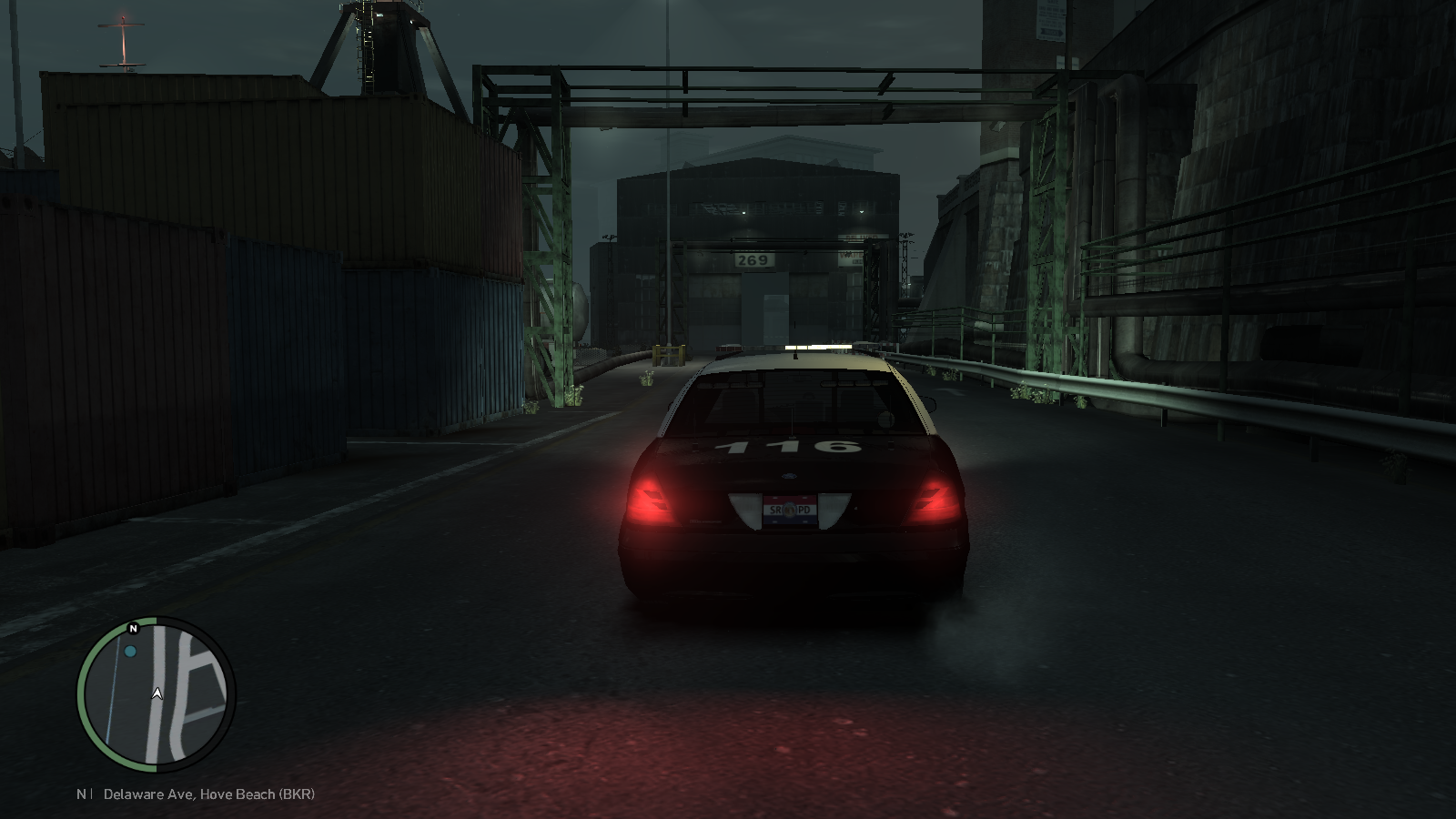
From the album: My First Car
-
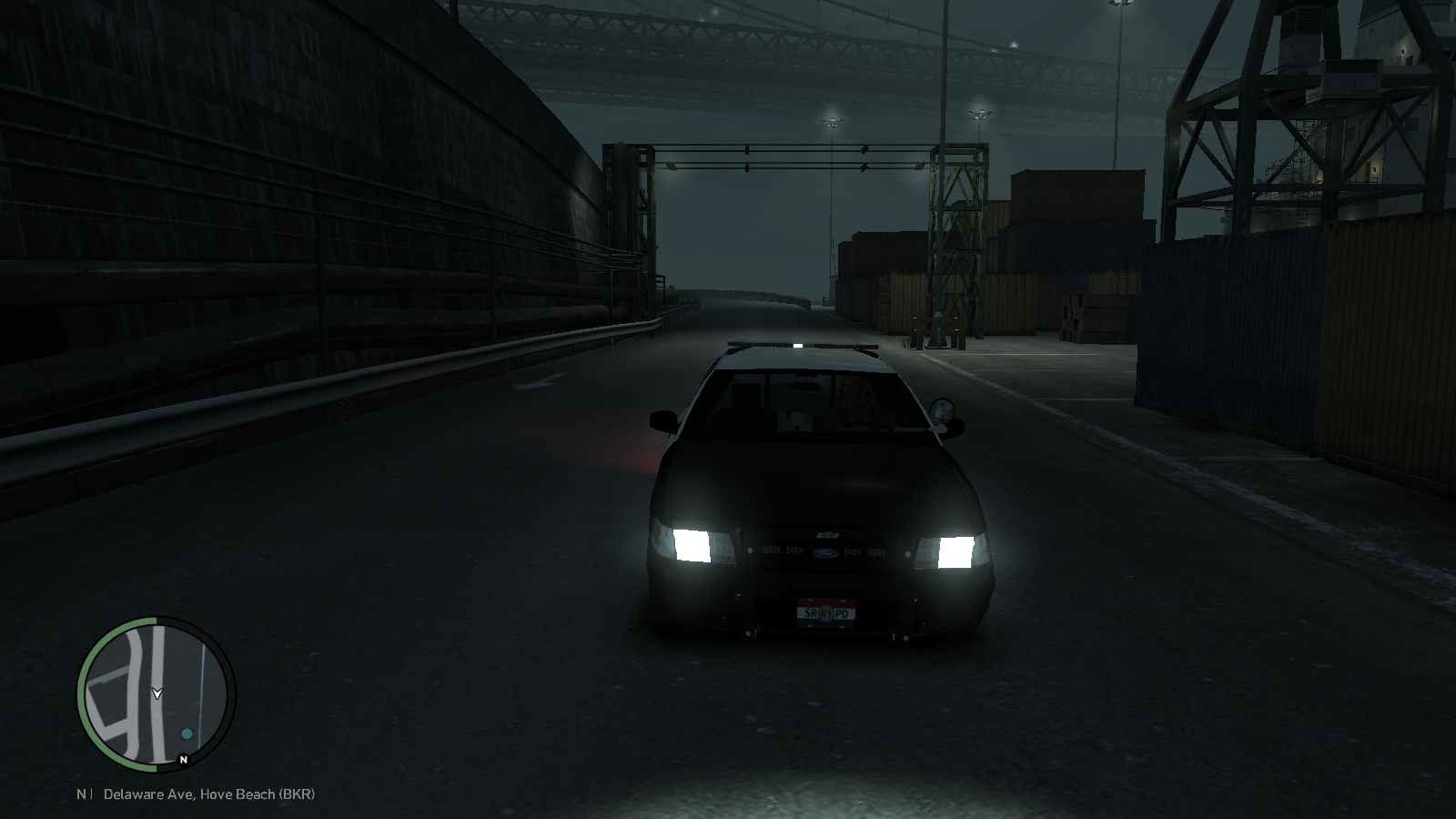
From the album: My First Car
-
From the album: My First Car
-
Oo ok that make sense lol thanks
-
Ya Reibu I already read your tutorial and it was very helpful. And I figured it out lol the problem was that the texture used for glass was transparent and I was using solid color thats why the light wasnt coming through lol. Spent almost 6 hours over two days trying to fix this lol modding is harder than I thought but I still wanna learn it Now on to puting on more lights and hope fully I wont have any more problems. And I just remembered, in your tutorial you said that if the lights are placed behind the grill than all the stuff thats related to the light like glass and misc ( I am assuming) they go in bonnet section of the chassisis that right or can they go anywhere beneth the main light bar in the hierarchy list? Thanks for the help again I should have learned all this years ago lol I meant more than 6 hours trying to fix one thing lol
-
It is the glass I put that with the bonnet because the light are behind the grill. And now I get the RC20 fatal error. I might have to reinstall the lights. And do I have to attach the lights with the main light bar so they are synchronized in game or I dont have to do that?
-
Nope I got no errors when I exported the file. I will watch the video and try to map my lights. So the thing is that the lights are working fine but the glass is not letting the light through it like blocking it. I really dont know how to explain it better I know its hard to understand with out looking at it. I will try to get some pics in game of it and post them on here.
-
Well I had another question lol. So I installed the light and attach the lights to the main light bar so the colors would macth, but when I went in game and turned on the light the front grill light did not work. Well I could see them flashing but they were not giving out light like they are suppose to. And I had to rename the texture of the light cause it was gonna overwrite the texture for the main light bar. So my question is how would I make the front lights work with its texture?
-
Thanks for the reply guys... I will try them out and let you know if it worked. And sorry ineseri I didnt know where to post this but I will remember to post here if I have more questions. Thanks again guys both of your solutions worked.
-
**FIRST OFF ALL I APOLOGIES IF THIS IS NOT IN THE RIGHT PLACE** So I just started to learn how to mod. I have learned how to make skins and now I'm learning on how to put a car together. I am using Bxbugs unlocked CVPI and I have put the light bar, rambar, and the console in the car and I' working on put in the whelen dominator and the whelen avengers but when I select the lights and try to move them, each part like the glass moves away from the light and even if the lights arent selected they also move and I cant figure out how to lock it in place or how to no make them move. I have watched the tutorials but they really dont say how they are doing it. So I really need some help cause I am going crazy trying to figure out how to do it. I have also attached a pic so you knwo what I am talking about. I AM SORRY THE PIC IS TOO BIG. :) About the picture: In the views you can see what I am talking about how the glass part is away from the lights. Can anyone help me Please?!