


Hully
Members
-
Joined
-
Last visited
Everything posted by Hully
-
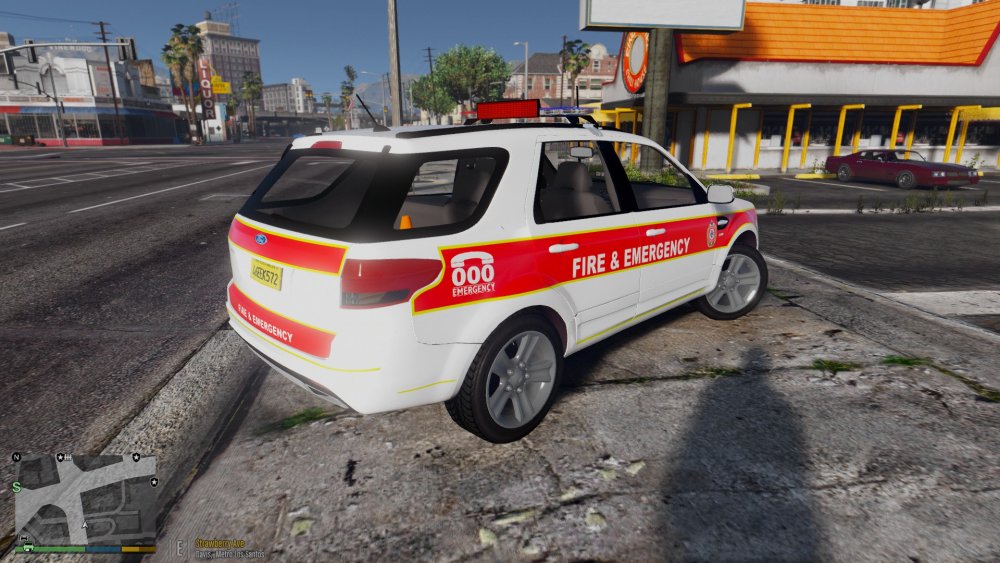
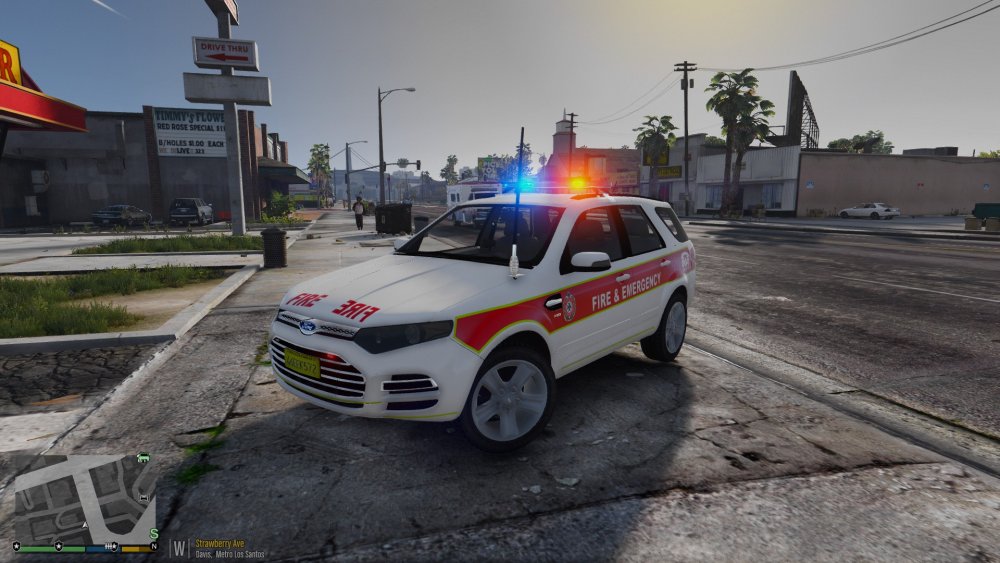
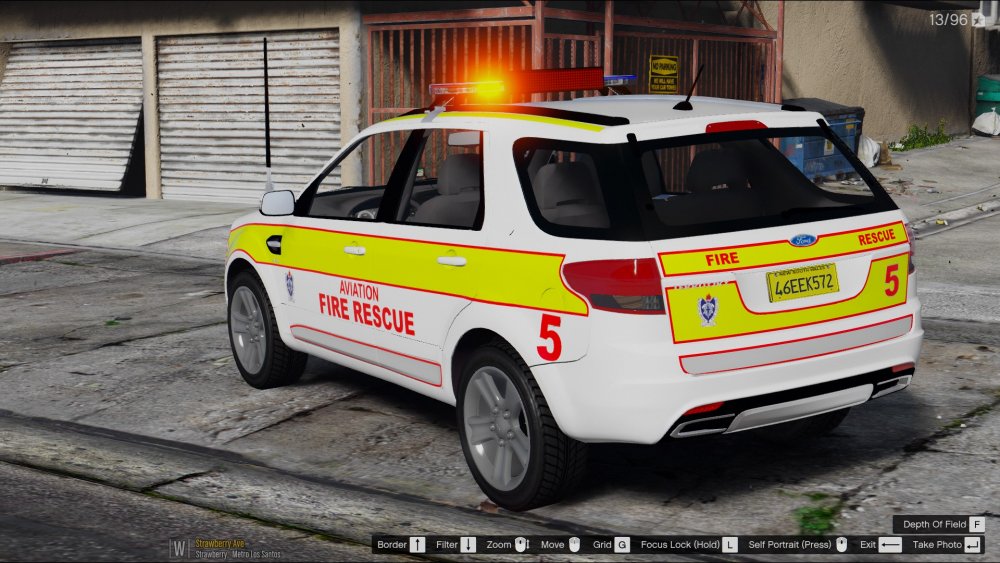
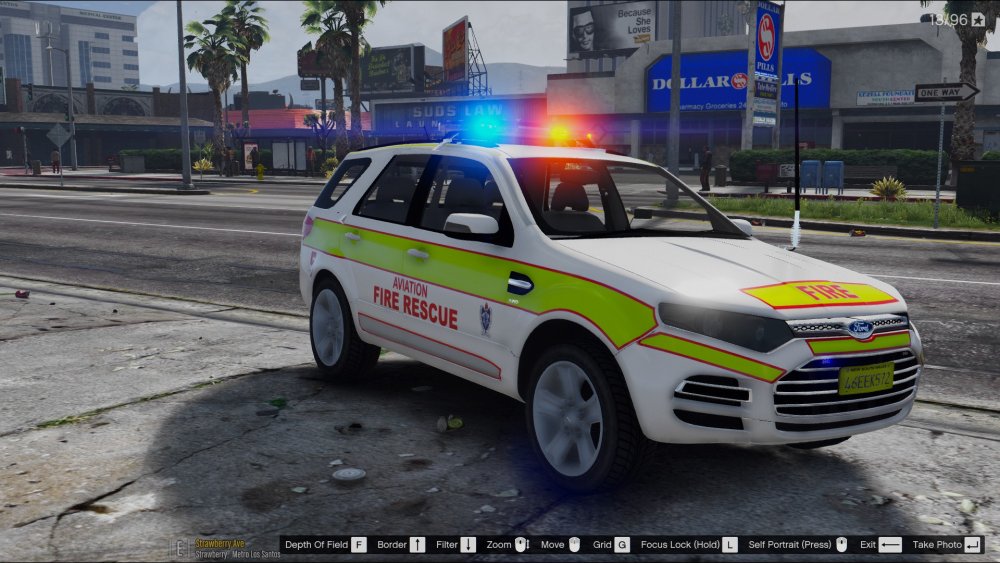
WIP Skins QFES & Aviation Fire Rescue Vehicles (Thanks to SkillFullCorpse for the screenshots)
-
It is legit. There mainly used to for mounted unit in queensland. They tow a massive trailer for mounted unit. Then they use them for operations such as road satey week. I personally think its great something you wouldnt expect when you on your phone😂
-
They dont use them for paddy wagons. They use Isuzu dmax and hilux but they dk use rangers for crash investigation unit (marked) and Scenes of Crime (unmarked) i do have photos somewhere on my phone. Ill find them eventually. Sorry i havent been around much. Been super busy with work and life.
-
(I do have permission to convert, hence why i have all the gear from snrcstjacob) got permission ages ago :)
-
Skin I'm Working on... https://www.youtube.com/watch?v=nXthOrwK7uA
-
Im having same problem ive even tried the forceduty in comand console, have u guys tried that with force duty???? THIS IS DRIVING ME NUTS AND PROBABLY EVERYONE ELSE HAVING THIS PROMBLEM!!!
-
I have installed lcpdfr 1.0 and I try to launch lcpdfr with ALT-P then I tried the force duty with command Console. I can play gta iv normally but still wont launch Command Console. Someone please Help..
-
I have installed lcpdfr 1.0 and I try to launch lcpdfr with ALT-P then I tried the force duty with command Console. I can play gta iv normally but still wont launch Command Console. Someone please Help..
-


