


Hully
Members
-
Joined
-
Last visited
Everything posted by Hully
-
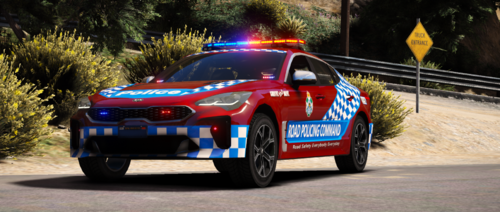
For those wondering when my QPS Prado and Levorg are being released, they are being released within my private discord as a private release. Feel free to hit me up for the details. Cheers Hully.
-
From the album: 2019 Queensland Police Toyota Prado
© hully
-
-
"VKR , This is ZC-702, show us off in the area" "VKR To ZC-702, Received"
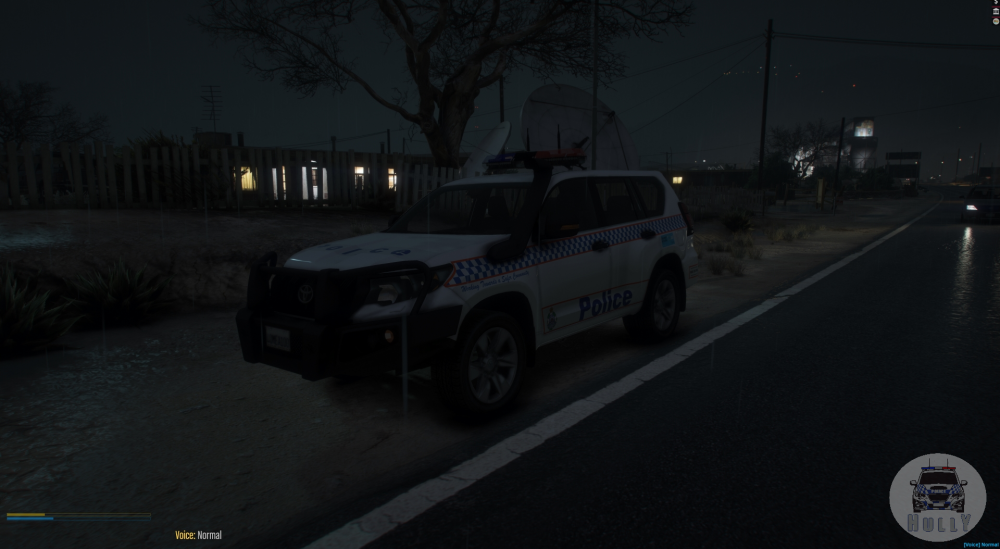
-
GX and GXL Versions... Been a long few days fixing issues.. For anyone who wants to do a skin, here is template...
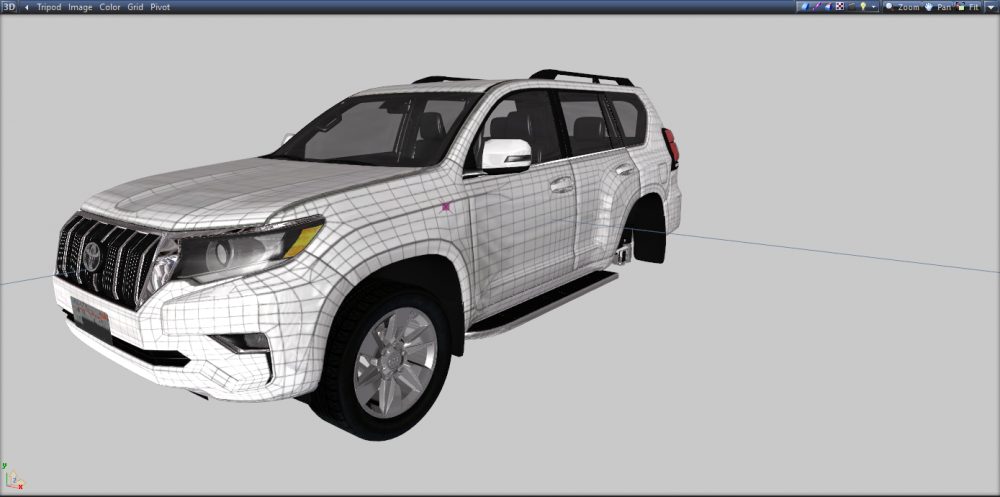
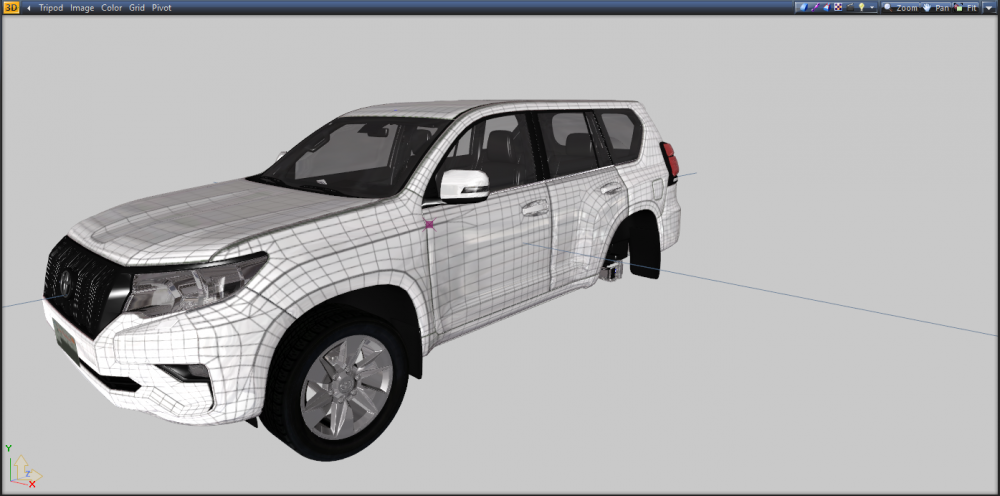
-
 Good work man! Good to see newbies contributing the community!
 -
@NopeBye @qimickI will havea look.
-
Due to this, I have also taken to remove my models as my models were also ripped.
-
@Yeet404 Its at the modeler/creator choice on if they want to upload them. That's just how it all works
-
RS977- RS901- RS901, RS977, RS988- Spotted on meal break.Stay tuned on the channel- soon be content on there.ZYou could tell she was only new conny aha She didnt change siren horn or anything like there suppose toWhile were on the topic of iloads... Woman Drivers....





Account
Navigation
Search
Configure browser push notifications
Chrome (Android)
- Tap the lock icon next to the address bar.
- Tap Permissions → Notifications.
- Adjust your preference.
Chrome (Desktop)
- Click the padlock icon in the address bar.
- Select Site settings.
- Find Notifications and adjust your preference.
Safari (iOS 16.4+)
- Ensure the site is installed via Add to Home Screen.
- Open Settings App → Notifications.
- Find your app name and adjust your preference.
Safari (macOS)
- Go to Safari → Preferences.
- Click the Websites tab.
- Select Notifications in the sidebar.
- Find this website and adjust your preference.
Edge (Android)
- Tap the lock icon next to the address bar.
- Tap Permissions.
- Find Notifications and adjust your preference.
Edge (Desktop)
- Click the padlock icon in the address bar.
- Click Permissions for this site.
- Find Notifications and adjust your preference.
Firefox (Android)
- Go to Settings → Site permissions.
- Tap Notifications.
- Find this site in the list and adjust your preference.
Firefox (Desktop)
- Open Firefox Settings.
- Search for Notifications.
- Find this site in the list and adjust your preference.