Basscannon
Members
-
Joined
-
Last visited
-
Basscannon changed their profile photo
-
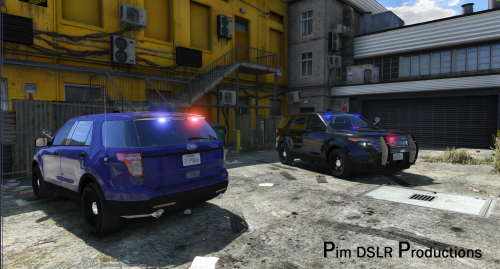
 How can I make an unmarked livery? I tried putting a transparent in, but the Explorer still is black and white, I want all black or all white like in the photo. Can you explain or upload?
- 253 comments
- 53 reviews
-
 4/5 For now, Really great job but I think you should make the antennas a little more realistic, they would be much shorter on a car like this and kinda angled. I like the idea of having 2 antennas on top though.
- 48 comments
- 18 reviews
-
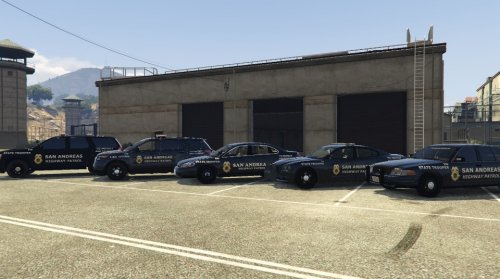 Not Bad at all. I like that it has both highway patrol and state trooper on it. Can you upload the explorer skin?