


rainbowlarva
Members
-
Joined
-
Last visited
Everything posted by rainbowlarva
-
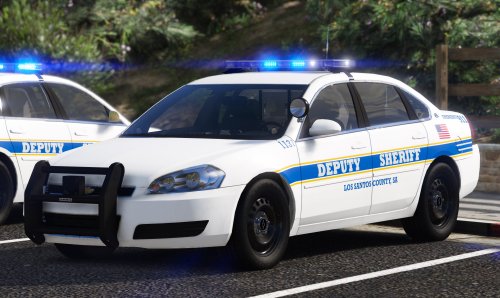 I have tried replacing every possible vehicles meta file with the one provided and the handling still sends the cars flipping 100 times on the slightest turn. never been more frustrated trying to get it to work and im at a complete loss of what the problem is. it's only for sheriff2 with the vanilla handling file, it just flips like a bat out of hell no matter what
- 13 comments
- 1 review
-
-

- 1
-
