


firestorm23
Members
-
Joined
-
Last visited
Everything posted by firestorm23
-
Finally found the issue a few months ago, had to go into mods\update\update.rpf\dlc_patch\mpchristmas2017\common\data and in carcols.meta find riot2 and change the hex values of the red lights to match the hex values of the blue lights.
-
I’ve tried a different light texture as well and you can still see the red
-
Even without the ELS file the lights still flash red on the left
-
It seems like there is a conflict somewhere.
-
Yes all the colours are blue I’ve tried other xml files but the problem is still there, there’s just a hint of red on the left front and rear lights when ELS is activated and the reflections are also red.
-
-
The light reflections on walls etc. are also red on the left hand side.
-
I've downloaded this skin for this model The lights are mean't to be all blue when the skin is on, I've followed all of the instructions, but for some reason the front and rear left lights look blue but seem to be red. I've gone through everything I can thing of, checked the ELS, removed the model and reinstalled and I still get the same problem it's like something is overriding the .ytd files. Any help would be appreciated.
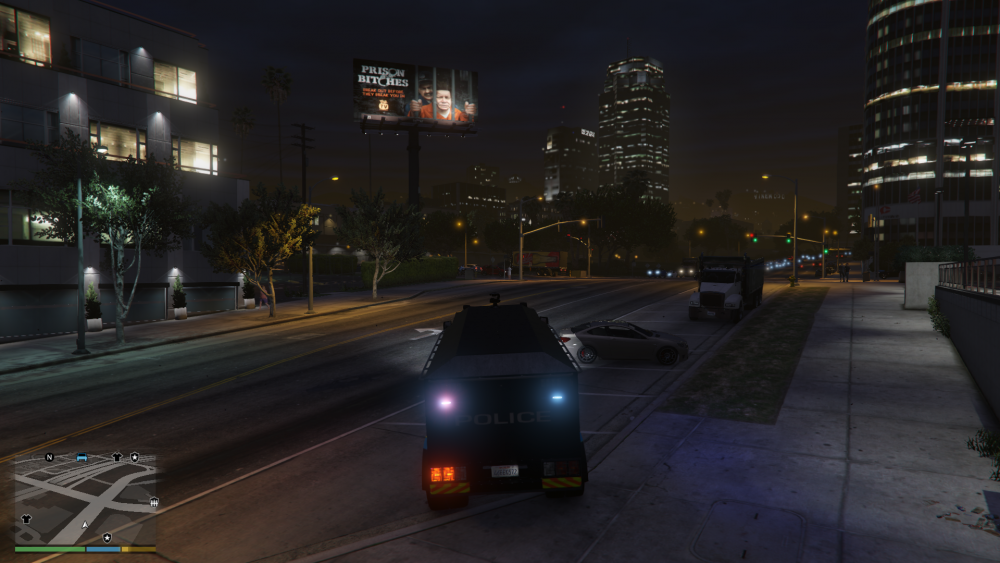
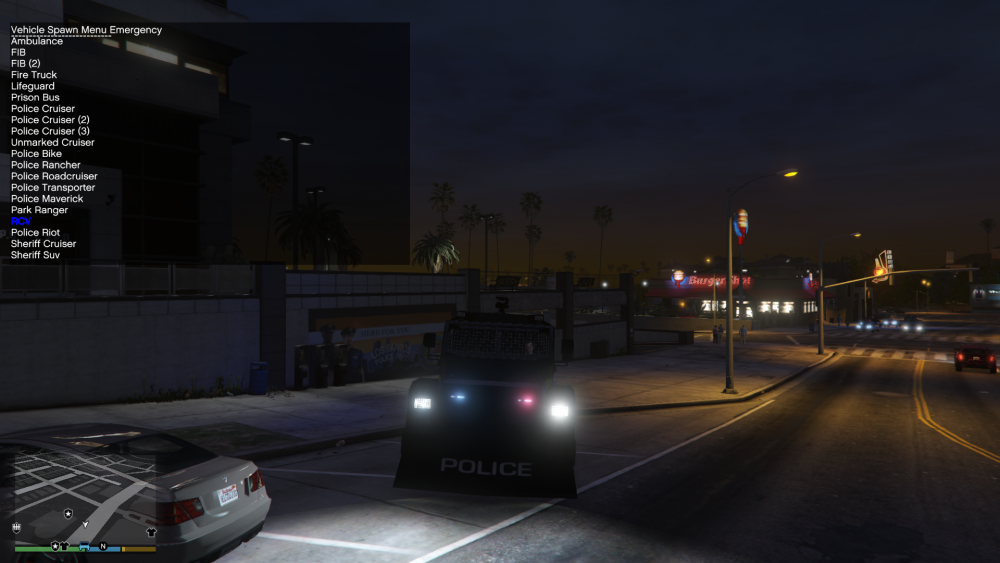
-
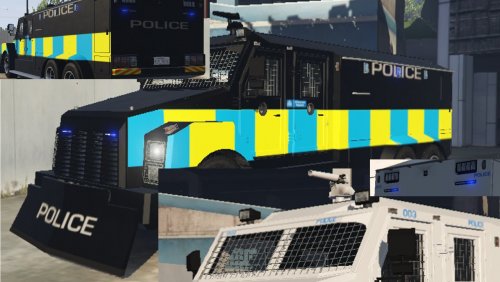 I've installed everything, the front and rear left lights look blue but when ELS is on they seem to flash red.


