


Carpenter
Members
-
Joined
-
Last visited
Everything posted by Carpenter
-
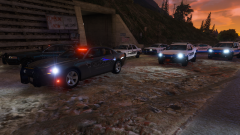
From the album: LSSO Pack by Mr.kindness
-
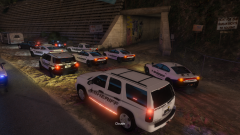
From the album: LSSO Pack by Mr.kindness
-
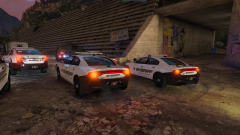
From the album: LSSO Pack by Mr.kindness
-
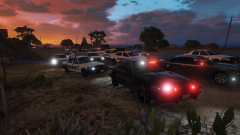
From the album: LSSO Pack by Mr.kindness
-
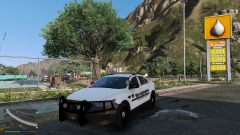
From the album: LSSO Pack by Mr.kindness
-
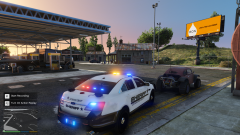
From the album: LSSO Pack by Mr.kindness
-
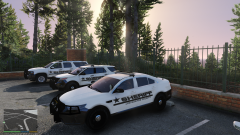
From the album: LSSO Pack by Mr.kindness
-
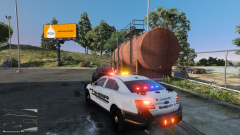
From the album: LSSO Pack by Mr.kindness
-
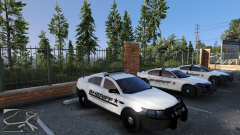
From the album: LSSO Pack by Mr.kindness
-
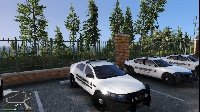
From the album: LSSO Pack by Mr.kindness
-
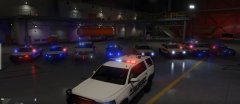 Patterns are all mixed up, I just find one I liked and used it. Delay times are set to els=15 and the Corona are set to 20 I believe. That's pretty much all I changed for els
 -
-
From the album: LSSO Pack by Mr.kindness
-
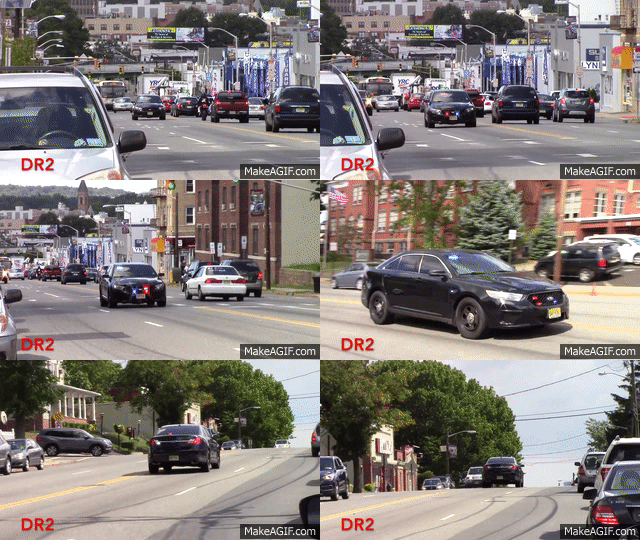 Nice skin, not bad. You're getting better, Just make sure that you include just a picture of the real life model, then just 4-5 pictures of the car in game pretty much just each angle of the car. Ford will never bring back the crown vic, its unmodern for this time period, They actually are coming out with a new car in 2018 ;). Heres a video of what it'll look like.
 -
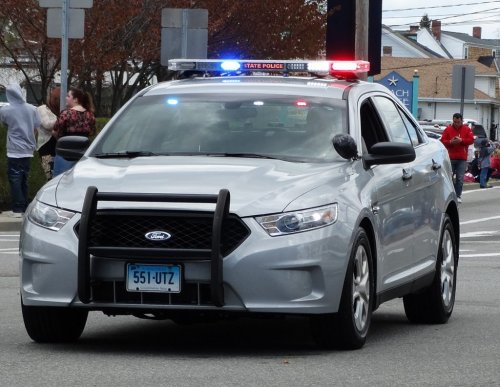 I've been waiting for you to do something realistic, I can officially say I'm proud of you. Keep up the great work man!
- 21 comments
- 7 reviews
-
-

- 2
-
-
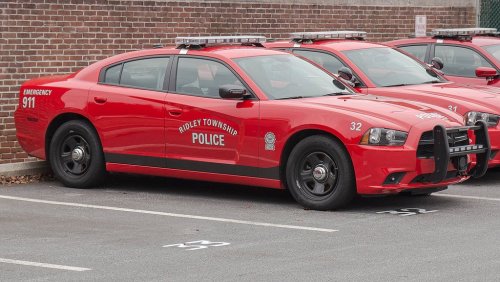 Looks like you're missing the POLICE on the hood, and the badge next to the door panel, same as the unit number, and emergency 911 on the rear side of it, the black strip on the bottom. Not only that but the Ridley township police is not even straight. Please man you're killing me. Just take some time, look up youtube videos on getting better, and practice till you can make a pretty decent texture.
- 14 comments
- 1 review
-
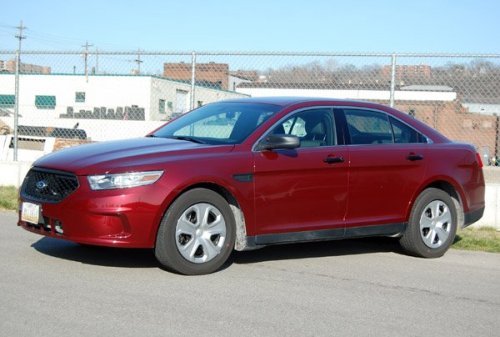 You're uploading textures that A) aren't very good and anyone could make, and B) that no one would put into their game. Instead of uploading everything to lspdfr right off the bat. Take some time to understand how to make a high quality texture. Youtube, google, even asking people. For all I know you could just be a troll, since you are the one who uploaded Gta 5 content to lspdfr.
- 14 comments
- 9 reviews
-
-
- 1
-
-
 Love it, been waiting for something new for awhile. Didn't expect it to be here when I came home from work :'). this is truly lovely pack. Can't wait for the updated lapd pack. Keep up the amazing work you beautiful human being <3
- 93 comments
- 28 reviews
-
-
- 1
-
-
-
 That...is.....beautiful... :')
 -
I remember this charger, forgot who made it. Except I looked through the downloads, and it looks like he removed it. But if anyone else has any idea here is a video of Jeff using it, so people can see more of it.https://www.youtube.com/watch?v=SkqiftTppaw&index=29&list=PLo5whi14bKmg8lq8CRB54PX-wxynacSDh
-
What happens to me is I install gta 5, start up via steam and it works, I create a new directory into my desktop and that's where my lspdfr, mods, ragehook go into. I start ragehook and then it tells me its starting the game via steam then crashes. Before it never did that so that's whats confusing me.
-
Is the problem that it's starting up through steam because when it worked I don't think that it was starting through steam? cab anyone help with this?
-
Whenever I try launching my game through rage hook it starts but then when launches the game it crashes right away. Is it because I'm launching the game via steam? I can start up my game perfectly without using ragehook. It use to work just fine a couple months ago.
-
All I need to know is how you get the game started not launching via steam?

.jpg.c933f539f50f31855381aea60cb87cdc.jpg)
