


CrazyCountryGuy
Members
-
Joined
-
Last visited
Everything posted by CrazyCountryGuy
-
-
-
-
ya there is tons i just got a pack yesterday with one
-
numlock makes it so you cant use Trainer but ELS only can be used when Keys are Disabled and in the INI file you can Change the Default to False that's what i did
-
-
-
-
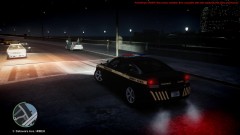
From the album: Random Pictures
-
-
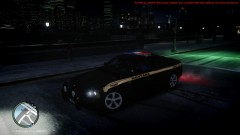
From the album: Random Pictures
-
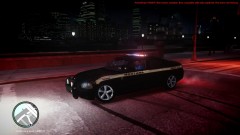
From the album: Random Pictures
-
From the album: Random Pictures
-
Ya but i have never made a texture before so its better than what i can do for now ;)
-
Ya, my parents are going there next weekend my step-dad use to live there, do u have any skins for Seattle or Spokane?
-
I LIVE IN SPOKANE!!


