mayes672c
Members
-
Joined
-
Last visited
Everything posted by mayes672c
-
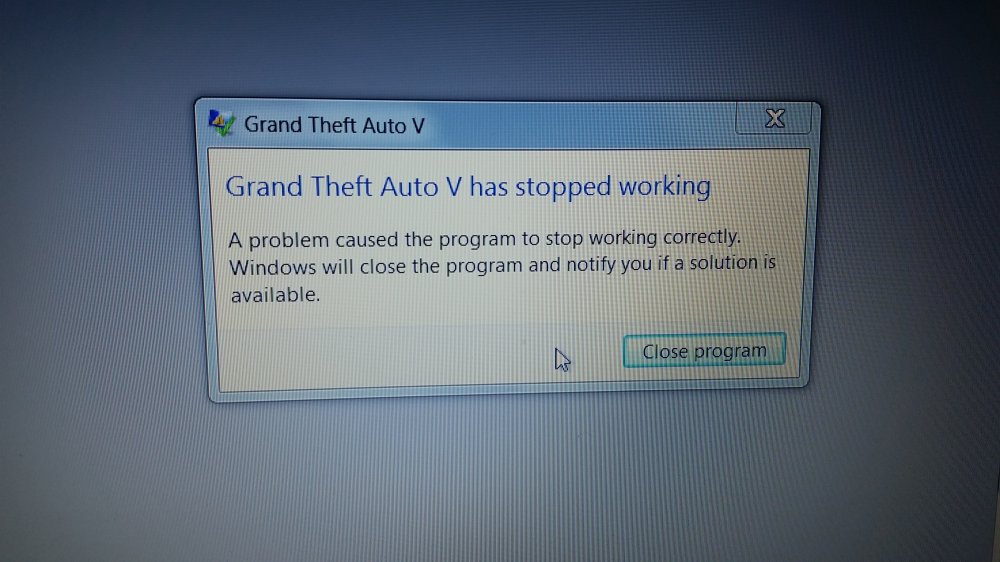
Not lcpdfr related? Yes it is bc if I delete all lcpdfr out all together... gta5 works fine... nothing is wrong with the gta5 program... something is not letting or what my pic shows is a program had stopped working when trying to run in rage lcpdfr mode
-
I get normal start up w rage hook plug in n says launching game... then it goes to normal start screen of the rock star logo n then black screen... then said gta 5 has stopped working n I have never been able to play the game since I got gta5 n the mods. Win 7 sp1 n have plenty of memory. But did try to play game without the update before n kept saying needs administrator needed so ran it as administrator n then rage says needs attention. So had to redownload the everything n let it update gta5 n then I'm back to square one... good start up but no game. Don't even get to the point where I can select story line screen.
-
Im a newbie and been seeing this game on youtube and wondering do i just download the game here or do i need GTA IV then add the MOD?