GlitchGamer
Members
-
Joined
-
Last visited
Everything posted by GlitchGamer
-
-
-
 Hopefully it will be.
 -
Look at the minimum specs for GTA V. Make the build there, then see how muchm more money you are willling to spend in it. I hear the 950 and up are good GPUs. AMD fx8350 is a good CPU. https://support.rockstargames.com/hc/en-us/articles/203428177-Grand-Theft-Auto-V-PC-System-Specs
-
-
I just threw it on there. I will make a better lighting system.
-
From the album: Nick's WIP
-
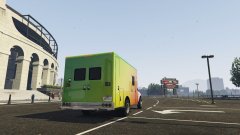
From the album: Nick's WIP
-
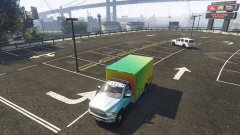
From the album: Nick's WIP
-
From the album: Nick's WIP
-
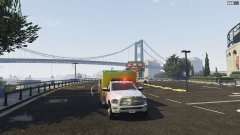
From the album: Nick's WIP
-
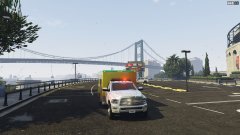
From the album: Nick's WIP
-
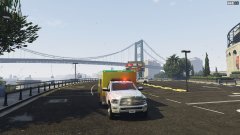
From the album: Nick's WIP
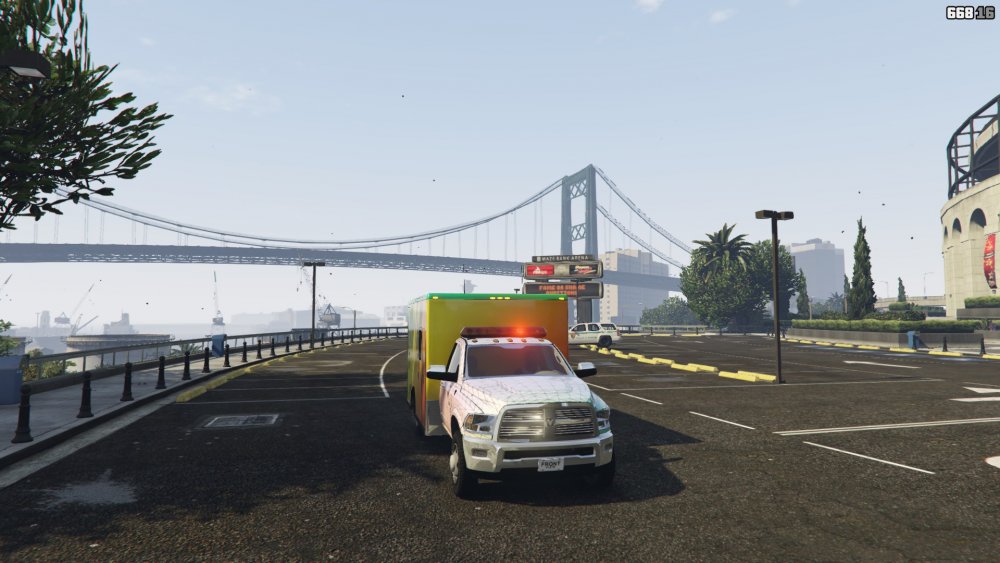
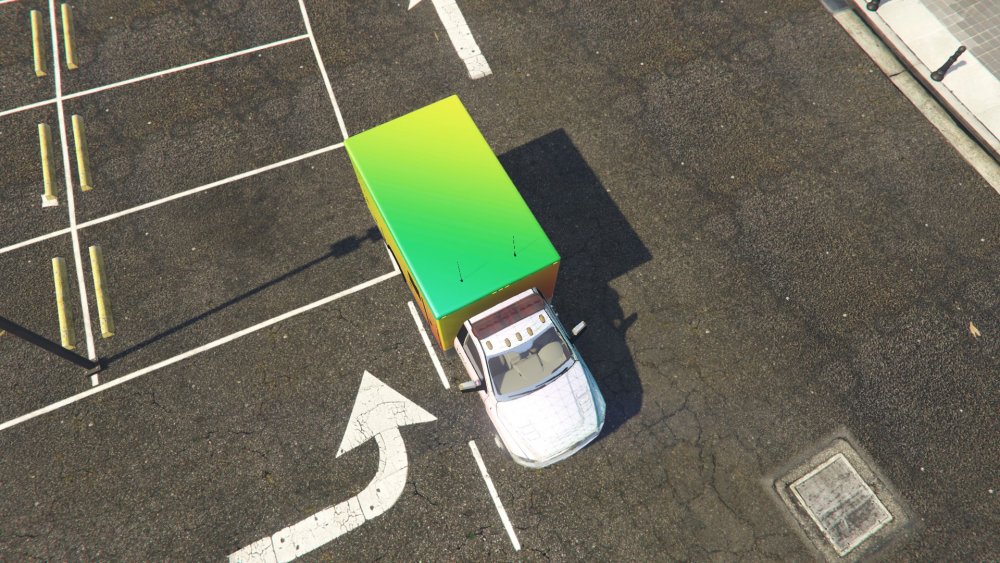
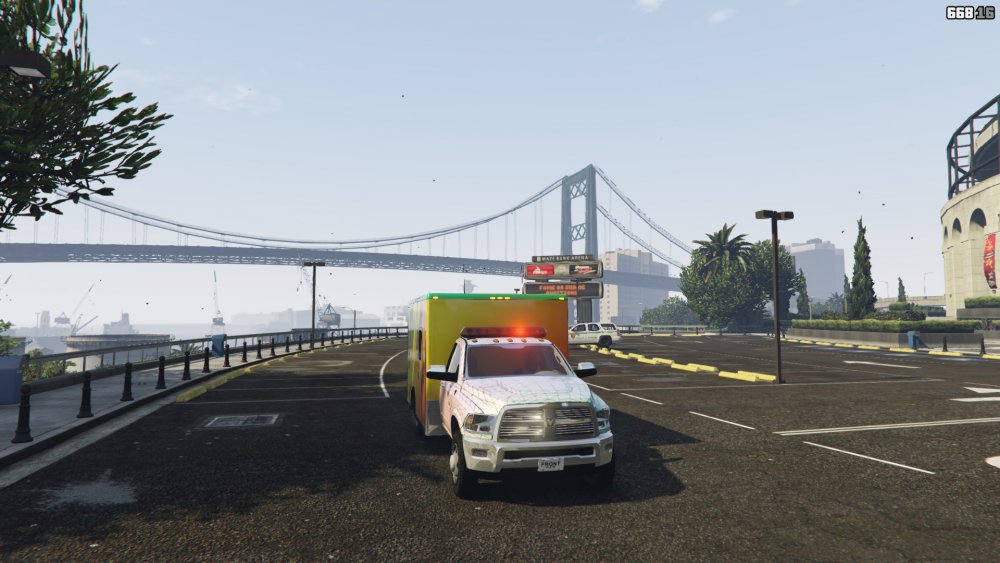
So this is happening -
So this is happening!
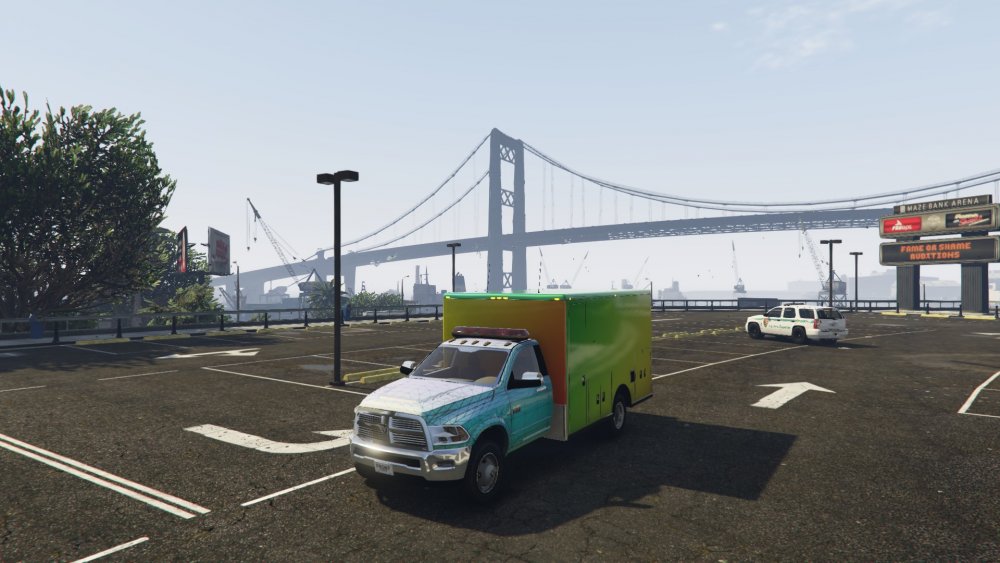
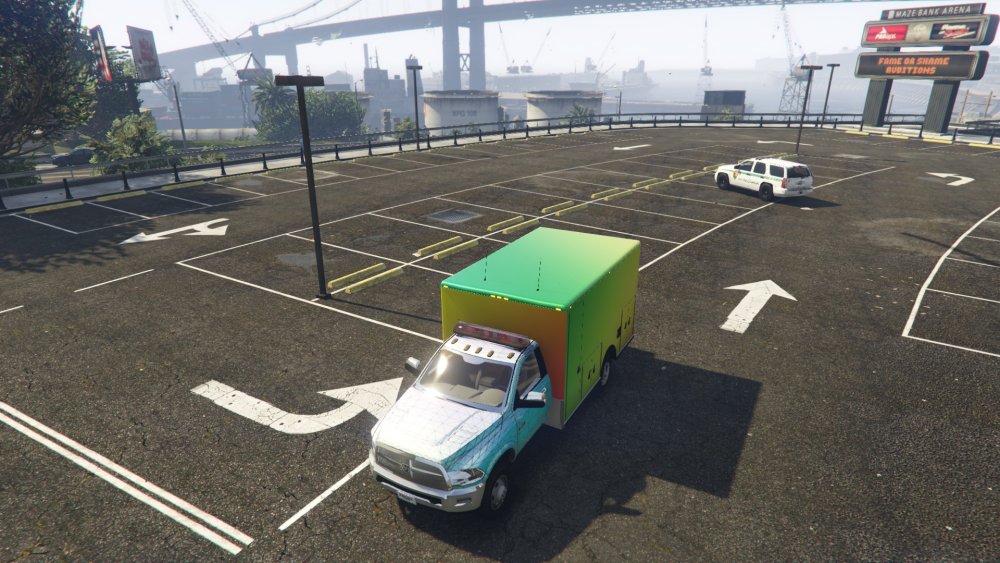
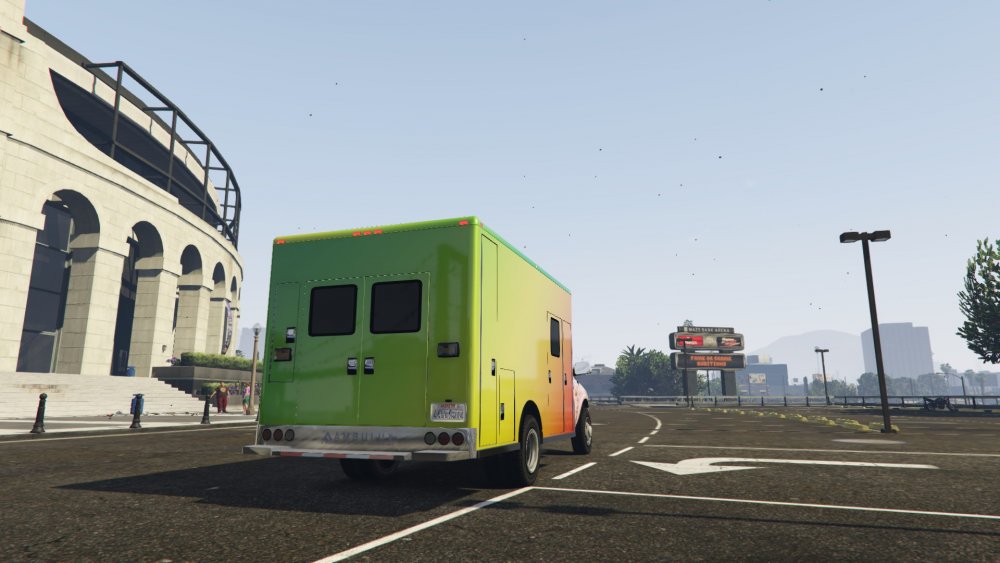
-
-
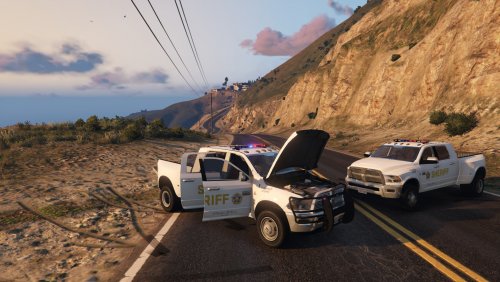 There is a vehicle meta for stock pre update vehicles. Remove the Ram from it, and place it in that one. Then the vehicle files in patchday8
- 54 comments
- 6 reviews
-
try and edit the normal vehicle meta in the update folder and try and place your files else where in patchday8
- 54 comments
- 6 reviews
-
-
-
-
-
-
-
V1 Released. Let me know what y'all think!
-
The Los Santos Sheriff Department presents the RAM 3500!!! Recently, the LSSD confiscated multiple Ram 3500s tied to drug and human trafficking. While the truck is totally unnecessary, we at the LSSD do not care! Packed with power, there is nowhere where scum can hide! So join our ranks as a LSSD Deputy and drive the Ram! MODEL IS EXCLUSIVE TO LCPDFR.COM, LINK TO MODEL WHEN UPLOADING .YTD FILES known bugs: Some collisions need to be redone and interior is still a WIP. Ram install location: Just click the import button and import the models and textures for the ram models in patchday4ng. Replace 3500_sign_# for textures. Grand Theft Auto V\mods\update\x64\dlcpacks\mpchristmas2\dlc.rpf\x64\levels\gta5\vehicles\xmas2vehicles.rpf PLEASE, IF A BUG IS ALREADY ANNOUNCED, DO NOT POST IN COMMENTS I ask only for helpful comments, suggestions, and reviews. I am in college, so please check forums and other comments to see if the problem has been fixed. Add the following to the carvariations.meta file located in Grand Theft Auto V\mods\update\x64\dlcpacks\mpchristmas2\dlc.rpf\common\data Add the following to the vehicle.meta file located in Grand Theft Auto V\mods\update\x64\dlcpacks\mpchristmas2\dlc.rpf\common\data\levels\gta5
- 54 comments
- 6 reviews
-
-

-

- 13
-