


GlitchGamer
Members
-
Joined
-
Last visited
Everything posted by GlitchGamer
-
It'll be a devmodel once it's completely done. It's completely GTA models spliced and combined, so I may make a proper one eventually but it's hard finding parts that don't have people not wanting to share.
-
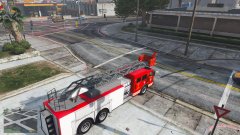
From the album: Nick's WIP
Ladder Truck by MTL coming soon to LS. http://www.lcpdfr.com/forums/topic/74973-glitchs-showroomwip/ -
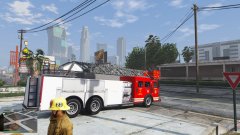
From the album: Nick's WIP
Ladder Truck by MTL coming soon to LS. http://www.lcpdfr.com/forums/topic/74973-glitchs-showroomwip/ -
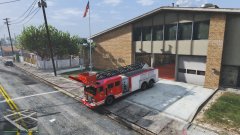
From the album: Nick's WIP
Ladder Truck by MTL coming soon to LS. http://www.lcpdfr.com/forums/topic/74973-glitchs-showroomwip/ -
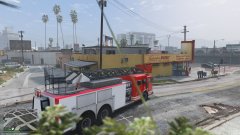
From the album: Nick's WIP
MTL Ladder truck, is coming to LS soon! Stay tuned for details! -
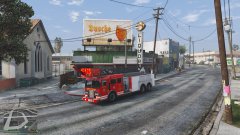
From the album: Nick's WIP
MTL Ladder truck, is coming to LS soon! Stay tuned for details! -
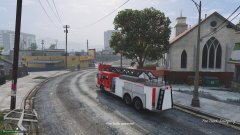
From the album: Nick's WIP
Ladder Truck by MTL coming soon to LS. http://www.lcpdfr.com/forums/topic/74973-glitchs-showroomwip/ -
An update, working hard.
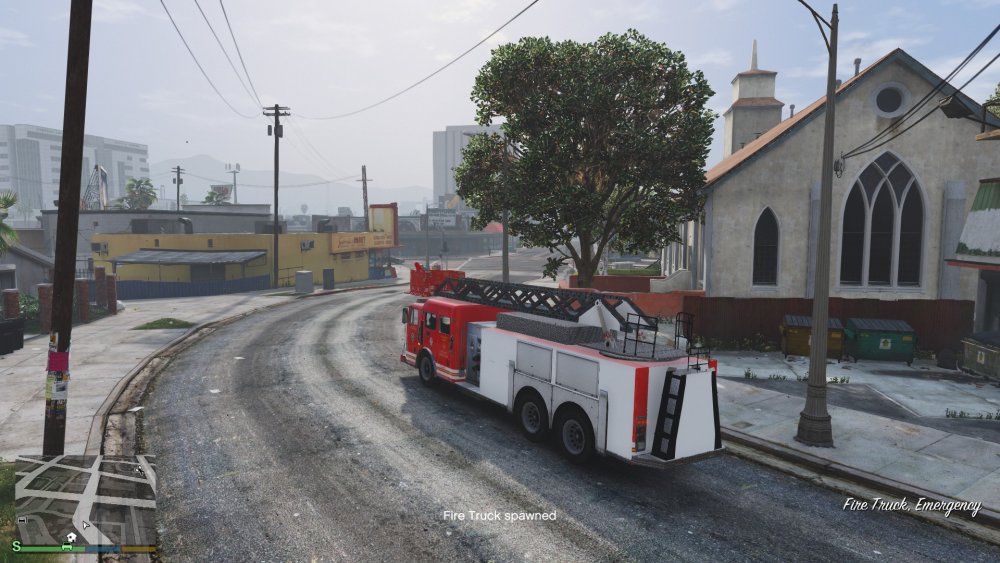
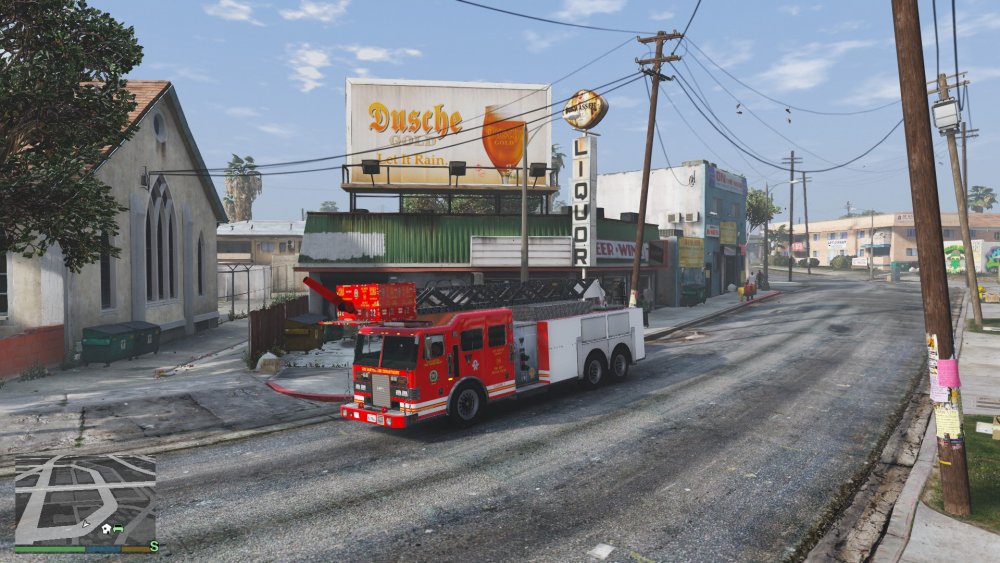
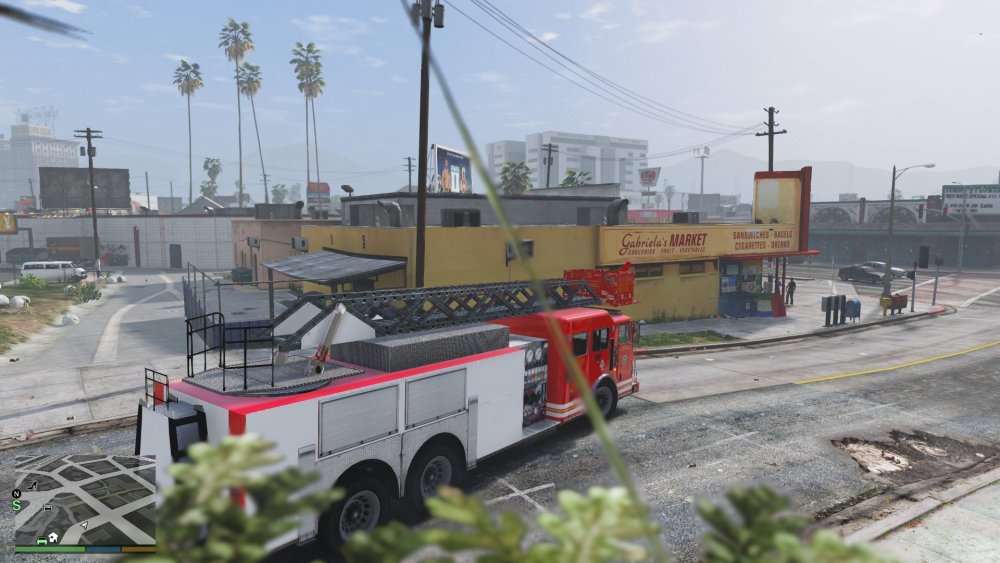
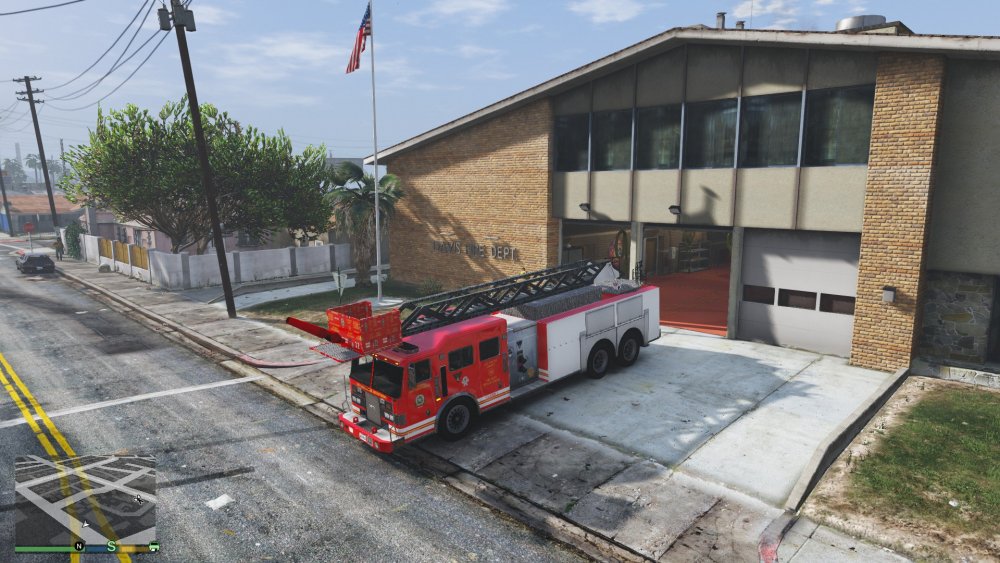
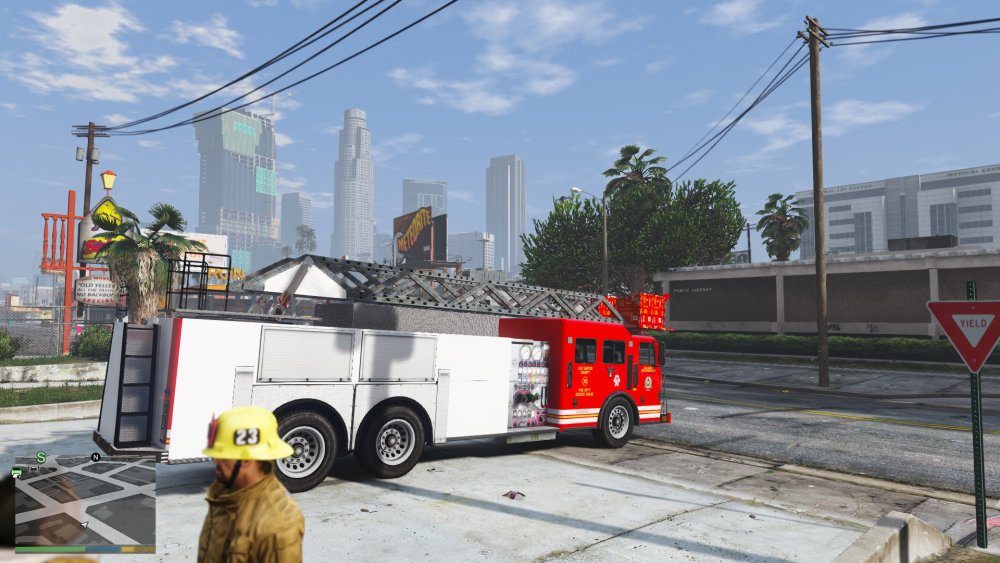
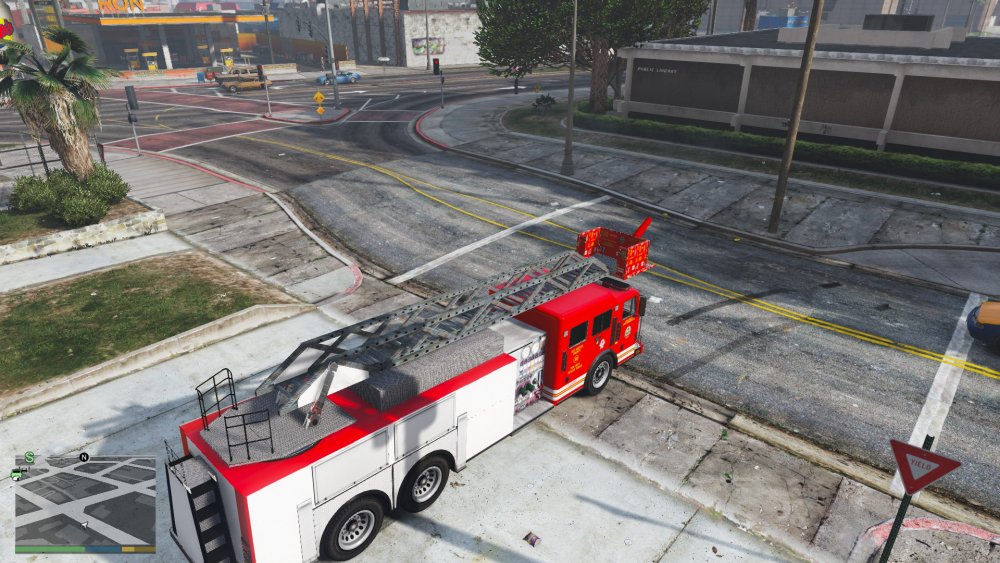
-
An update on what I am working on, very alpha right now, but all gta/custom parts.
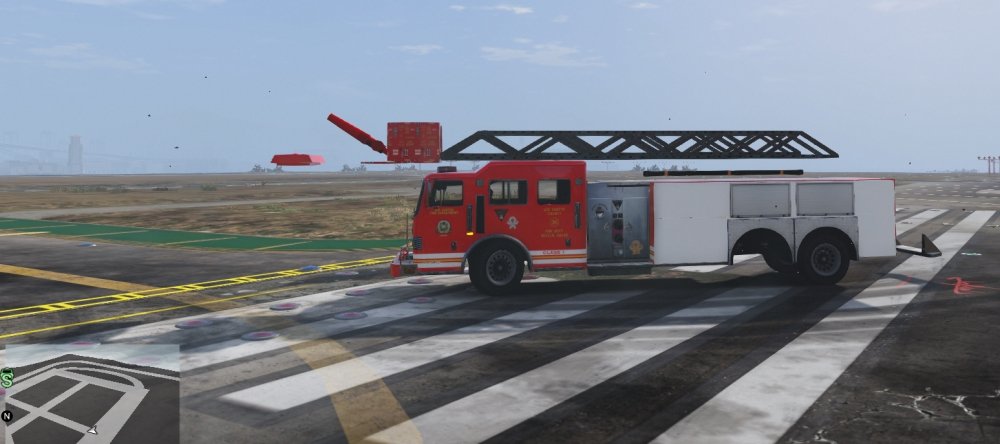
-
The tiller will come in due time, it has plenty of work for it. I'll update you when I'm ready to do so. And the ladder won't be just a ladder. Should be a functional one that extended if everything works out.
-
https://gyazo.com/6f9133e8ea44e888b6ab7bf88ce69d72 Guess what this project will be! https://gyazo.com/93f2e522deb8e09591864cdb3fdd5517
-
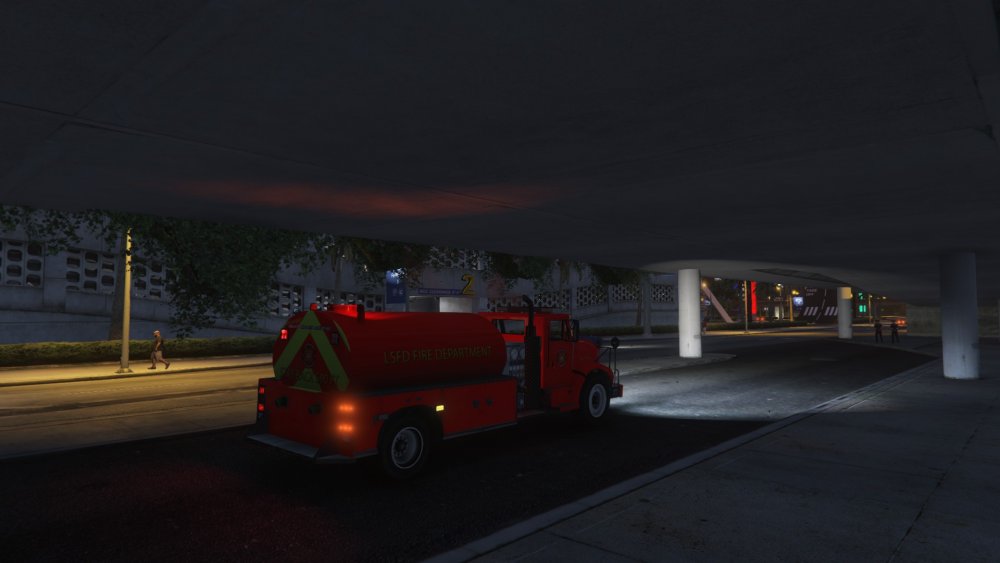
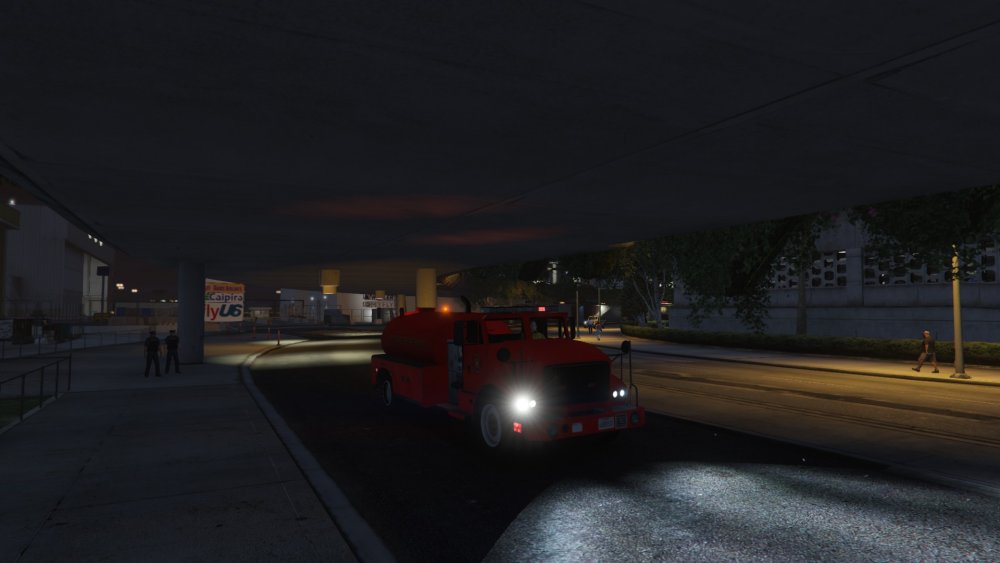
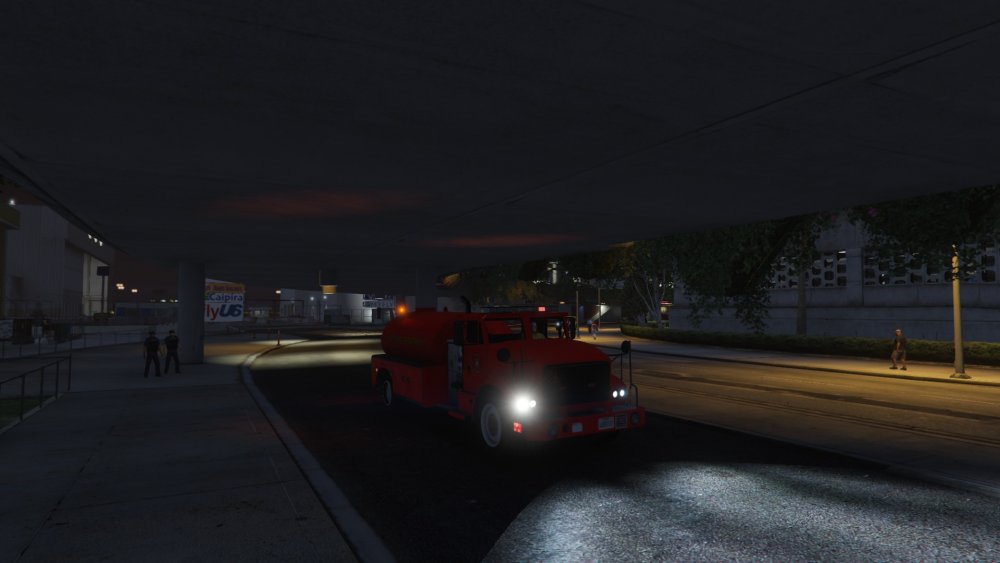
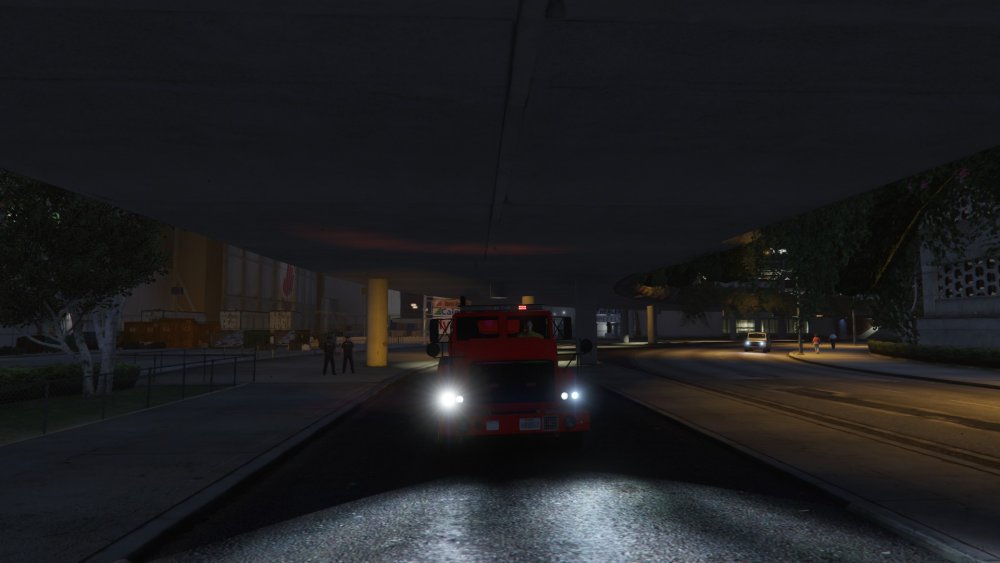
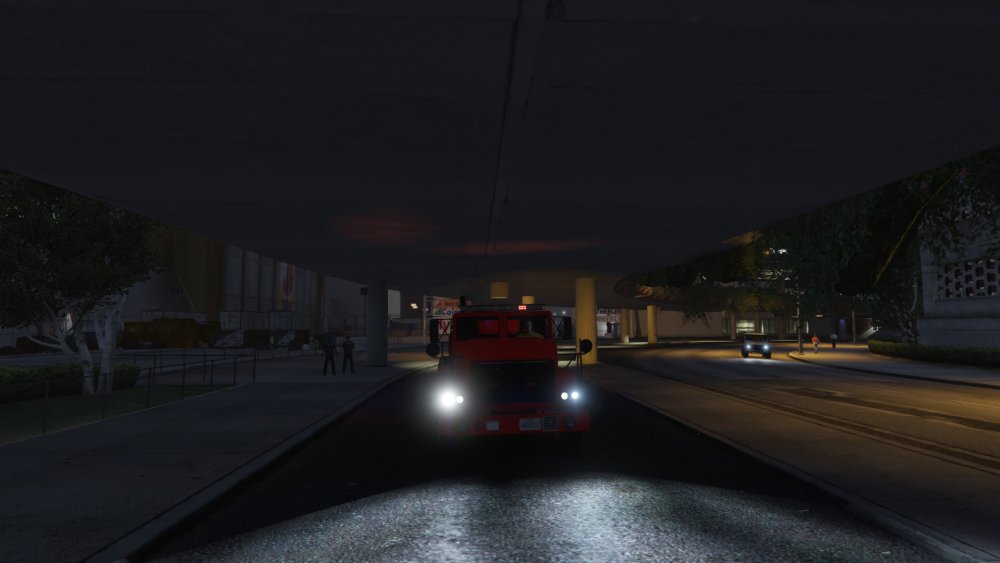
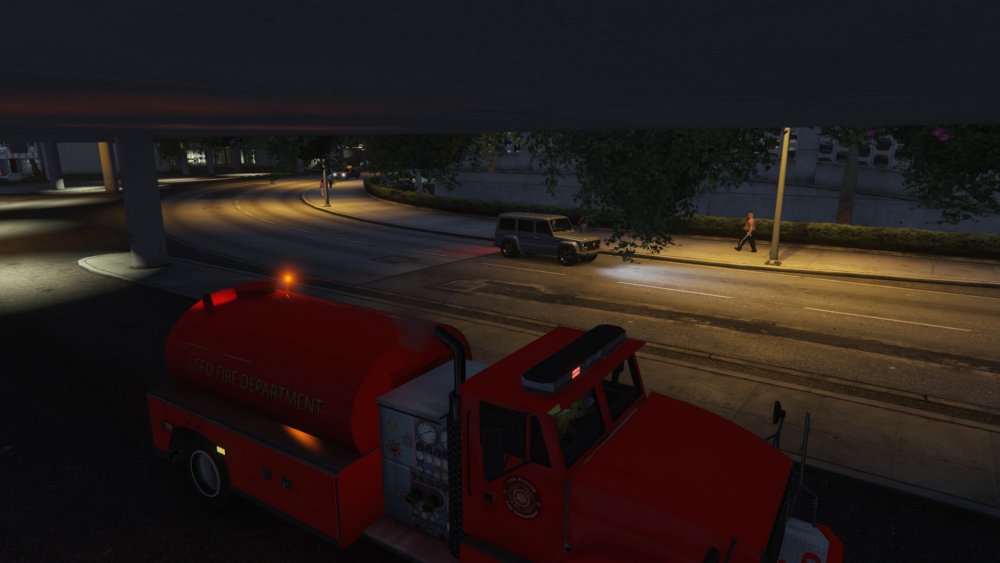
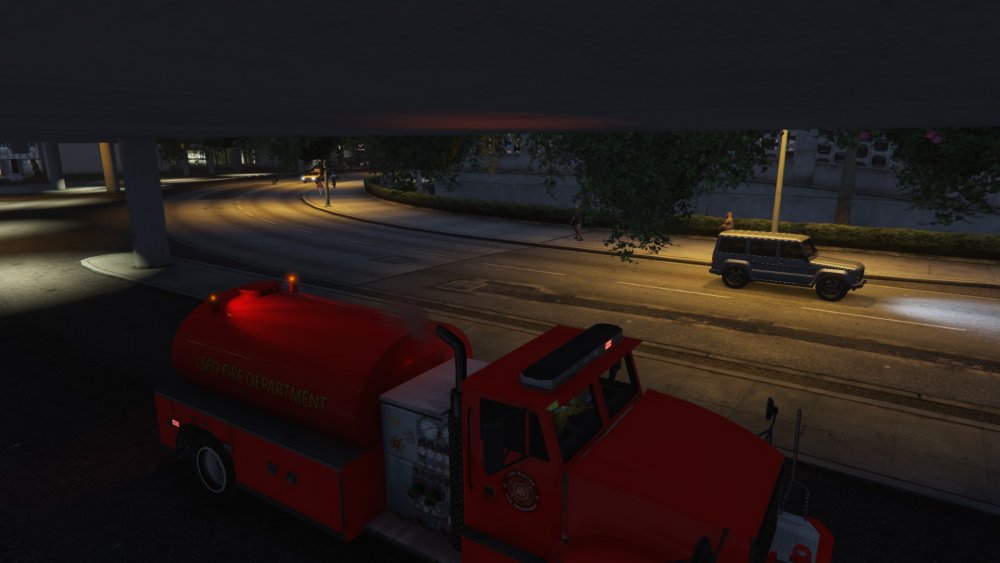
Added ELS lighting. I think I did decent for using all gta v parts and not knowing ELS. Vid should come soon.
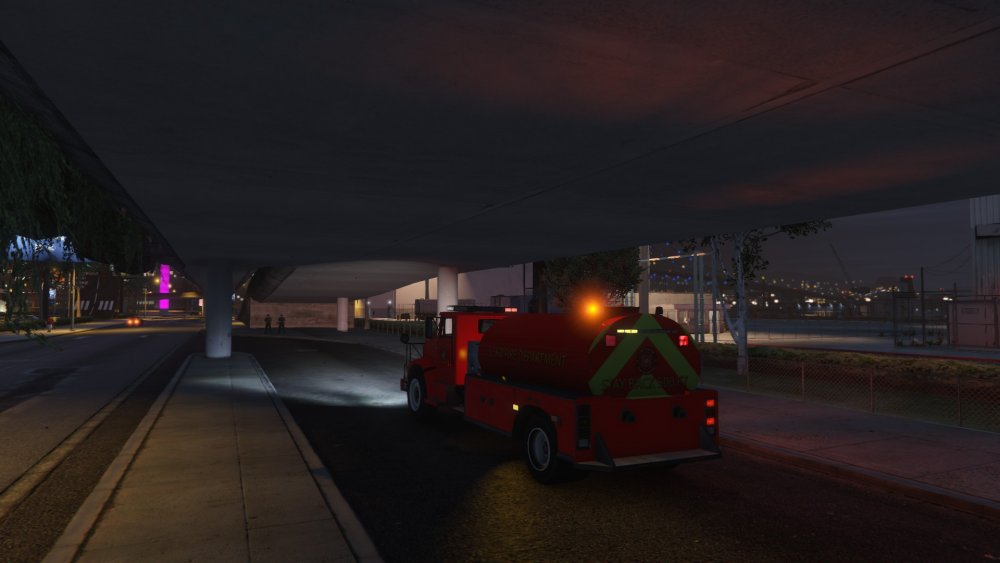
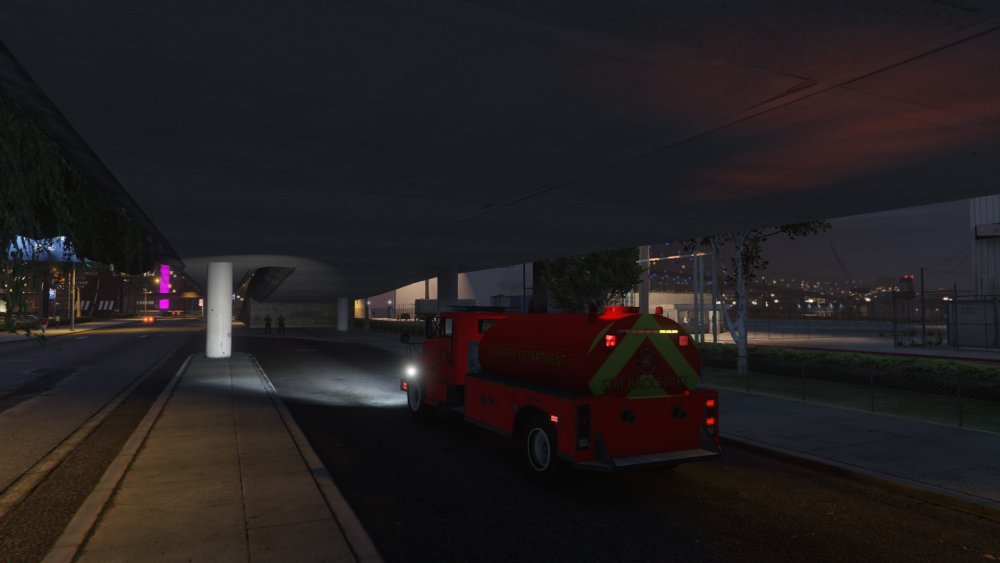
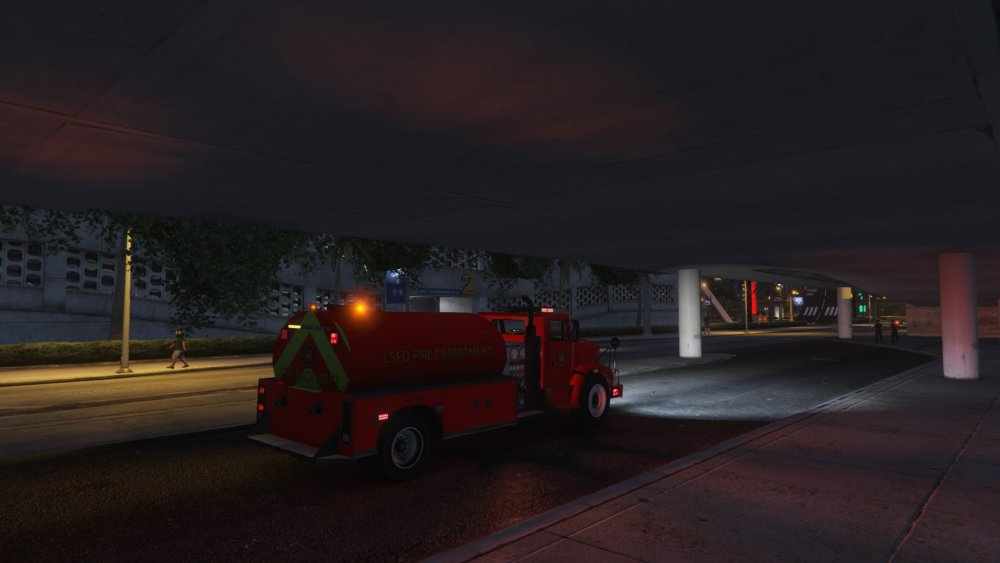
-
Totally did not connect 2 and 2 together, however thies is just a slap on-defualt texture. Cant make any promises lol Thanks! I am trying to get ELS on it, but with lore friendly lighting equipement
-
Yea been a long semester for me. And the tiller is good. Working with some people on coding before I release the tiller. I plan to make various fire vehicles that are lord friendly. Yes. I hate when vehicles disappear.
-
From the album: Nick's WIP
-
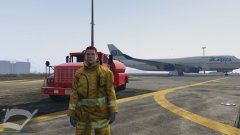
From the album: Nick's WIP
-
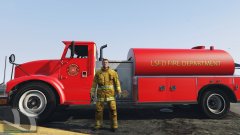
From the album: Nick's WIP
-
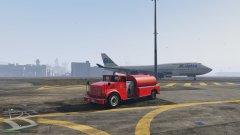
From the album: Nick's WIP
-
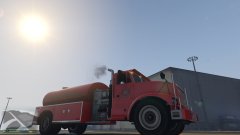
From the album: Nick's WIP
-
From the album: Nick's WIP
-
This is my fire truck tanker WIP. All stock GTA parts meshed together. Just getting back into modding after a LONG school year. Let me know what y'all think!
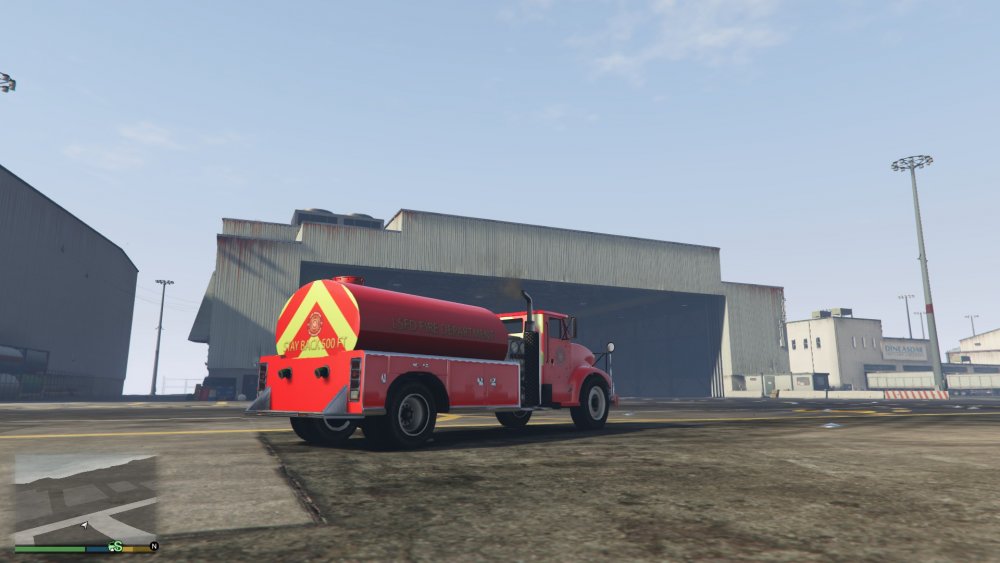
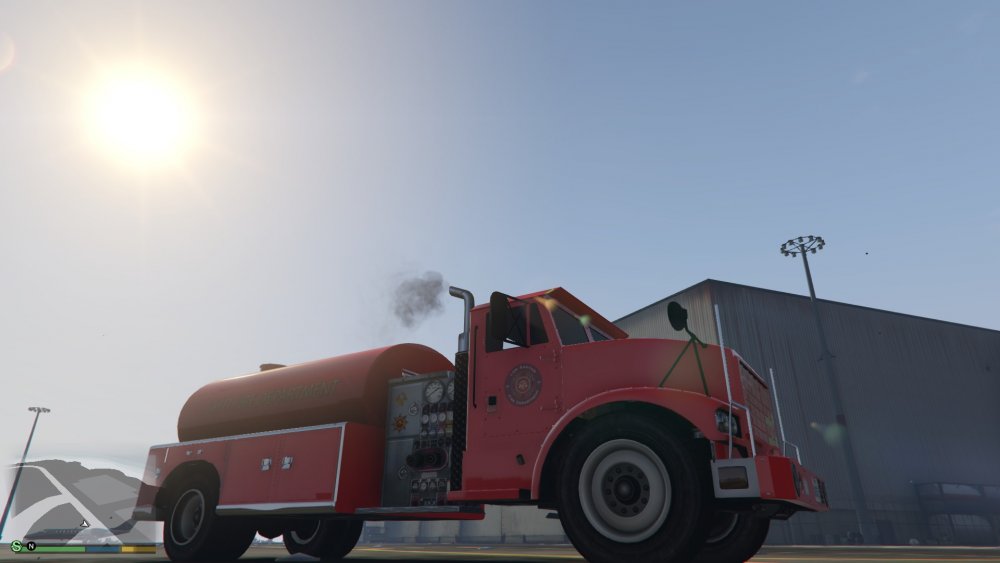
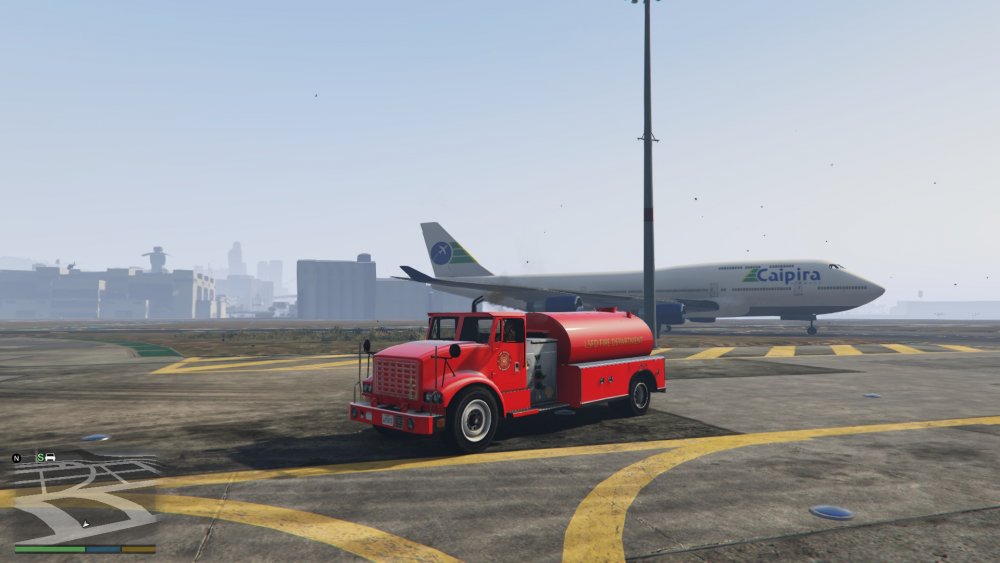
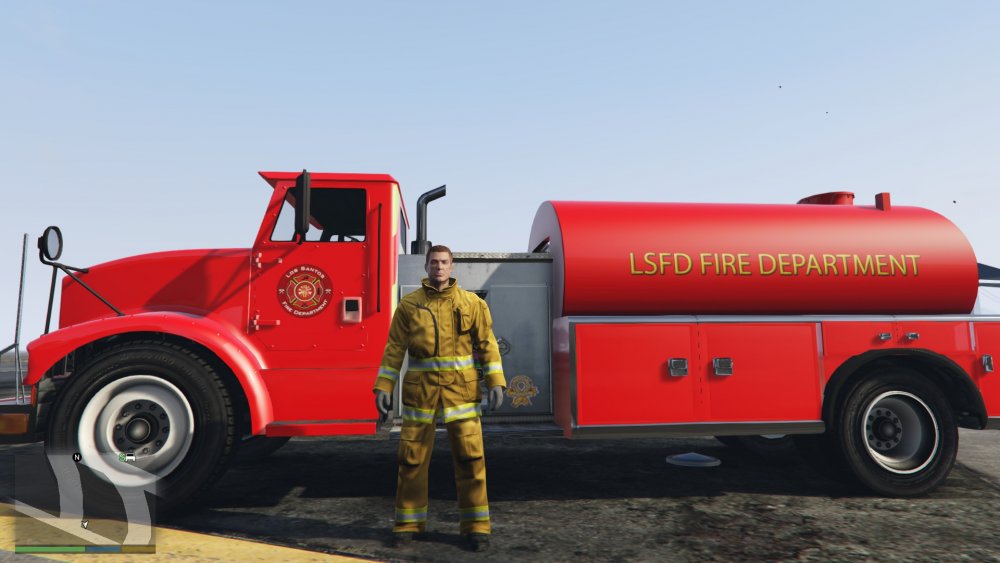
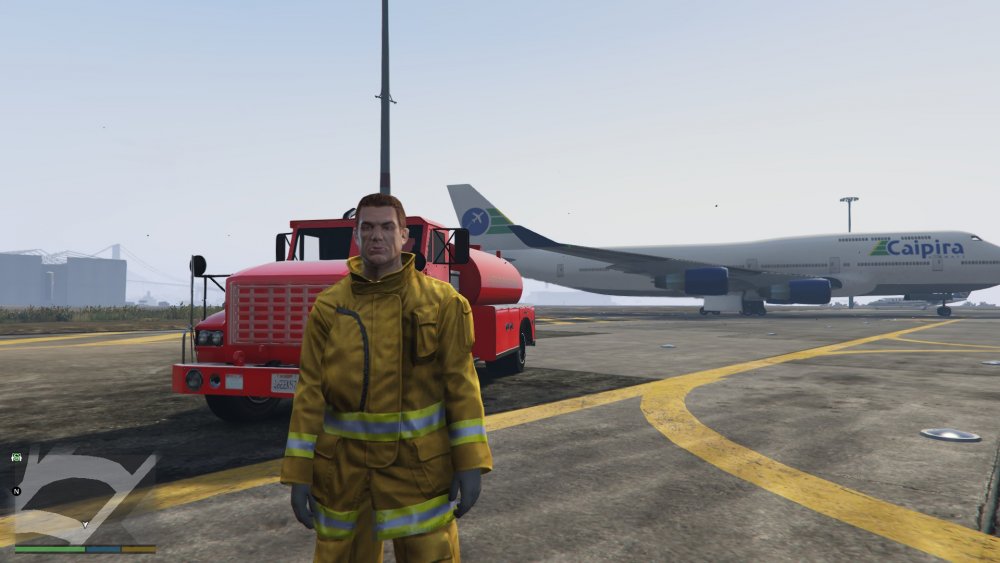
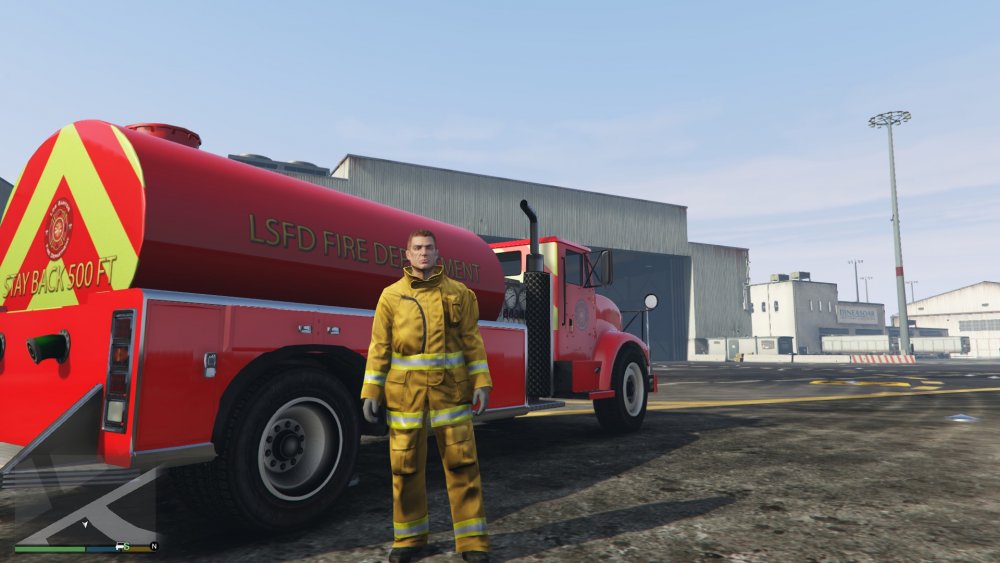
-
Seen is the same car (technically car 1, 2, and 3). They are seperate models BUT all the parts and sirens are the SAME. This settings give the ease of use to switch between all blue and all red and red and blue without having to hide coronas or make your own models. This makes it so you can download a charger that utilizes the ligthing provided and use one as a paramedic, one as a sheriff, and one as a SAHWP. http://imgur.com/a/zatjr These cars are utilizing different siren settings ie siren setting 15, 16, AND 17. This makes it easier to easily download and switch based on functionality and taste
-
 Cannot wait to see the talent you'll use!!!
 -
So I am working on a light setting all modders can use. To make the ease of pattern/color changes. Simple patterns are going to be in it for general vehicles with no-set specific style of pattern. It will have 3 siren settings. One all blue (with amber), one all red (with amber), and one blue and red (with amber). This will have a few light settings that can be used as TAs. I will try and make a quick model to showcase the patterns and work. I want this to simplify the need to not use coronas to get a person to download any car and use any light color. IE a charger with a liberty will use sirens 1-4 but depending on setting could be 1 2 3 4 OR 1 2 3 4 OR 1 2 3 4. This will ensure the lights will cast ambient lighting on the ground This would allow flexbility to use say a tahoe with same light set up as one all blue for a sheriff and one all red for a fire marshall. I will be working or trying to work alongside some other developers. What feedback do you have? These are the "current" light patterns 0= off 1= on siren# flash pattern for duration of BPM Direction (ignore color of red/blue) 1) 00001111 00001111 00001111 00001111 RED FRONT 2) 11110000 11110000 11110000 11110000 BLUE 3) 00110011 00110011 00110011 00110011 RED FRONT LIGHTBAR 4) 11001100 11001100 11001100 11001100 BLUE 5) 00000000 00000000 00000111 11110000 YLW REAR ADVISOR 6) 00000000 00000011 11111111 11110000 Y 7) 00000001 11111111 11111111 11110000 Y 8) 11111111 11111111 11111111 11110000 Y 9) 10101100110010101100110010101100 BLUE REAR 10) 01010011 00110101 00110011 01010011 RED 11) 10100000 10100000 10100000 10100000 RED REAR 12) 00001010 00001010 00001010 00001010 BLUE 13) 11110000 00000000 00000000 00001111 RED FRONT LIGHTBAR 14) 00001111 00000000 00000000 11110000 RED 15) 00000000 11110000 00001111 00000000 BLUE 16) 00000000 00001111 11110000 00000000 BLUE 17) 01100110 01100110 01100110 01100110 WHITE FRONT LIGHTBAR 18) 10011001 10011001 10011001 10011001 WHITE 19) 01100110 01100110 01100110 01100110 RED SIDE lEFT 20) 10011001 10011001 10011001 10011001 BLUE R
-
Will do. Thank you.




