


goolg22
Members
-
Joined
-
Last visited
Everything posted by goolg22
-
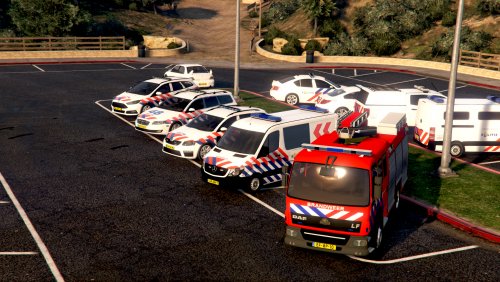 I'll be honest, I was never really interested in dutch policing in LSPDFR, but this pack convinced me to try it out. After playing for an hour or so and testing all of the vehicles and uniforms I have to say it's growing on me. Pretty soon I'll probably go back to my American themed LSPD, but this pack was an enjoyable change to the heavily American addons that are prevalent with LSPDFR. Overall a very welcome change. Happy to give 5 stars.
- 14 comments
- 6 reviews
-
-
I have to be honest, most 11-13 charger models out there I really dont like, but this one is positively sexy! Love the simple and clean looking lightbar aswell Amazing/10!
- 16 comments
- 3 reviews
