
snowman
Members
-
Joined
-
Last visited
Everything posted by snowman
-
Just downloaded the latest Scripthook from another website, seems like my files were damaged or couldn't work together with my mods. Problems are now fixed!
-
Ive tester what they said on message but still same problem . thx for the reply.
-
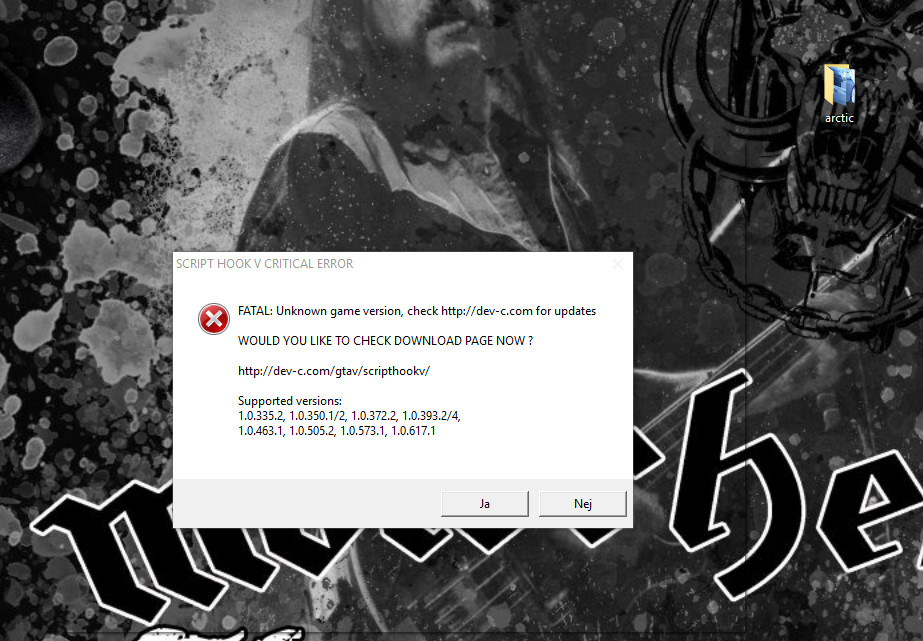
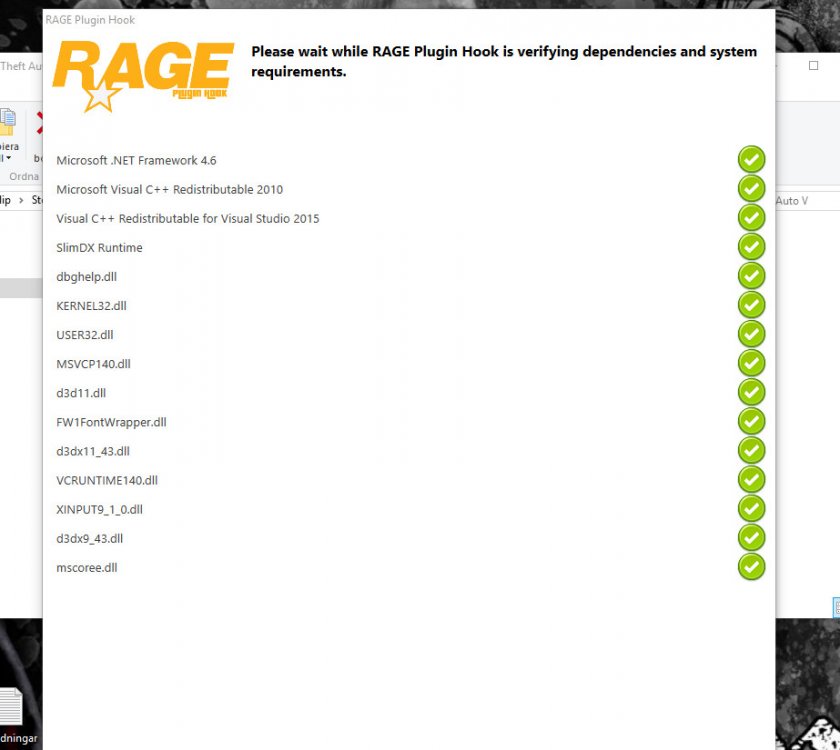
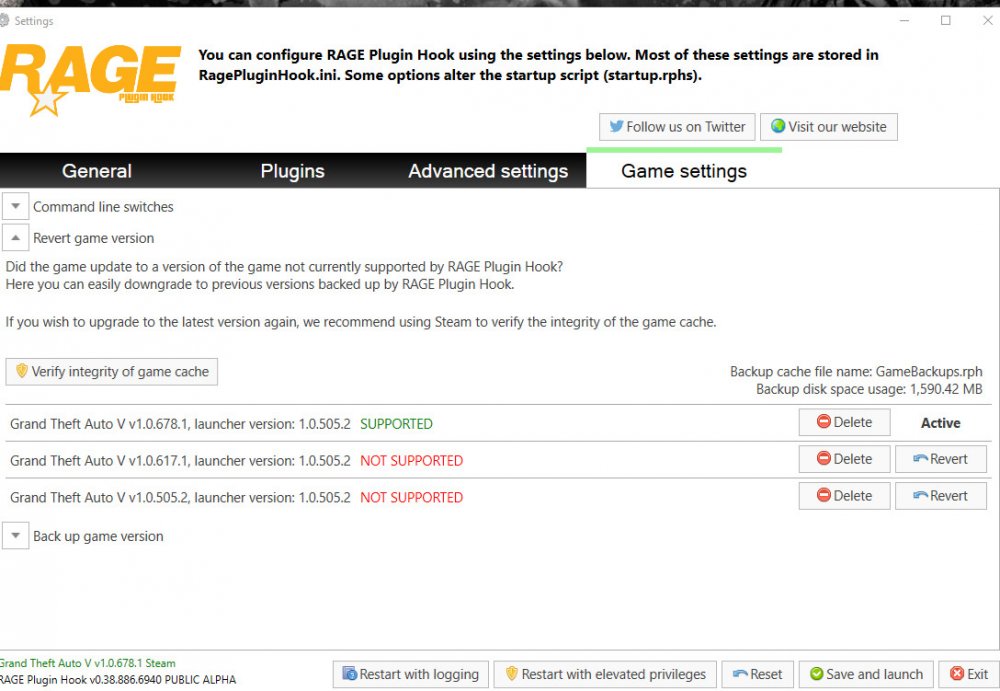
Hi guys! So... I had feeling for playing LSPDFR again, last startup was about 1 ½ month ago. When updated EVERYTHING, the RAGE plugin hook wont load at all, the logo appears on the screen "Launching Game" , but nothing happend! It is just like a freezed logo on the computer.. I have also tried to load the game without all the plugins and the few mods I had.. same thing. Rage plugin hook Version: Open Alpha 0,38 (latest) LSPDFR Version: 0,31 (latest) Script hook V Version: 1.0.6 (latest) Comp. Specs: Windows 10 PRO 64-bit Intel i7 6700k Skylake 2 x Evga Geforce GTX 980 TI AC+ SC+ 12GB 32GB 20133hz RAM