




TheRealNoodle
Members
-
Joined
-
Last visited
Everything posted by TheRealNoodle
-
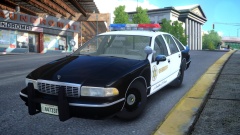 love it :)
 -
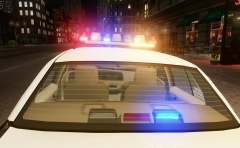 damn those brakelight surrounders look good :D
 -
make sure that you have "Move pivot only" and "Affect children" turned off like this
-
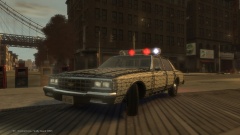 it won't be released because Compeast already made one :/
 -
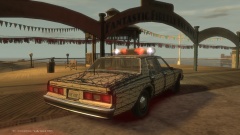 I know I still need to do all the textures
 -
-
-
-
should be fixed now
-
oops :/
-
6 min of pure joy :)
-
From the album: W.I.P
This won't be released because Compeast already made one -
From the album: W.I.P
This won't be released because Compeast already made one -
-
-
-
I don't think it would take 3 hours to make that skin, I mean common if you seriously worked 2 hours on that skin then I have bad news for you...
-
np :)
-
nice vids :)
-
agreed :)
-
-
I can help you but its kinda hard to explain here, you have skype?
-
I like all of them...
-
lol this is so me playing lcpdfr XD
-


