



JJ9856
Members
-
Joined
-
Last visited
Everything posted by JJ9856
-
 Oh, I understand. I'm using RadianceV and VisualV
 -
Thanks! I didn't do anything, that's exactly how it came out in Rockstar Editor.
-
Thanks man, I'm having a lot of fun making these. I'm excited for the Chargers too! Gunna have to make some duo shots.
-
-
None that I can recall. I'm excited for these new units!
-
-
-
-
-
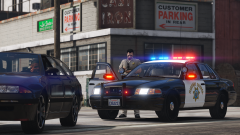 Sentinel55 is the creator, my good man.
 -
From the album: CHP CVPI
-
-
-
-
-
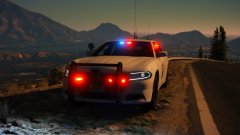 ...and it's got the red spotlight! 🙌 too hyped
 -
No worries, glad I could contribute. It's all in the details, down to the whip clip and mic battery packs! I'll be going through the hiring process and the academy hopefully this summer, I'll try to get you any details you need haha
-
Man I can't wait for the new Charger! Never got to ride in one yet but our local office started bringing theirs in and they look amazing. I need to see this as a Polar Bear!
-
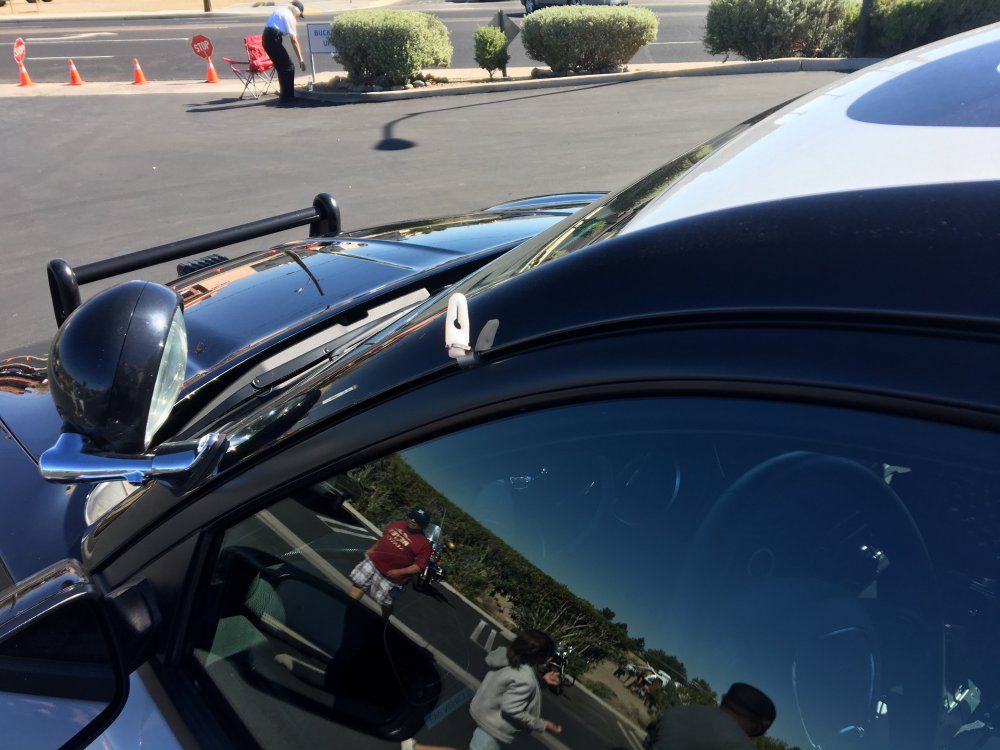
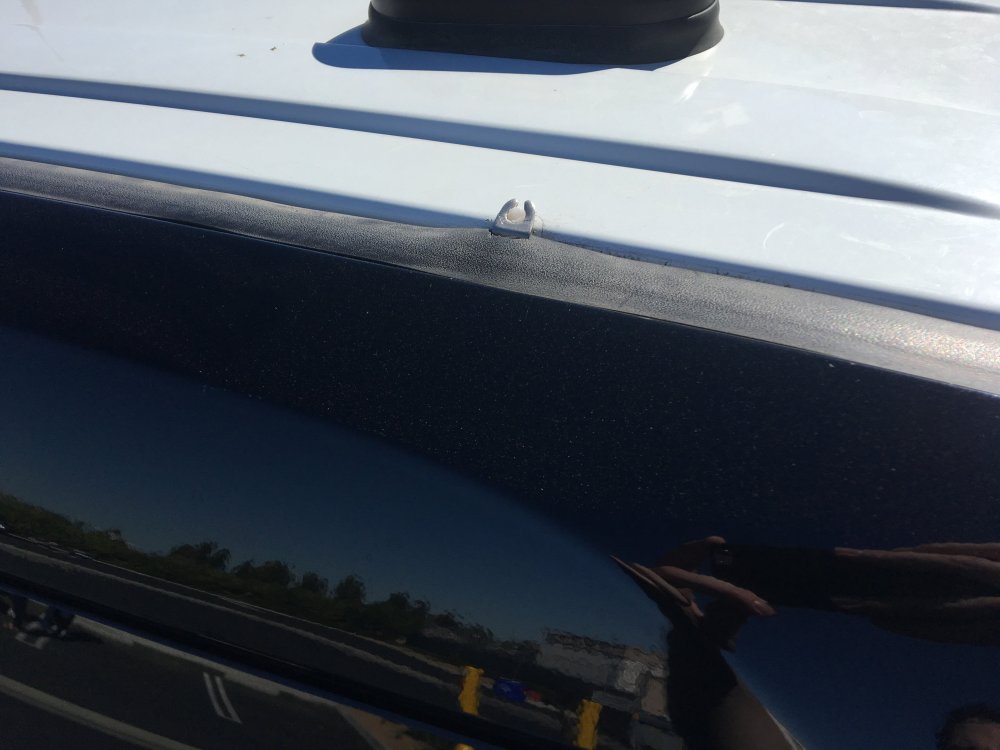
It's been a while so I guess this will be for information sake but our local office had an open house today and I got pictures of the tabs for the Explorers and Chargers.
-
I'd say it's safe to assume it's just a hook and the antenna gets caught under it to stay held down, just reach up and take it off the hook. I don't think they'd stop at every low clearance area to bend it down and get out to release it again, just when they park their vehicles because it could bend the antenna for extended periods of time.
-
No problem! I only remember him checking his firearms in the gun rack then he stepped out and I heard the loud bang as he released the antenna but I'm sure it was on the drivers side. At least in my area in the desert a lot have the large antenna but not a lot of metro areas seem to have them as I see through google images because I've seen some monster antennas from a few K-9 CVPIs we have out here. The only thing I can speculate is the little white tab on the roof drivers side, I think that's what they hook it on. You can kind of make it out in your first picture, but here's one from somebodies Flickr. I love your model!
-
I went on a ride along with the CHP last year and they had the antenna held down because they (at least in the two offices I had rode with) park their vehicles under covered parking spots. The officer I went with told me "If you hear a metal bang it's the antenna." I'm not sure there's a fancy reason other than to protect it under lower clearances.




