JohnnyWalker
Members
-
Joined
-
Last visited
Everything posted by JohnnyWalker
-
-
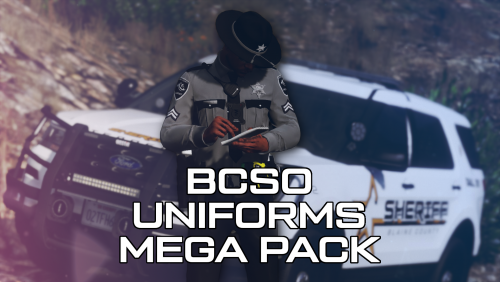 Amazing pack man, any chance of you releasing a Los Santos County Sheriff version?
- 63 comments
- 8 reviews
-
-
Or is it the same procedure, like I'd install a vehicle?
-
Hello guys! I'm familiar with vehicle modding, but I'm clueless about modding weapons.... If anyone could tell me/show me how it's done, I'd be grateful! Thanks in advance.
-
Uninstalled Avast, restarted the PC twice, still get the same issue...
-
I'll get rid of it, then give you a sitrep later. Which AV do you recommend then?
-
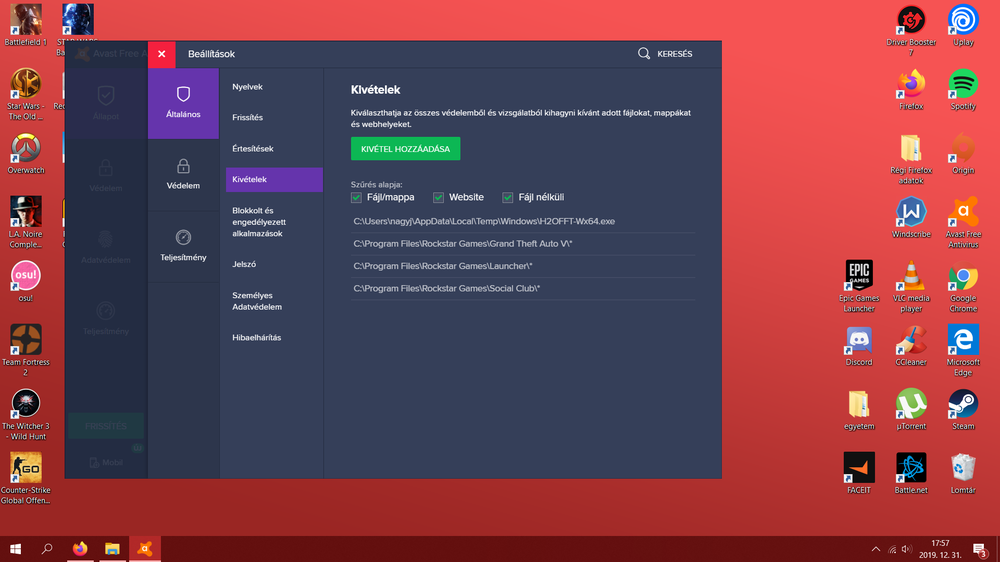
Sure, here it is
-
Yes I did, as I said before
-
C:\Program Files\Rockstar Games\Grand Theft Auto V
-
Hello! As soon as I launch RAGE, and it starts hooking up LSPDFR, the game crashes. I only have LSPDFR installed, and nothing else. Most of the time I get this error message: ERROR: Could not hook game process. Insufficient permissions or bad anti-virus. Also tried adding the GTAV folder to exceptions in my AV, to no avail. RagePluginHookLauncher.log