
Blazee6k
Members
-
Joined
-
Last visited
Everything posted by Blazee6k
-
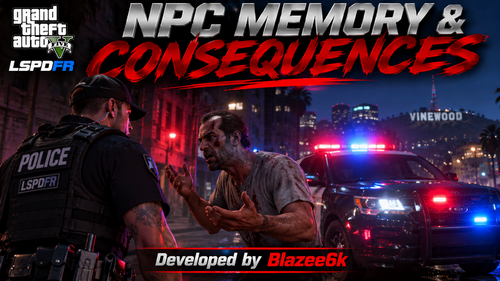 Current FeaturesPhysical assault memory Police baton recognition Gunshot memory Firearm type recognition Body-part injury awareness Vehicle collision memory Dynamic emotional reactions Real-time AI conversation updates Automatic activation when going on duty Every encounter has the potential to be different. Civilians may become aggressive, scared, nervous, defiant or panicked depending on your actions. RequirementsGrand Theft Auto V Legacy RAGE Plugin Hook LSPDFR DoubleHook NPCAI (tested with 3.1.2.0) Damage Tracking Framework (tested with 2.0.2) InstallationExtract the downloaded archive. Place NPCMemory.dll inside your GTA V/Plugins/LSPDFR folder. Launch GTA V through RAGE Plugin Hook. Go on duty and enjoy! Planned FeaturesCivilian witness memory Weapon intimidation awareness Long-term encounter memory Personal grudges and distrust Civilian misconduct complaints DisclaimerThis is an early public release. Bugs may occur, and compatibility with other plugin versions has not been extensively tested. This is an independent expansion and is not officially affiliated with DoubleHook or the LSPDFR development team. Developed by Blazee6k Make every encounter matter