Skip to content
View in the app

A better way to browse. Learn more.

LCPDFR.com

A full-screen app on your home screen with push notifications, badges and more.

To install this app on iOS and iPadOS
  1. Tap the Share icon in Safari
  2. Scroll the menu and tap Add to Home Screen.
  3. Tap Add in the top-right corner.
To install this app on Android
  1. Tap the 3-dot menu (⋮) in the top-right corner of the browser.
  2. Tap Add to Home screen or Install app.
  3. Confirm by tapping Install.
We're performing changes on the site and things may be unstable. We'll remove this notice when we're done. Thanks for your patience.

WhyTrigger

Members

Everything posted by WhyTrigger

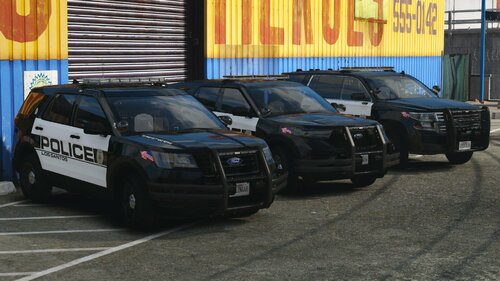
  1. the only one i got to work was Police1 i cant get the other to work Edit which is weird because all the yft's and stuff show the modded models and stuff
  2. i have the radar map working but my mini map is not how do i get the mini map working? if you know
  3. what is the .JSON File Overhaul LA And is there a mod that adds a mini map that goes along with This?

Account

Navigation

Search

Search

Configure browser push notifications

Chrome (Android)
  1. Tap the lock icon next to the address bar.
  2. Tap Permissions → Notifications.
  3. Adjust your preference.
Chrome (Desktop)
  1. Click the padlock icon in the address bar.
  2. Select Site settings.
  3. Find Notifications and adjust your preference.