Skip to content
View in the app

A better way to browse. Learn more.

LCPDFR.com

A full-screen app on your home screen with push notifications, badges and more.

To install this app on iOS and iPadOS
  1. Tap the Share icon in Safari
  2. Scroll the menu and tap Add to Home Screen.
  3. Tap Add in the top-right corner.
To install this app on Android
  1. Tap the 3-dot menu (⋮) in the top-right corner of the browser.
  2. Tap Add to Home screen or Install app.
  3. Confirm by tapping Install.

CR Development

Members
  • Joined

  • Last visited

About Me

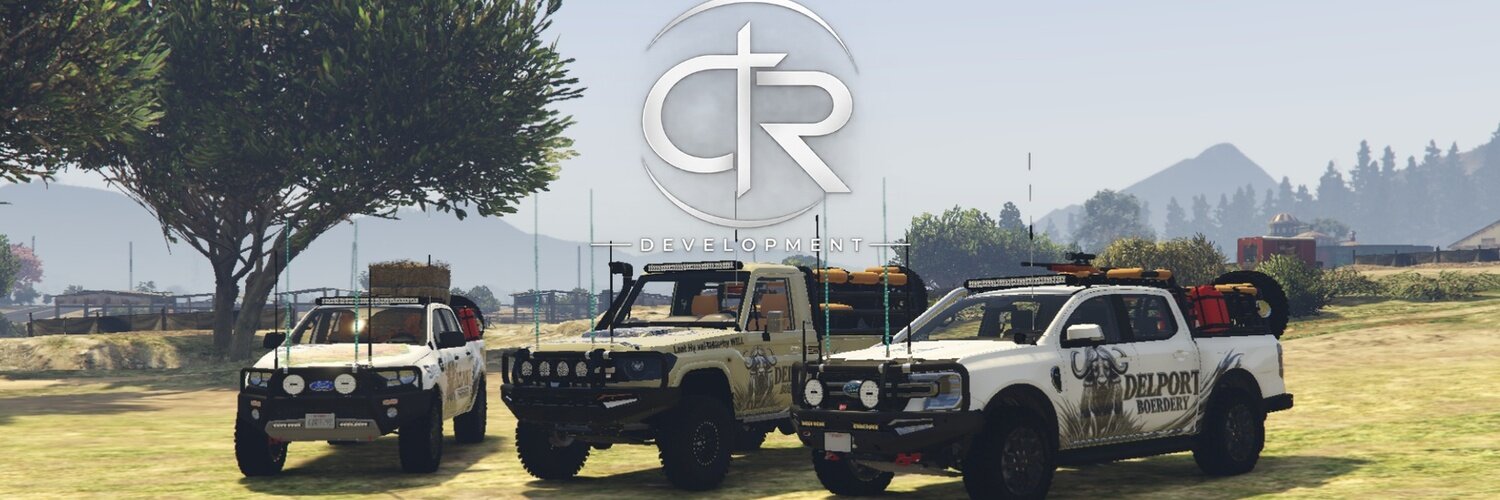
CR Development is Ran by 1 In House Developer standing on 2.5 Years of Fivem Developing experience CR Development has not yet grown bug enough to be known or seen in the FiveM SA Community but we might have plans for the future We mainly Focus on FiveM Scripts and Custom FiveM Vehicles.

Please note that all my scripts and Vehicles free or paid will be found on my Tebex store which will be listed in each post's description and will all be escrowed a Guide for SP use will also be listed in all my posts.

Partners:
Blue Line Designs

Could contain: text, font, logo, symbol, graphics, graphic design, trademark, brand, design, typography

Account

Navigation

Search

Search

Configure browser push notifications

Chrome (Android)
  1. Tap the lock icon next to the address bar.
  2. Tap Permissions → Notifications.
  3. Adjust your preference.
Chrome (Desktop)
  1. Click the padlock icon in the address bar.
  2. Select Site settings.
  3. Find Notifications and adjust your preference.