


leady55
Members
-
Joined
-
Last visited
Everything posted by leady55
-
Love it. I live in Decatur. Looks damn good. Seen these cars behind me too many times visiting family in Taylorville
- 3 comments
- 1 review
-
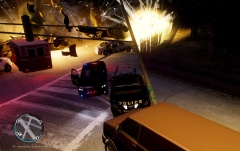
From the album: A Day in GTA IV
Really only one way to clean all this nonsense up. -
If You could describe GTA IV to someone who has not played the game in pictures.
-
-
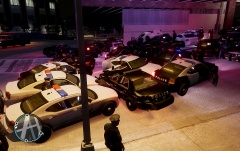
From the album: A Day in GTA IV
I'd already repaired my car twice due to the heavy smoke from being constantly rammed by the 15+ backup officers. Pretty much totaled it a 3rd time. -
-
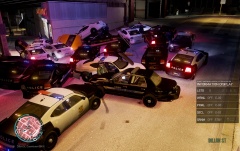
From the album: A Day in GTA IV
While in a pursuit that crossed jurisdictions suddenly found myself if more backup than was really necessary. -
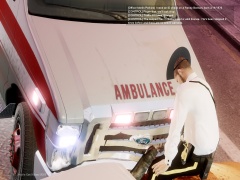
From the album: A Day in GTA IV
When EMS is more dangerous than the traffic stop -
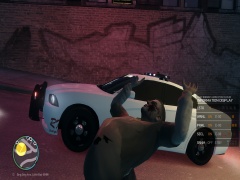
From the album: A Day in GTA IV
Raise the roof! -
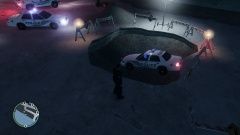
From the album: A Day in GTA IV
Uh... Yeah Sgt... Its in a hole.... -
-
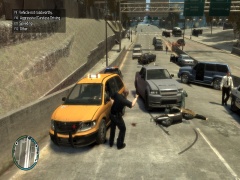
From the album: A Day in GTA IV
I don't even. -


