


xulo
Members
-
Joined
-
Last visited
Everything posted by xulo
-
-
 can you explain your issue more in depth? I can try and help you fix it. try dragging the oac into the rpf folder
 -
It is, drag the "vehicles.awc" file into the resident.rpf folder. You can find the awc file in the folder that says "AWC FILE". The instructions on how to install are at the top in the description of the siren.
-
They are expensive and I don't have the money lol
-
i just posted the demo link in the description, here it is also if you wanna click it from here, https://youtu.be/z0Y2vodmkBo
-
currently waiting on approval for an update that gets rids of all the clipping and distortion and makes the siren sound way cleaner!
-
Sorry i do not but i could post a private link on my youtube channel, i will do that tonight or tomorrow
-
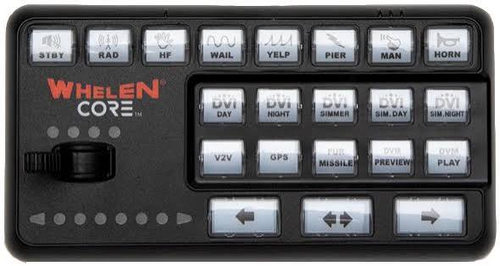
Whelen Core siren, 5 siren stages and dual setting. Drag and drop the AWC file into GTAV/mods/x64/audio/sfx/RESIDENT.rpf Link to the demo: https://youtu.be/z0Y2vodmkBo
