


4RNI
Members
-
Joined
-
Last visited
Everything posted by 4RNI
-
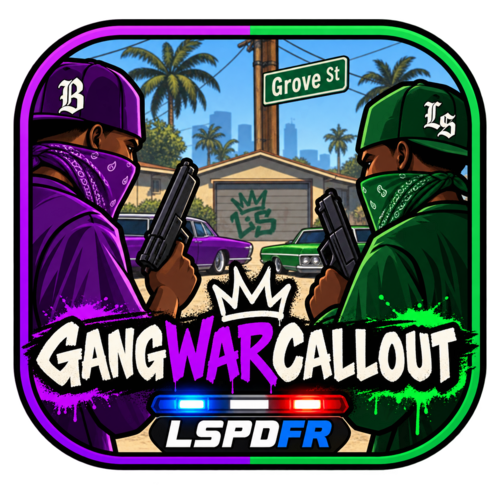 Gang War on Grove Street A dynamic and chaotic callout for LSPDFR that plunges you into a massive turf war between the Families and the Ballas right in the heart of Grove Street. Features: 💥 Dynamic Shootout: A heavy gang war with motorized reinforcements arriving for both sides as the battle progresses. 🚀 RPG Threat: Watch out! The Ballas will eventually call in a dangerous heavy unit equipped with an RPG. 🚓 Police Support: Tactical AI police backup arrives on the scene to assist you during the firefight. 🏃♂️ Immersive AI Cleanup: After the area is secured, surviving officers will dynamically regroup, hop into working cruisers, or call in a Police Riot transport if their vehicles were destroyed. 🧹 Clean System: No civilian traffic chaos during the fight, and full automatic scene cleanup once you leave the area. Requirements: - LSPDFR - Rage Plugin Hook Enjoy!
