Skip to content
View in the app

A better way to browse. Learn more.

LCPDFR.com

A full-screen app on your home screen with push notifications, badges and more.

To install this app on iOS and iPadOS
  1. Tap the Share icon in Safari
  2. Scroll the menu and tap Add to Home Screen.
  3. Tap Add in the top-right corner.
To install this app on Android
  1. Tap the 3-dot menu (⋮) in the top-right corner of the browser.
  2. Tap Add to Home screen or Install app.
  3. Confirm by tapping Install.
Due to overzealous filtering on Microsoft’s side, some emails to Outlook and Hotmail addresses may not be delivered. If you’re affected, please use a different email address or try again later.

Sgt.Sanguchito

Members
  • Joined

  • Last visited

Everything posted by Sgt.Sanguchito

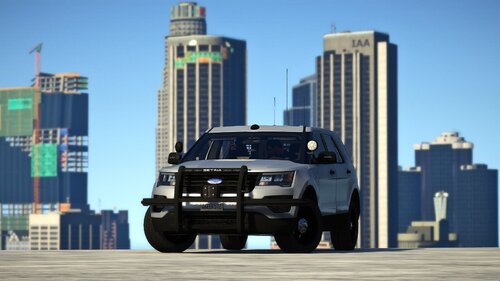
  1. Hey! First of all, great mod. I'm having a small issue with the vehicle. When I spawn the car manually using Menyoo, everything works fine and NPCs pull over properly during traffic stops. However, whenever I spawn or request the vehicle from the LSPDFR police station garage, NPCs completely ignore the sirens and drive straight past me as if it were a civilian car. It seems like the game/LSPDFR doesn't recognize it as a police vehicle when requested through the standard station system. Do you have any idea what might be causing this or how to fix it? Thanks a lot for your work!
Account

Navigation

Search

Search

Configure browser push notifications

Chrome (Android)
  1. Tap the lock icon next to the address bar.
  2. Tap Permissions → Notifications.
  3. Adjust your preference.
Chrome (Desktop)
  1. Click the padlock icon in the address bar.
  2. Select Site settings.
  3. Find Notifications and adjust your preference.