



B-7
Members
-
Joined
-
Last visited
Everything posted by B-7
-
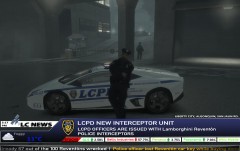 Nice pic ^_^ Like that interceptor. BTW it's "Bellic Enterprises", not "Industries".
 -
Mytischi City police, IIRC that's our neighbourhood inspector's cruiser.
-
Just remembered another idea: penalty for requesting unnecessary support (like NOoSE gunship for suicide call or 20 NOoSE SRT squads for nothing).
-
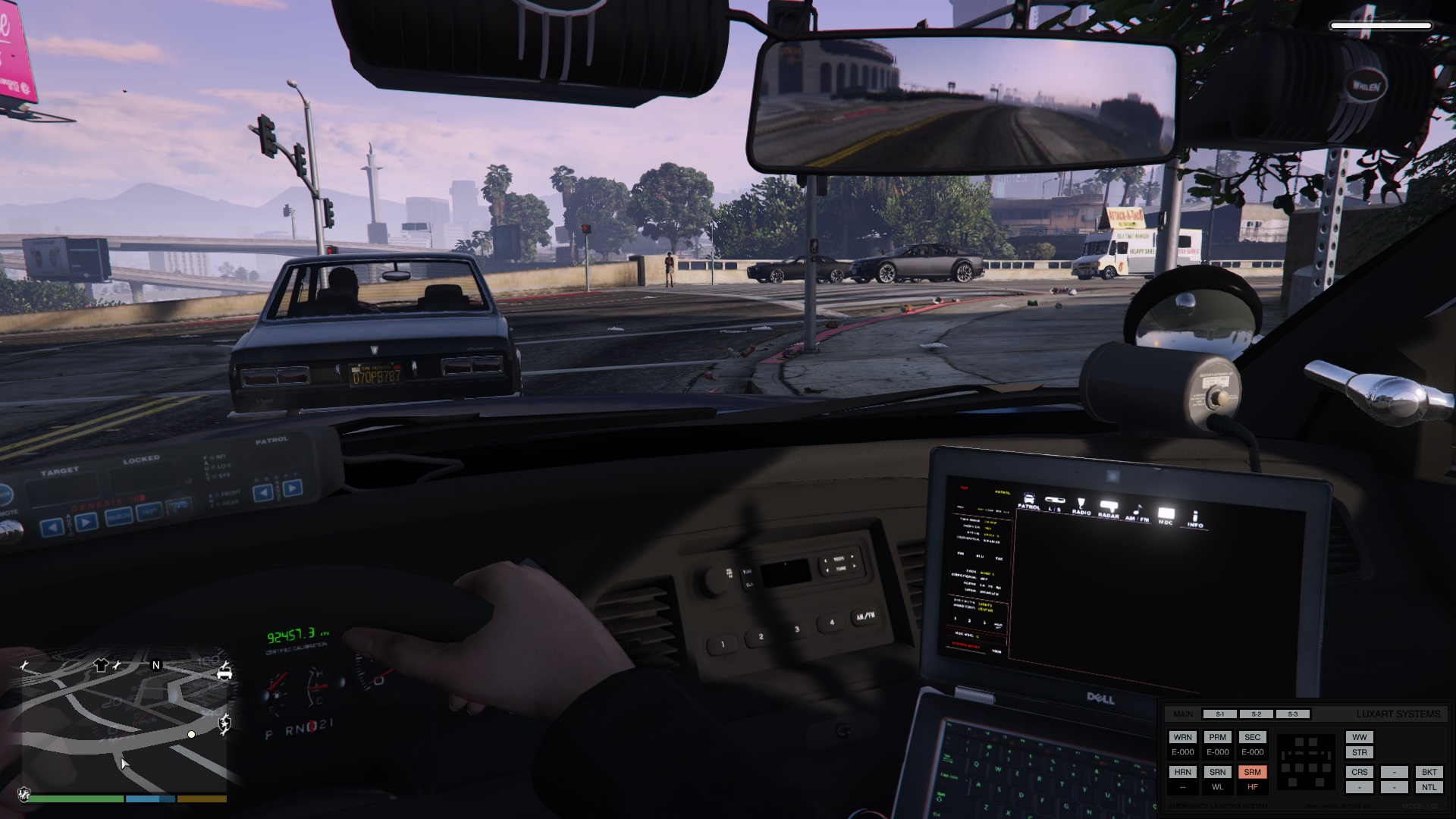
I think this things may be good: 1. Some kind of detective work: searching and collecting pieces of evidence, questioning witnesses, etc. Questioning may be realized as rudimentary RPG-like dialog system. 2. Two selectable modes: detective/agent/operative/how-it-called-in-your-country and patrolman. The first mode is for serious calls like homicides, robberies, firefights-in-progress or after ones; mostly actions that suggested in section 1 and/or assisting patrolmen in tough situationg. Second mode - street fights, traffic violations, first response for 1-st mode situations etc. Also there can be mixed mode (or smth like that). 3. Possibility to use civilian outfit and/or car (unmarked/undercover). As I know there is nice mod "Dash Light Mod" by Luxart that can be useful. Also ability to show badge/ID while undercover. 4. Rare but interesting and challenging calls like bank robbery, terrorist attaks on government buildings, major drug operations, you know...
-
Everything but game screenshots.

