Ralof45
Members
-
Joined
-
Last visited
Everything posted by Ralof45
-
I did yeah! I put everything back to the way it was without removing a mod or script and it worked fine
-
Okay so...here's something weird. What I did now was rename the mods folder back and get pluginhook again right? Well, the problem is fixed. Maybe the file I download was corrupted in some way and reinstalling it fixed the issue? But yeah. Problem solved, thank you so much for your help!
-
Hey thank you so much! That worked, however sadly that kinda removes my ability to run mods
-
Heya, I do indeed have a mods folder and a plugins folder. I should point out though that this problem only started after the GTA Update when I had to get the new LSPDFR version along with ScripthookV and Game config. I didn't install any new mods and the game worked perfectly before the update. Also attached my log as requested. RagePluginHook.log
-
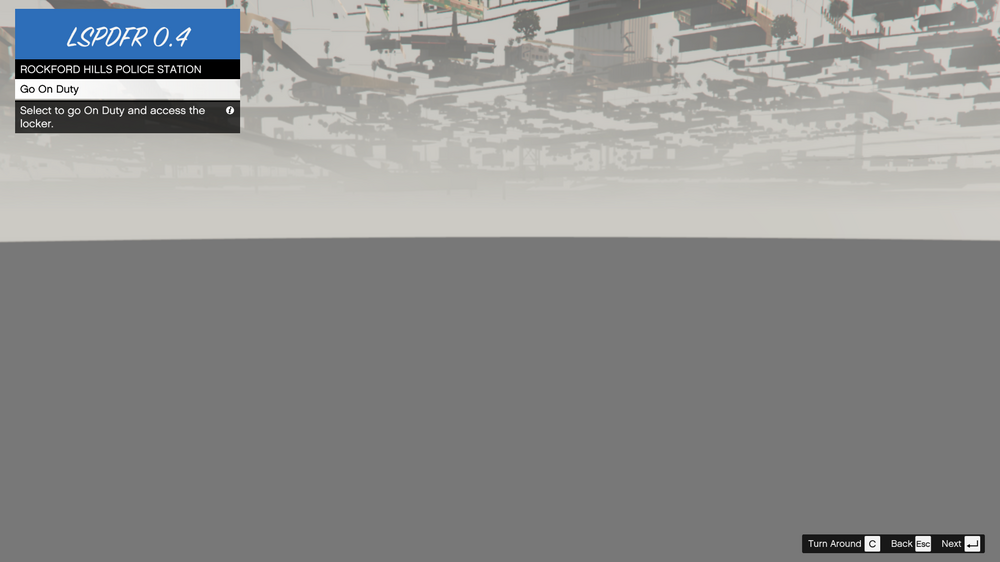
Hello there, I'm a bit at my wits end with this one. See ALL the locker rooms look like this and the locker room at Mission Row PD is locked so I cannot get in plus I get a three star wanted level if I even get near the door (which is locked anyways). I must have reinstalled the mod about 4 times already but nothing. This problem only showed up after I updated my LSPDFR and Scripthook because of the most recent update, however seeing as this guy "https://www.lcpdfr.com/forums/topic/139965-mission-row-locker-room-other-stations-problem/" had the same problem as me (and sadly never got an answer) I don't know if the problem could be that or something else entirely. Seeing as this left me pretty stumped I've decided to reach for help here.