


JCae2798
Members
-
Joined
-
Last visited
Everything posted by JCae2798
-
 I recommend one of two things Remove the distance cancelation feature and let the user decide if he/she wants it or not (we can see location distance in callout interface) Exclude the callout from triggering altogether if it's too far. Similar to the other mod where it filters call outs based on distance. This way people aren't left confused Look forward to your updates/fixes.
 -
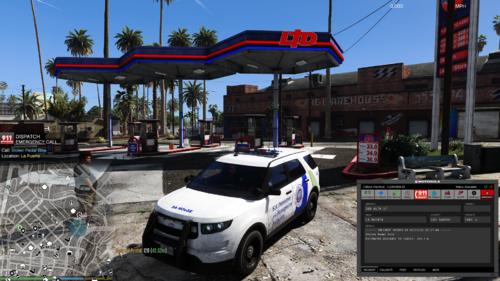
Is it me or is the location bugged when accepting callout? I can't seem to get it to show me where to go.... Also calls get canceled once accepted which is probably why i don't see a location marked. Pasted content
-
-
 So far so good! It's like you read my mind. Thanks for making and sharing this.
- 16 comments
- 1 review
-
-

- 1
-

